







Question: ** ONLY ANSWER LAB 3 PLEASE ** 4. Using HTML, create: a. About page - description about the webpage, save it as about.html b. Contact
** ONLY ANSWER LAB 3 PLEASE **
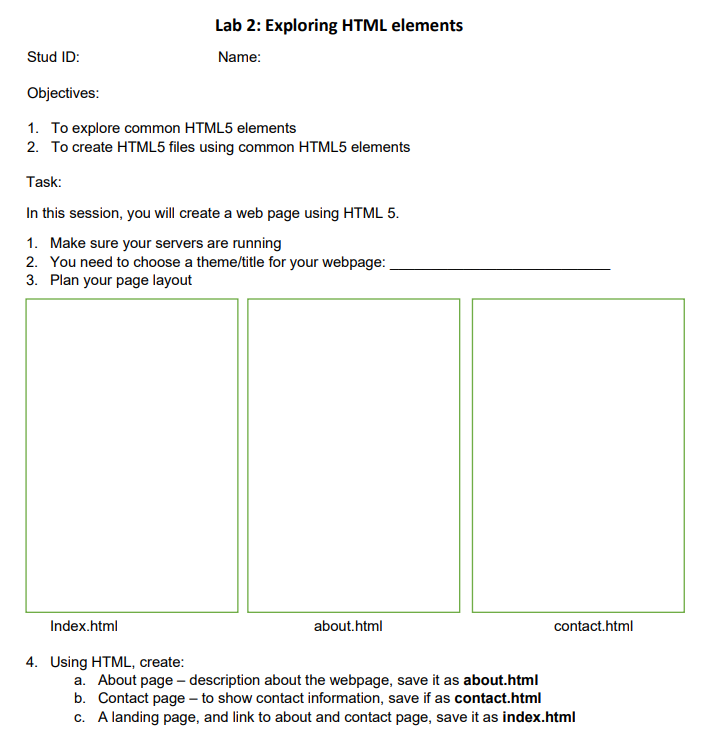
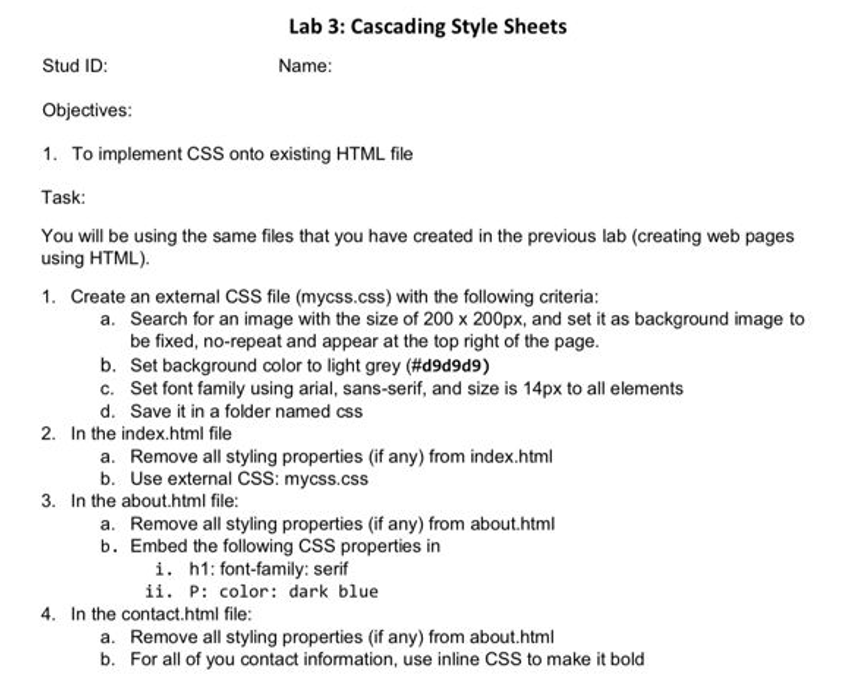
4. Using HTML, create: a. About page - description about the webpage, save it as about.html b. Contact page - to show contact information, save if as contact.html c. A landing page, and link to about and contact page, save it as index.html Stud ID: Name: Objectives: 1. To implement CSS onto existing HTML file Task: You will be using the same files that you have created in the previous lab (creating web pages using HTML). 1. Create an external CSS file (mycss.css) with the following criteria: a. Search for an image with the size of 200200px, and set it as background image to be fixed, no-repeat and appear at the top right of the page. b. Set background color to light grey (\#d9d9d9) c. Set font family using arial, sans-serif, and size is 14px to all elements d. Save it in a folder named css 2. In the index.html file a. Remove all styling properties (if any) from index.html b. Use external CSS: mycss.css 3. In the about.html file: a. Remove all styling properties (if any) from about.html b. Embed the following CSS properties in i. h1: font-family: serif ii. P: color: dark blue 4. In the contact.html file: a. Remove all styling properties (if any) from about.html b. For all of you contact information, use inline CSS to make it bold
Step by Step Solution
There are 3 Steps involved in it

Get step-by-step solutions from verified subject matter experts
 Study Help