







Question: Open Cygwin (or Mac/linux command terminal) and complete the following 11 procedures. You will have 45 minutes to complete this quiz. 1) Make a new
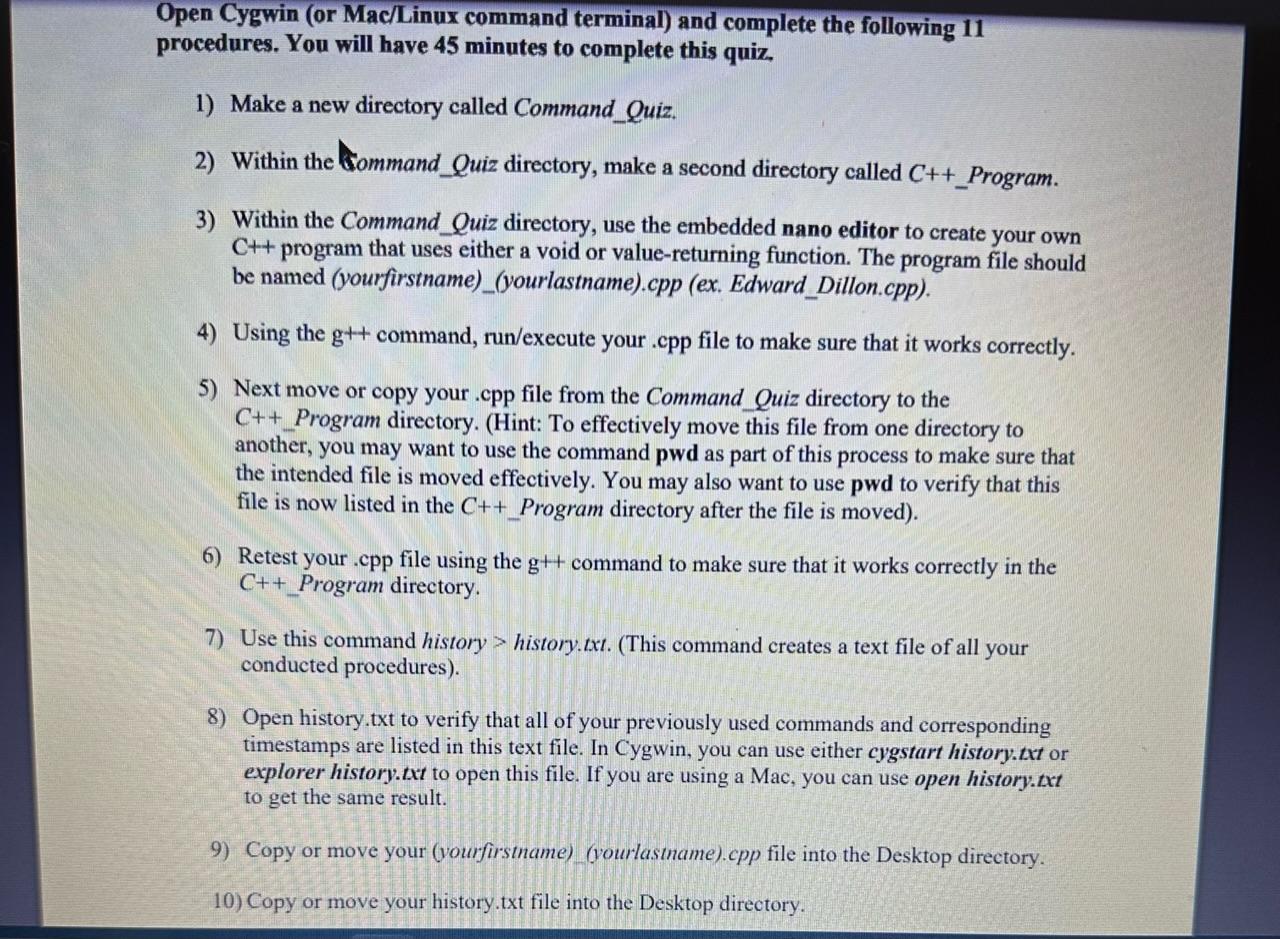
Open Cygwin (or Mac/linux command terminal) and complete the following 11 procedures. You will have 45 minutes to complete this quiz. 1) Make a new directory called Command_Quiz. 2) Within the Gommand_Quiz directory, make a second directory called C++ Program. 3) Within the Command_Quiz directory, use the embedded nano editor to create your own C++ program that uses either a void or value-returning function. The program file should be named (yourfirstname)_(yourlastname).cpp (ex. Edward_Dillon.cpp). 4) Using the g++ command, run/execute your .cpp file to make sure that it works correctly. 5) Next move or copy your .cpp file from the Command_Quiz directory to the C++ Program directory. (Hint: To effectively move this file from one directory to another, you may want to use the command pwd as part of this process to make sure that the intended file is moved effectively. You may also want to use pwd to verify that this file is now listed in the C++ Program directory after the file is moved). 6) Retest your .cpp file using the g++ command to make sure that it works correctly in the C++ Program directory. 7) Use this command history > history.txt. (This command creates a text file of all your conducted procedures). 8) Open history.txt to verify that all of your previously used commands and corresponding timestamps are listed in this text file. In Cygwin, you can use either cygstart history.txt or explorer history.txt to open this file. If you are using a Mac, you can use open history.txt to get the same result. 9) Copy or move your (yourfirstname)_(yourlastname).cpp file into the Desktop directory. 10) Copy or move your history.txt file into the Desktop directory
Step by Step Solution
There are 3 Steps involved in it

Get step-by-step solutions from verified subject matter experts
 Study Help