







Question: Open Microsoft Access and create three new tables (Store, Invoice and Invltem) to store the data from the two receipts. (A few resources for Microsoft
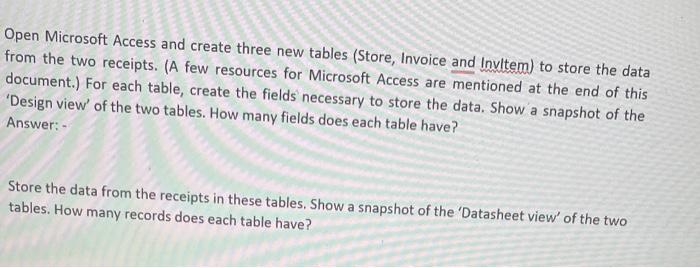
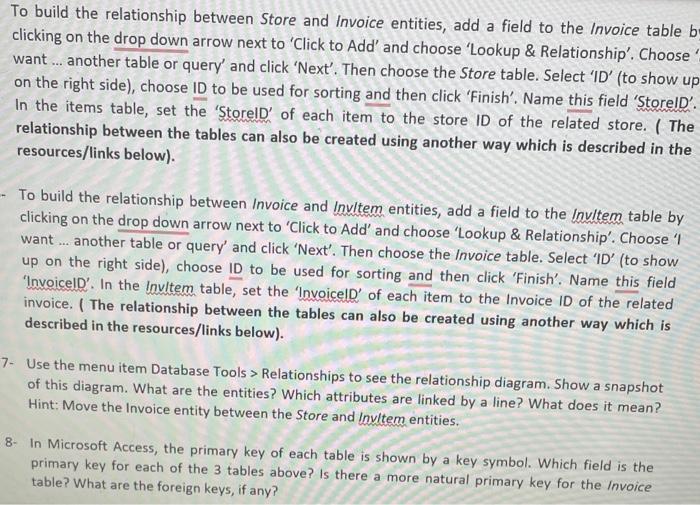
Open Microsoft Access and create three new tables (Store, Invoice and Invltem) to store the data from the two receipts. (A few resources for Microsoft Access are mentioned at the end of this document.) For each table, create the fields necessary to store the data. Show a snapshot of the 'Design view' of the two tables. How many fields does each table have? Answer: - Store the data from the receipts in these tables. Show a snapshot of the 'Datasheet view' of the two tables. How many records does each table have? dd' and choose 'Lookup \& Relationship'. Choose on the right side), choose ID to be used ffr soring choose the Store table. Select 'ID' (to show uf In the items table, set the 'StorelD' for sorting and then click 'Finish'. Name this field 'StorelD'. relationship between the tables cach item to the store ID of the related store. ( The resources/links below). - To build the relationship between Invoice and Invltem entities, add a field to the Invitem table by clicking on the drop down arrow next to 'Click to Add' and choose 'Lookup \& Relationship'. Choose 'I want ... another table or query' and click 'Next'. Then choose the Invoice table. Select 'ID' (to show up on the right side), choose ID to be used for sorting and then click 'Finish'. Name this field 'InvoicelD'. In the Invltem table, set the 'InvoicelD' of each item to the Invoice ID of the related invoice. ( The relationship between the tables can also be created using another way which is described in the resources/links below). 7- Use the menu item Database Tools > Relationships to see the relationship diagram. Show a snapshot of this diagram. What are the entities? Which attributes are linked by a line? What does it mean? Hint: Move the Invoice entity between the Store and Invltem entities. 8- In Microsoft Access, the primary key of each table is shown by a key symbol. Which field is the primary key for each of the 3 tables above? Is there a more natural primary key for the Invoice table? What are the foreign keys, if any
Step by Step Solution
There are 3 Steps involved in it

Get step-by-step solutions from verified subject matter experts
 Study Help