







Question: Open the Cap2 Inventory table in Design View. Rename the ID field to Item ID and change the Data Type to Short Text. Continue adding
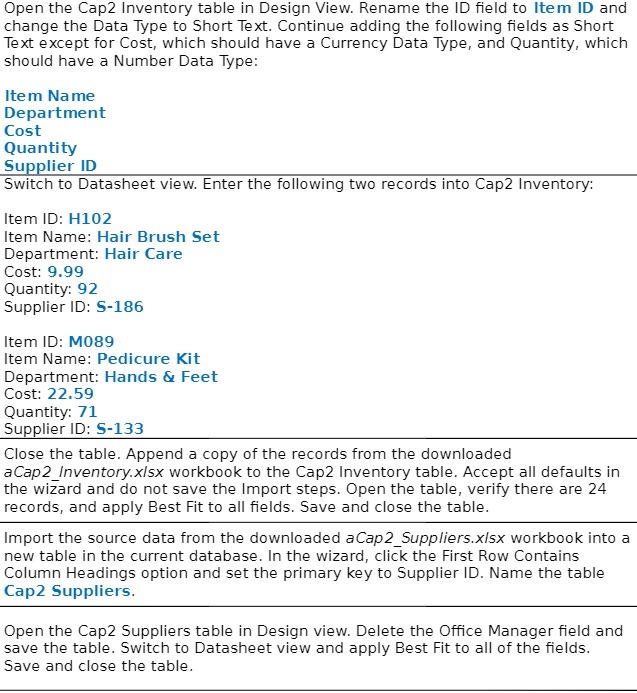
Open the Cap2 Inventory table in Design View. Rename the ID field to Item ID and change the Data Type to Short Text. Continue adding the following fields as Short Text except for Cost, which should have a Currency Data Type, and Quantity, which should have a Number Data Type: Item Name Department Cost Quantity Supplier ID Switch to Datasheet view. Enter the following two records into Cap2 Inventory: Item ID: H102 Item Name: Hair Brush Set Department: Hair Care Cost: 9.99 Quantity: 92 Supplier ID: S-186 Item ID: M089 Item Name: Pedicure Kit Department: Hands & Feet Cost: 22.59 Quantity: 71 Supplier ID: S-133 Close the table. Append a copy of the records from the downloaded aCap2_Inventory.x/sx workbook to the Cap2 Inventory table. Accept all defaults in the wizard and do not save the Import steps. Open the table, verify there are 24 records, and apply Best Fit to all fields. Save and close the table. Import the source data from the downloaded aCap2_Suppliers.x/sx workbook into a new table in the current database. In the wizard, click the First Row Contains Column Headings option and set the primary key to Supplier ID. Name the table Cap2 Suppliers. Open the Cap2 Suppliers table in Design view. Delete the Office Manager field and save the table. Switch to Datasheet view and apply Best Fit to all of the fields. Save and close the table
Step by Step Solution
There are 3 Steps involved in it

Get step-by-step solutions from verified subject matter experts
 Study Help