







Question: Open the SAS data table titled AMES _ HOUSING in SAS Data Studio ( Prepare Data APP in SAS Viya ) . Create a variable
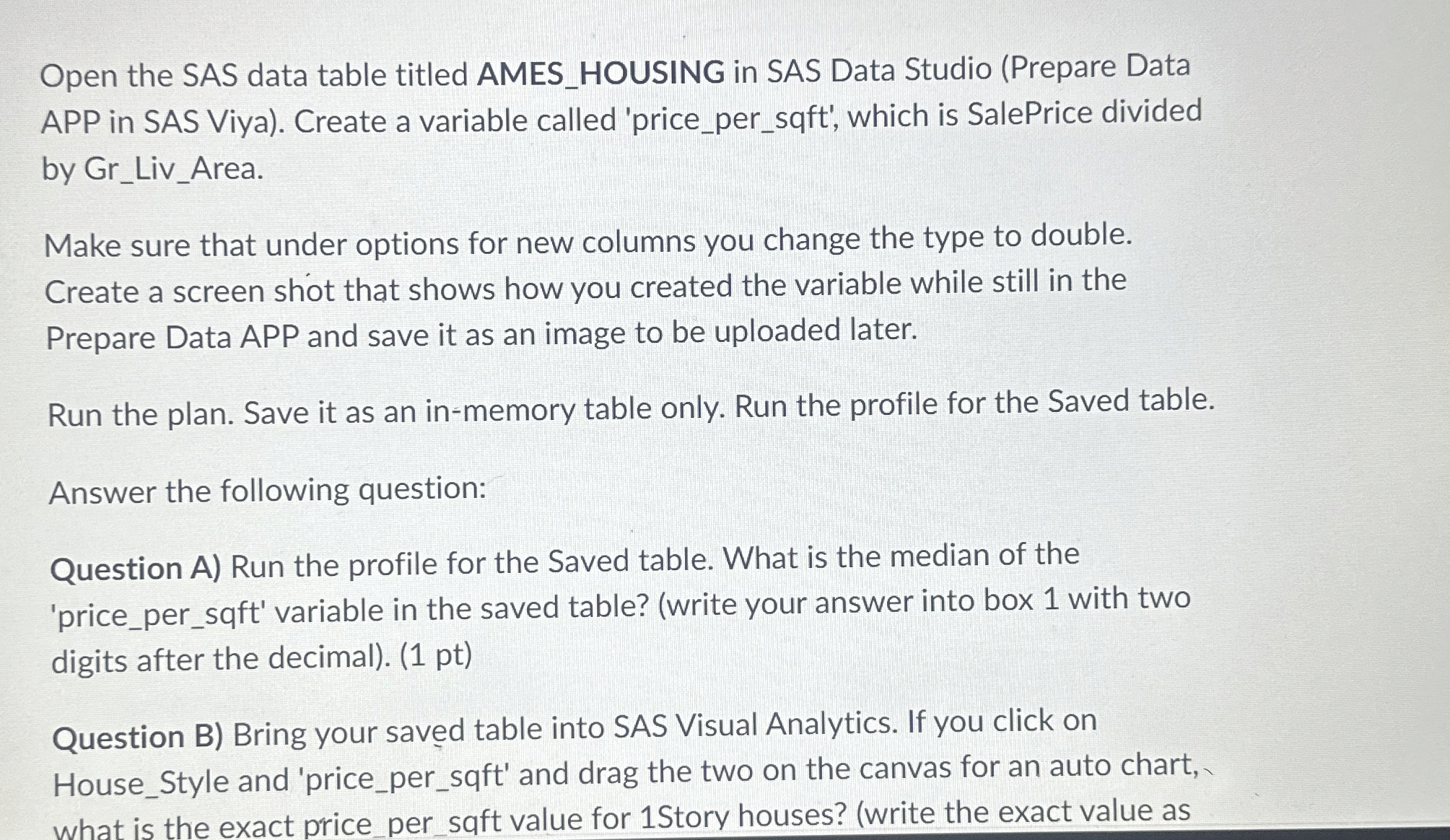
Open the SAS data table titled AMESHOUSING in SAS Data Studio Prepare Data APP in SAS Viya Create a variable called 'pricepersqft which is SalePrice divided by GrLivArea.
Make sure that under options for new columns you change the type to double. Create a screen shot that shows how you created the variable while still in the Prepare Data APP and save it as an image to be uploaded later.
Run the plan. Save it as an inmemory table only. Run the profile for the Saved table.
Answer the following question:
Question A Run the profile for the Saved table. What is the median of the 'pricepersqft variable in the saved table? write your answer into box with two digits after the decimal pt
Question B Bring your saved table into SAS Visual Analytics. If you click on HouseStyle and 'pricepersqft and drag the two on the canvas for an auto chart, what is the exact pricepersqft value for Story houses? write the exact value as shown on your graph intk box
Question C What does the value in your box mean?
Question D Can the value in box be made more meaningful?
Step by Step Solution
There are 3 Steps involved in it
1 Expert Approved Answer
Step: 1 Unlock

Question Has Been Solved by an Expert!
Get step-by-step solutions from verified subject matter experts
Step: 2 Unlock
Step: 3 Unlock
 Study Help