







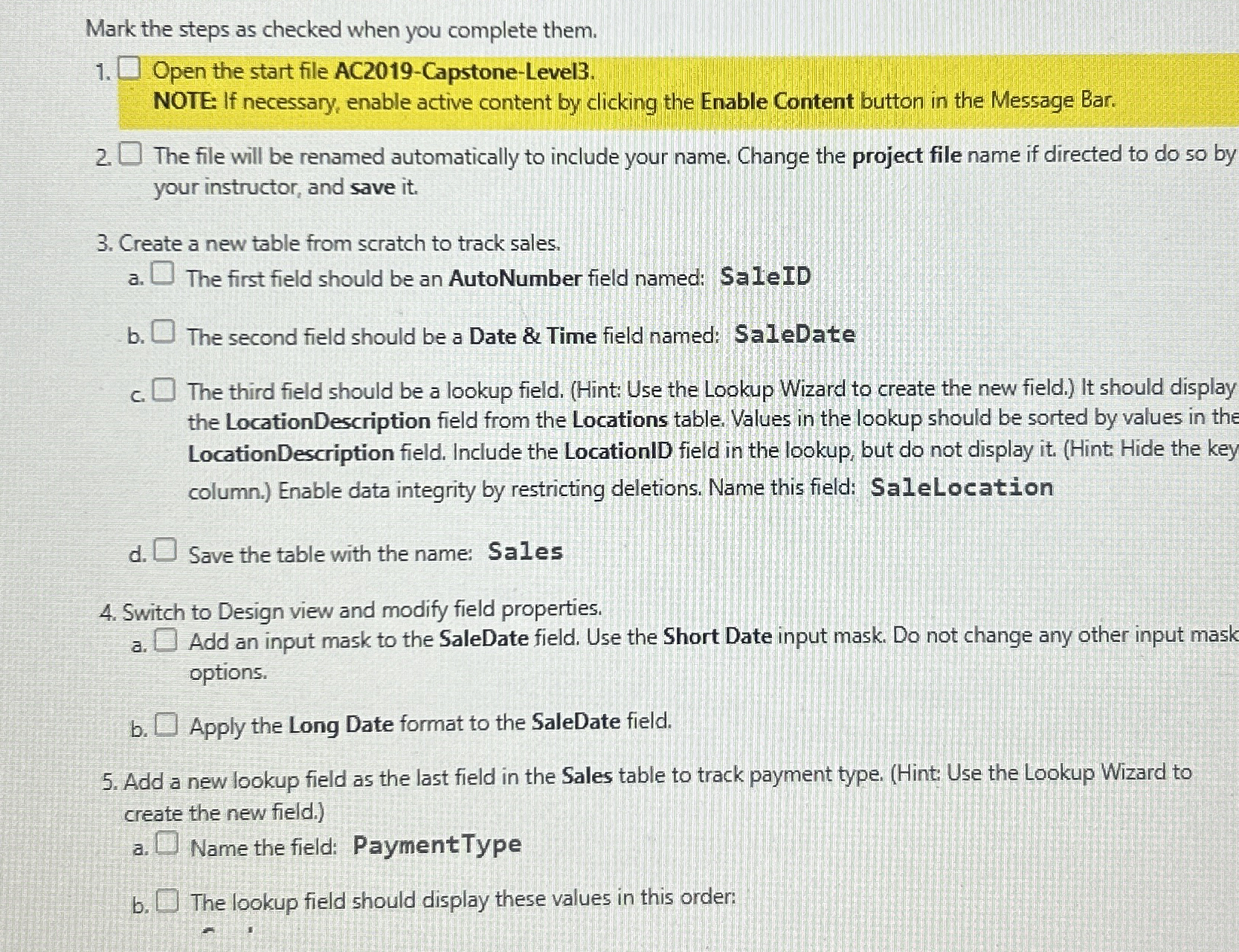
Question: Open the start file AC 2 0 1 9 - Capstone - Level 3 . NOTE: If necessary, enable active content by clicking the Enable
Open the start file ACCapstoneLevel
NOTE: If necessary, enable active content by clicking the Enable Content button in the Message Bar.
The file will be renamed automatically to include your name. Change the project file name if directed to do so by
your instructor, and save it
Create a new table from scratch to track sales.
a The first field should be an AutoNumber field named: SaleID
b The second field should be a Date & Time field named: SaleDate
c The third field should be a lookup field. Hint: Use the Lookup Wizard to create the new field. It should display
the LocationDescription field from the Locations table. Values in the lookup should be sorted by values in the
LocationDescription field. Include the LocationID field in the lookup, but do not display itHint: Hide the key
column. Enable data integrity by restricting deletions. Name this field: SaleLocation
d Save the table with the name: Sales
Switch to Design view and modify field properties.
a Add an input mask to the SaleDate field. Use the Short Date input mask. Do not change any other input mask
options.
b Apply the Long Date format to the SaleDate field.
Add a new lookup field as the last field in the Sales table to track payment type. Hint: Use the Lookup Wizard to
create the new field.
a Name the field: PaymentType
b The lookup field should display these values in this order:
Step by Step Solution
There are 3 Steps involved in it
1 Expert Approved Answer
Step: 1 Unlock

Question Has Been Solved by an Expert!
Get step-by-step solutions from verified subject matter experts
Step: 2 Unlock
Step: 3 Unlock
 Study Help