



Question: Open the UnsoldComponents query in Design View and complete the following: a . Delete the criteria row that contains criteria in the InstallationFee field. b
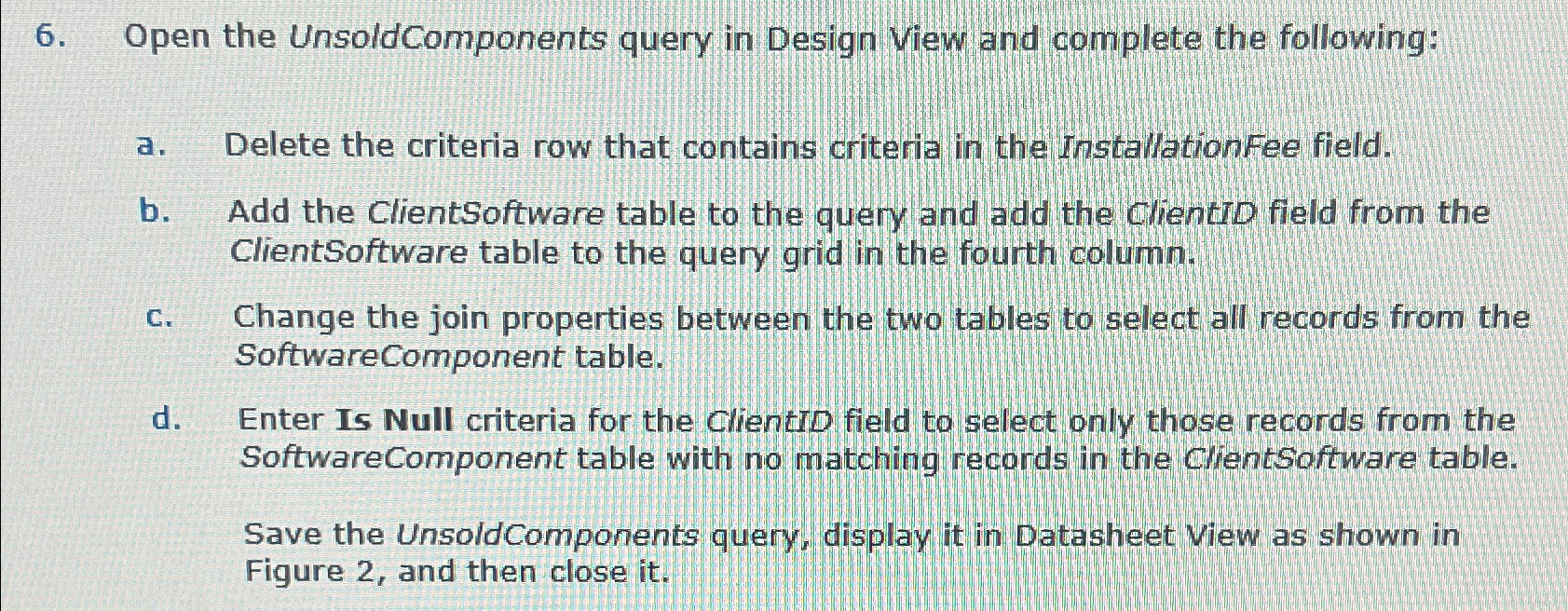
Open the UnsoldComponents query in Design View and complete the following:
a Delete the criteria row that contains criteria in the InstallationFee field.
b Add the ClientSoftware table to the query and add the clientiD field from the ClientSoftware table to the query grid in the fourth column.
c Change the join properties between the two tables to select all records from the SoftwareComponent table.
d Enter Is Null criteria for the ClientiD field to select only those records from the SoftwareComponent table with no matching records in the ClientSoftware table.
Save the Unsold Components query, display it in Datasheet View as shown in Figure and then close it Please help me solve this
Step by Step Solution
There are 3 Steps involved in it
1 Expert Approved Answer
Step: 1 Unlock

Question Has Been Solved by an Expert!
Get step-by-step solutions from verified subject matter experts
Step: 2 Unlock
Step: 3 Unlock