







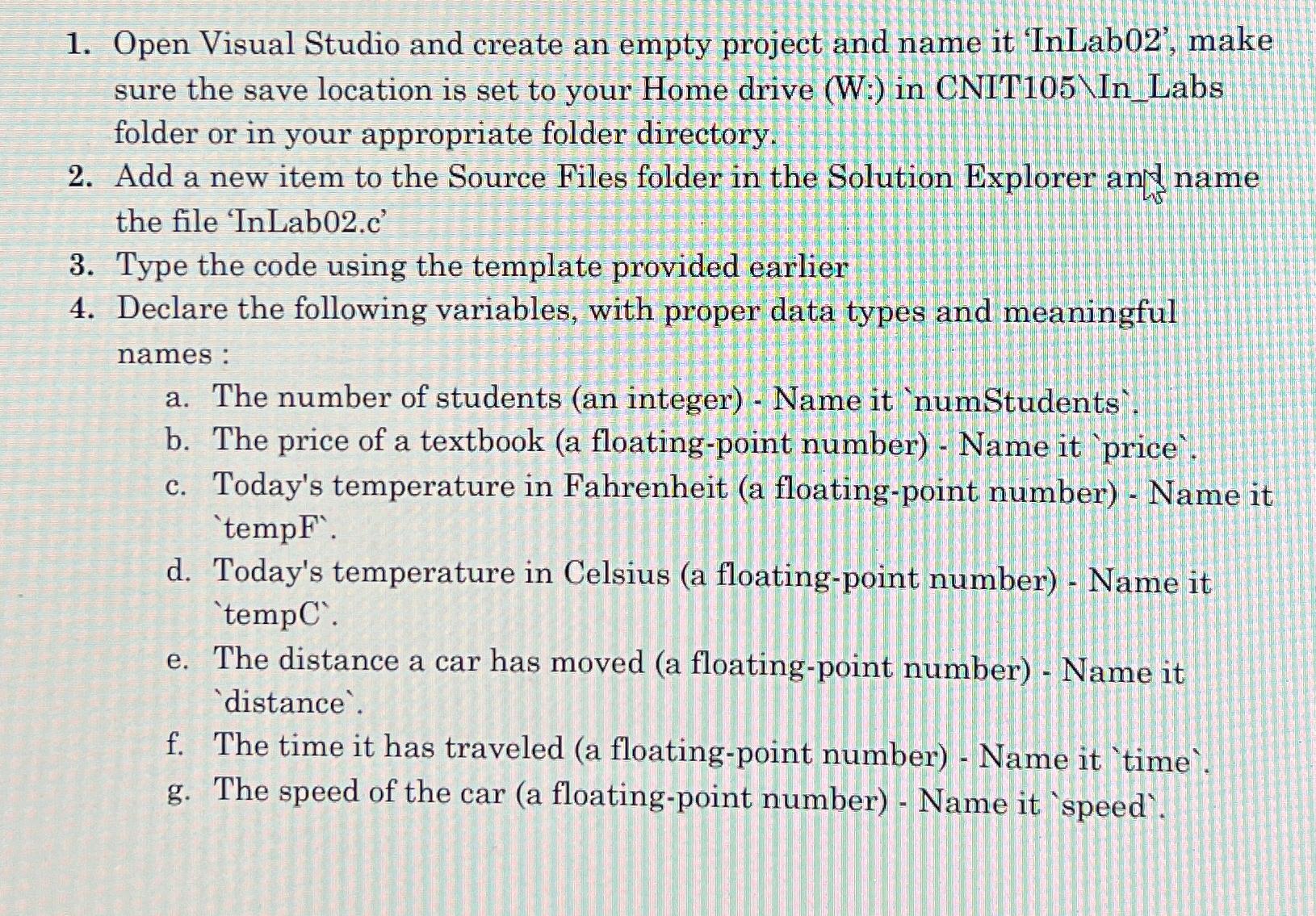
Question: Open Visual Studio and create an empty project and name it 'InLab 0 2 ' , make sure the save location is set to your
Open Visual Studio and create an empty project and name it 'InLab make sure the save location is set to your Home drive W: in CNIT InLabs folder or in your appropriate folder directory.
Add a new item to the Source Files folder in the Solution Explorer and name the file 'InLabc
Type the code using the template provided earlier
Declare the following variables, with proper data types and meaningful names:
a The number of students an integer Name it 'numStudents'.
b The price of a textbook a floatingpoint number Name it price'
c Today's temperature in Fahrenheit a floatingpoint number Name it 'tempF'.
d Today's temperature in Celsius a floatingpoint number Name it 'tempC'.
e The distance a car has moved a floatingpoint number Name it 'distance'.
f The time it has traveled a floatingpoint number Name it 'time'.
g The speed of the car a floatingpoint number Name it 'speed'.
Step by Step Solution
There are 3 Steps involved in it
1 Expert Approved Answer
Step: 1 Unlock

Question Has Been Solved by an Expert!
Get step-by-step solutions from verified subject matter experts
Step: 2 Unlock
Step: 3 Unlock
 Study Help