







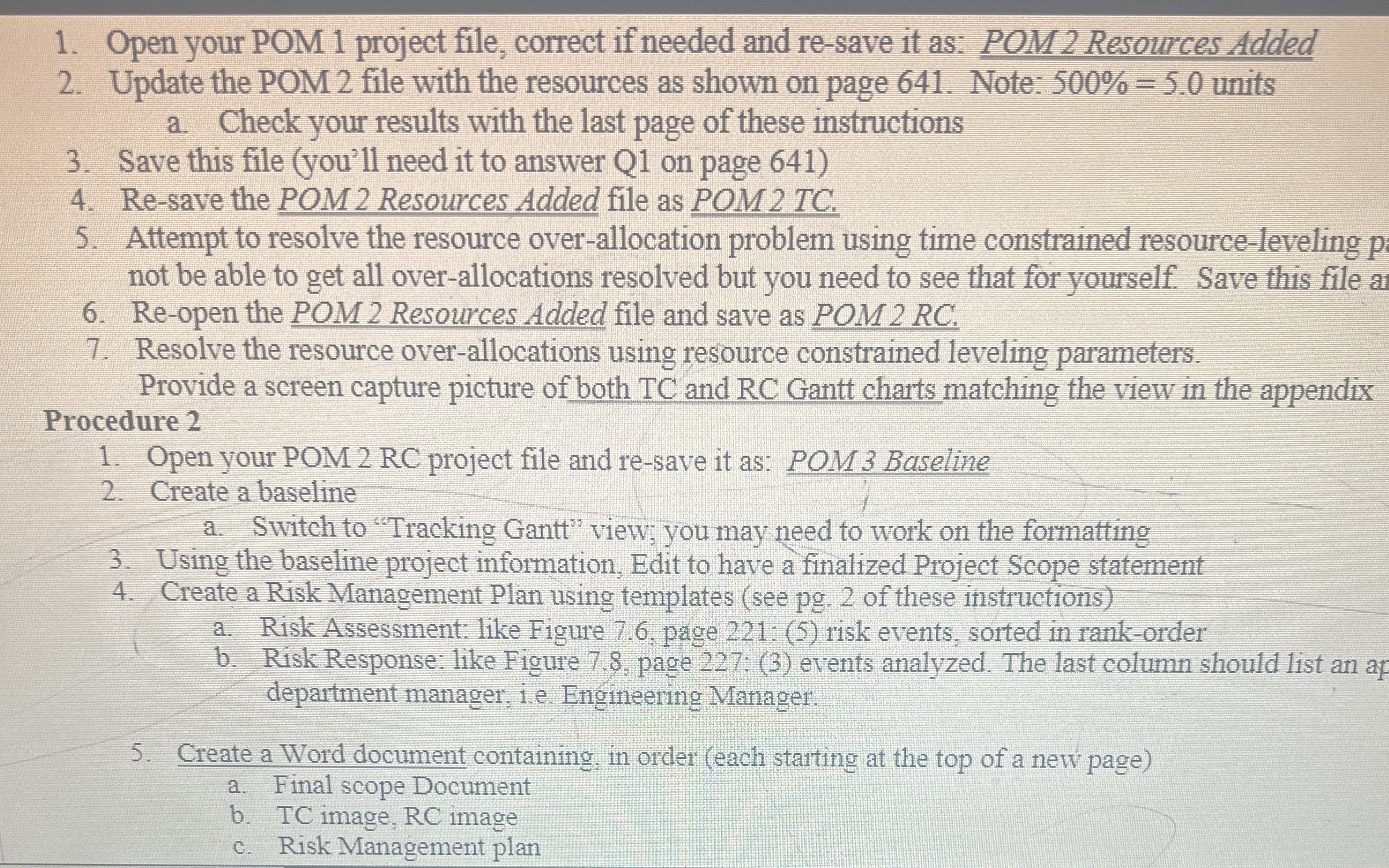
Question: Open your POM 1 project file, correct if needed and re - save it as: POM 2 Resources Added Update the POM 2 file with
Open your POM project file, correct if needed and resave it as: POM Resources Added
Update the POM file with the resources as shown on page Note: units
a Check your results with the last page of these instructions
Save this file youll need it to answer Q on page
Resave the POM Resources Added file as POM TC
Attempt to resolve the resource overallocation problem using time constrained resourceleveling not be able to get all overallocations resolved but you need to see that for yourself. Save this file a
Reopen the POM Resources Added file and save as POM RC
Resolve the resource overallocations using resource constrained leveling parameters.
Provide a screen capture picture of both TC and RC Gantt charts matching the view in the appendix
Procedure
Open your POM RC project file and resave it as: POM Baseline
Create a baseline
a Switch to "Tracking Gant"" view; you may need to work on the formatting
Using the baseline project information, Edit to have a finalized Project Scope statement
Create a Risk Management Plan using templates see pg of these instructions
a Risk Assessment: like Figure page : risk events, sorted in rankorder
b Risk Response: like Figure page : events analyzed. The last column should list an af department manager, ie Engineering Manager:
Create a Word document containing, in order each starting at the top of a new page
a Final scope Document
b TC image, RC image
c Risk Management plan
Step by Step Solution
There are 3 Steps involved in it
1 Expert Approved Answer
Step: 1 Unlock

Question Has Been Solved by an Expert!
Get step-by-step solutions from verified subject matter experts
Step: 2 Unlock
Step: 3 Unlock
 Study Help