







Question: Opening and manipulating files Part A Reading from files (lab7_XX.py): In this lab you will need to take a test file (included on blackboard as
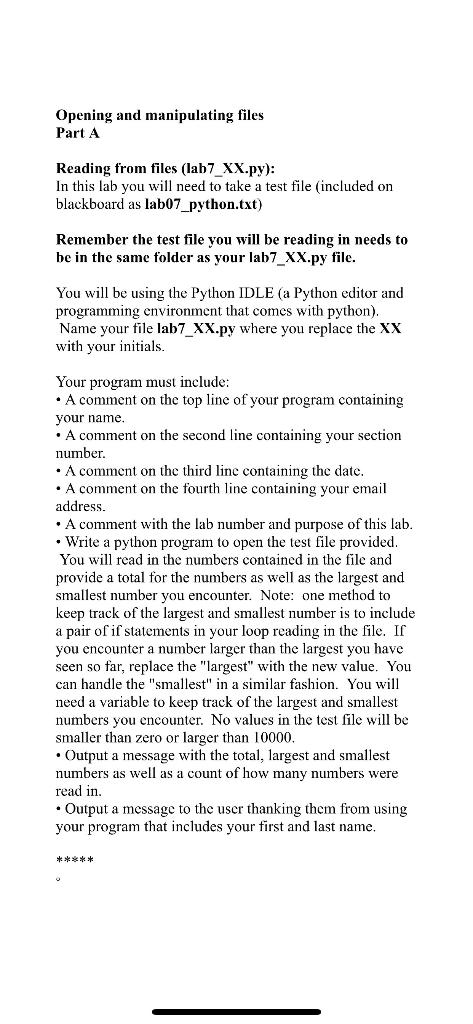
Opening and manipulating files Part A Reading from files (lab7_XX.py): In this lab you will need to take a test file (included on blackboard as lab07_python.txt) Remember the test file you will be reading in needs to be in the same folder as your lab7_XX.py file. You will be using the Python IDLE (a Python editor and programming environment that comes with python). Name your file lab7_XX.py where you replace the XX with your initials. Your program must include: A comment on the top line of your program containing your name. A comment on the second line containing your section number A comment on the third linc containing the date. A comment on the fourth line containing your email address. A comment with the lab number and purpose of this lab. Write a python program to open the test file provided. You will read in the numbers contained in the file and provide a total for the numbers as well as the largest and smallest number you encounter. Note: one method to keep track of the largest and smallest number is to include a pair of if statements in your loop reading in the file. If you encounter a number larger than the largest you have seen so far, replace the largest" with the new value. You can handle the "smallest" in a similar fashion. You will need a variable to keep track of the largest and smallest numbers you encounter. No values in the test file will be smaller than zero or larger than 10000. Output a message with the total, largest and smallest numbers as well as a count of how many numbers were read in. Output a message to the user thanking them from using your program that includes your first and last name. ***
Step by Step Solution
There are 3 Steps involved in it

Get step-by-step solutions from verified subject matter experts
 Study Help