



Question: Overpricing Indicator O solutions submitted (max: Unlimited) Run the below readtable command to load a table named stock_info that provides the expected returns and alphas
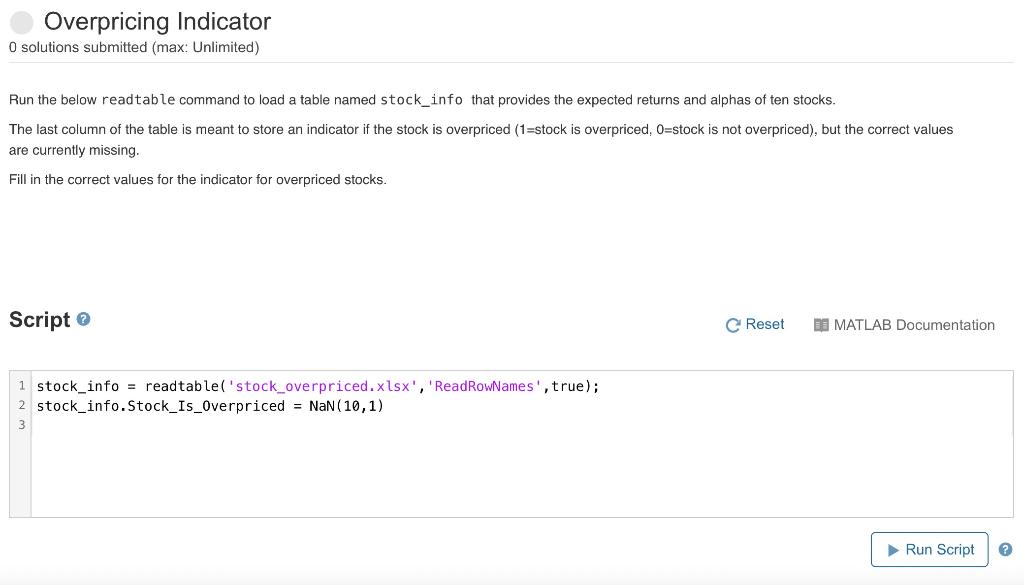
Overpricing Indicator O solutions submitted (max: Unlimited) Run the below readtable command to load a table named stock_info that provides the expected returns and alphas of ten stocks. The last column of the table is meant to store an indicator if the stock is overpriced (1=stock is overpriced, O=stock is not overpriced), but the correct values are currently missing. Fill in the correct values for the indicator for overpriced stocks. Script C Reset 30 MATLAB Documentation 1 stock_info = readtable('stock_overpriced.xlsx', 'ReadRowNames', true); 2 stock_info. Stock_Is_Overpriced = NaN(10,1) Run Script Overpricing Indicator O solutions submitted (max: Unlimited) Run the below readtable command to load a table named stock_info that provides the expected returns and alphas of ten stocks. The last column of the table is meant to store an indicator if the stock is overpriced (1=stock is overpriced, O=stock is not overpriced), but the correct values are currently missing. Fill in the correct values for the indicator for overpriced stocks. Script C Reset 30 MATLAB Documentation 1 stock_info = readtable('stock_overpriced.xlsx', 'ReadRowNames', true); 2 stock_info. Stock_Is_Overpriced = NaN(10,1) Run Script
Step by Step Solution
There are 3 Steps involved in it

Get step-by-step solutions from verified subject matter experts