



Question: Overview Many games and puzzles require iteration where a person ( or a computer ) repeats the same steps for each piece in the game
Overview
Many games and puzzles require iteration where a person or a computer repeats the same steps for each piece in
the game or each spot in a puzzle. For this assignment, you will create an interactive word puzzle game that allows
the user to make guesses until they get the answer correct, and hints are provided along the way.
Wordle is a webbased word game that became popular online in the early part of You can learn more about
it from the Wordle Wikipedia page. If you want, you can play it online for free from the New York Times page.
For this assignment, you'll create a puzzle game that follows a similar pttern
Project Description
The program contains a hidden secret word stored in a variable. This word can have any number of letters in it
When the program runs, the user is shown underscores for each letter of the word.
The user then enters a guess. If the guess is correct, the user wins and the game is over.
If the guess is not correct, the user will be given a hint to help them improve their guess for the next round.
The game continues prompting the user for new guesses and showing them hints until they guess the word
correctly. When the game is over, the program displays the number of guesses that were made.
The guess must be the same number of letters as the secret word. If the guess has a different numbers of letters,
the user is given a message explaining this, and no hint is provided.
The hint shows the letters of the guess, but each letter is rendered in a special way as follows:
An underscore indicates that the letter was not present in the secret word.
A lowercase letter indicates that the letter was present somewhere in the secret word, but not at that position.
An uppercase letter indicates that the letter was present at that exact spot in the secret word. In other words, if
the second letter in the guess is also the second letter in the secret word, then that letter is shown as a capital.
For example, if the secret word were: mosiah, then the program would initially display:
Your hint is:
If the user's guess were: temple, they would learn that the in temple is the only letter in the secret word, but it is in
the wrong spot, so it would be displayed in lowercase as shown:
Your hint is:
m
But if the user instead guessed: moroni, they would receive the following as a hint:
Your hint is: MO
Notice that in the hint above, the and the first o from moroni are capitalized, because those letters are also the first
two letters of mosiah.
The i and the second o from moroni are displayed, because they are present in the secret word, but they are shown
in lowercase, because the the letters in the secret word at that location are different.
The and the from moroni are not displayed, but instead an underscore is shown in each place, because these
letters are not present in the secret word in any location.
Milestone Requirements
By the middle of the week, to help make sure you are on track to finish the assignment, you need to complete the
following:
Have a secret word stored in the program.
Prompt the user for a guess.
Continue looping as long as that guess is not correct.
Calculate the number of guesses and display it at the end.
You do not need to have any hints at this point.
The following shows the functionality of the program at this point:
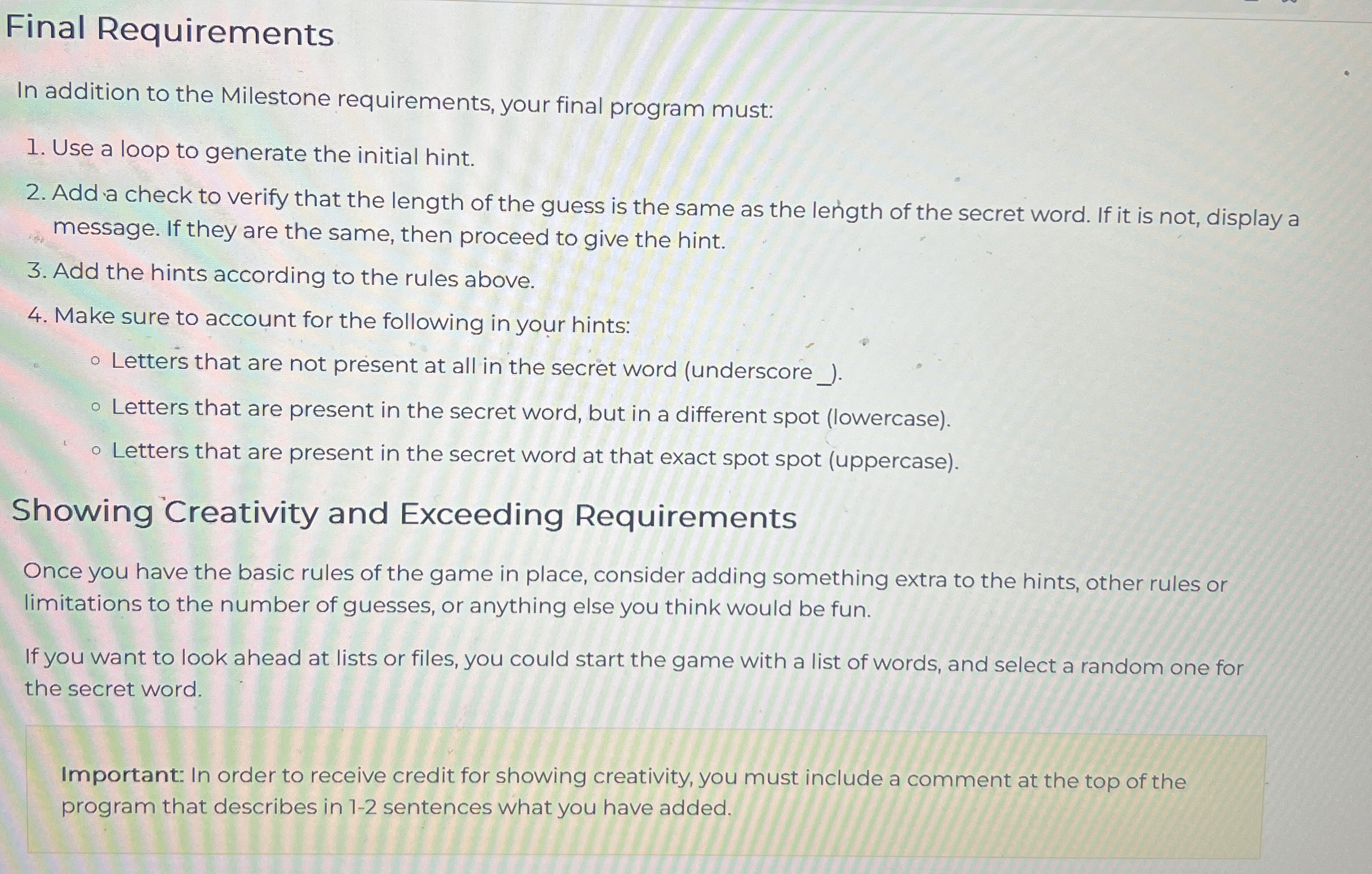
Final Requirements
In addition to the Milestone requirements, your final program must:
Use a loop to generate the initial hint.
Add a check to verify that the length of the guess is the same as the length of the secret word. If it is not, display a
message. If they are the same, then proceed to give the hint.
Add the hints according to the rules above.
Make sure to account for the following in your hints:
Letters that are not present at all in the secret word underscore
Letters that are present in the secret word, but in a different spot lowercase
Letters that are present in the secret word at that exact spot spot uppercase
Showing Creativity and Exceeding Requirements
Once you have the basic rules of the game in place, consider adding something extra to the hints, other rules or
limitations to the number of guesses, or anything else you think would be fun.
If you want to look ahead at lists or files, you could start the game with a list of words, and select a random one for
the secret word.
Important: In order to receive credit for showing creativity, you must include a comment at the top of the
program that describes in sentences what you have added.
Step by Step Solution
There are 3 Steps involved in it
1 Expert Approved Answer
Step: 1 Unlock

Question Has Been Solved by an Expert!
Get step-by-step solutions from verified subject matter experts
Step: 2 Unlock
Step: 3 Unlock