







Question: p Data Local Packages/Microsoft MicrosoftEdge swe yb3d8bb e Tempstate Downloads Homework5%20 File/directory processing write a Java, C# or C/C++ program (the choice is yours) for
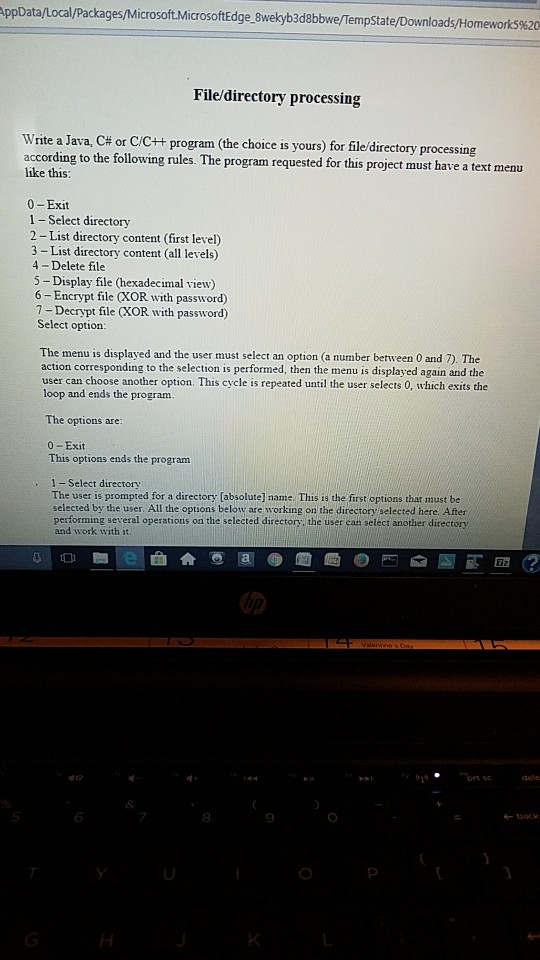
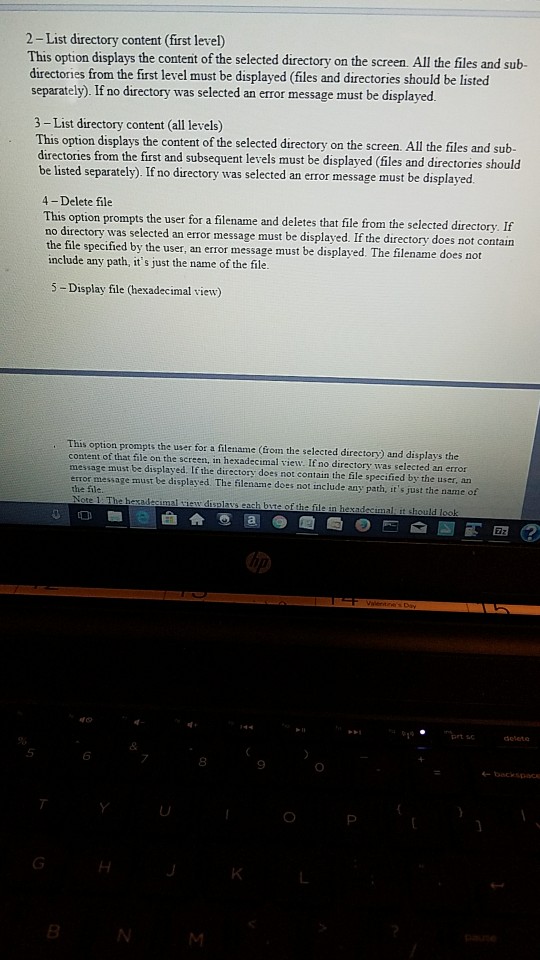
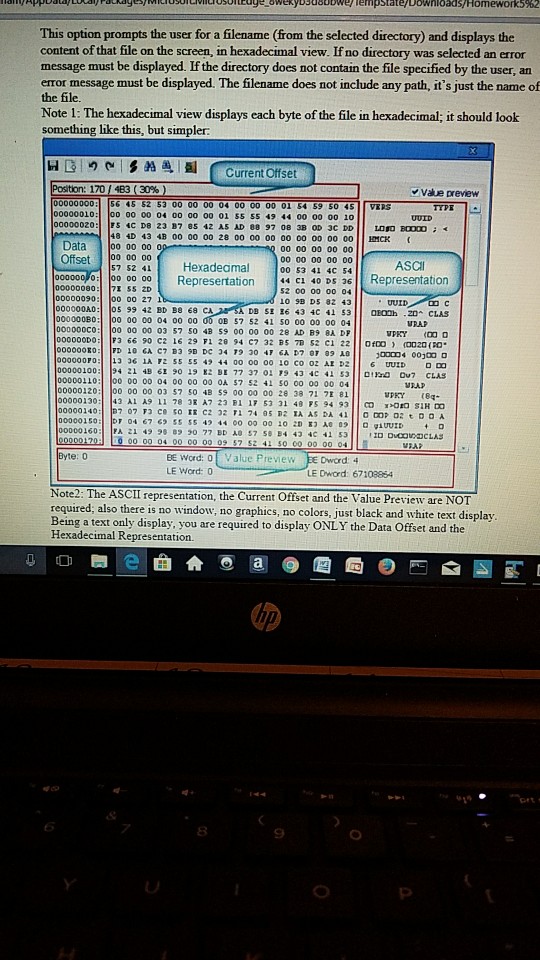
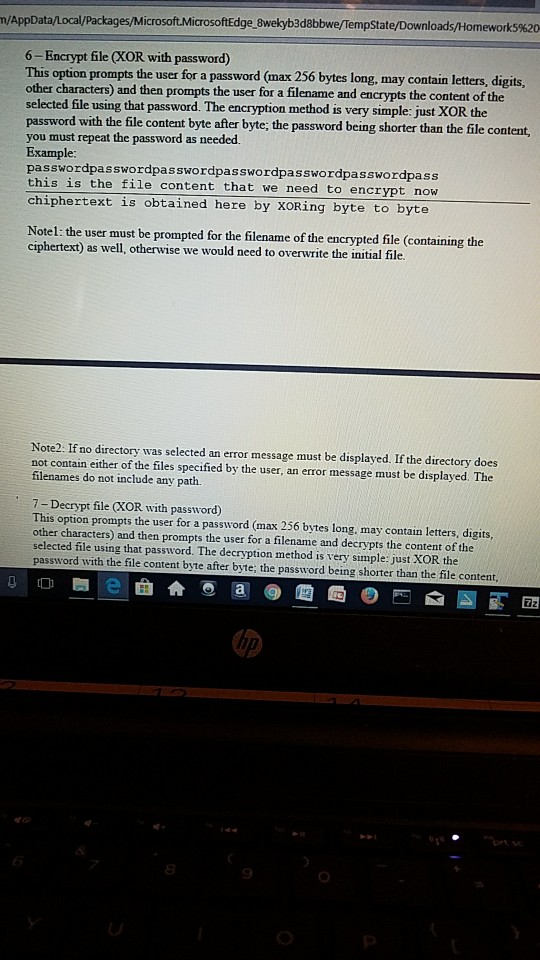
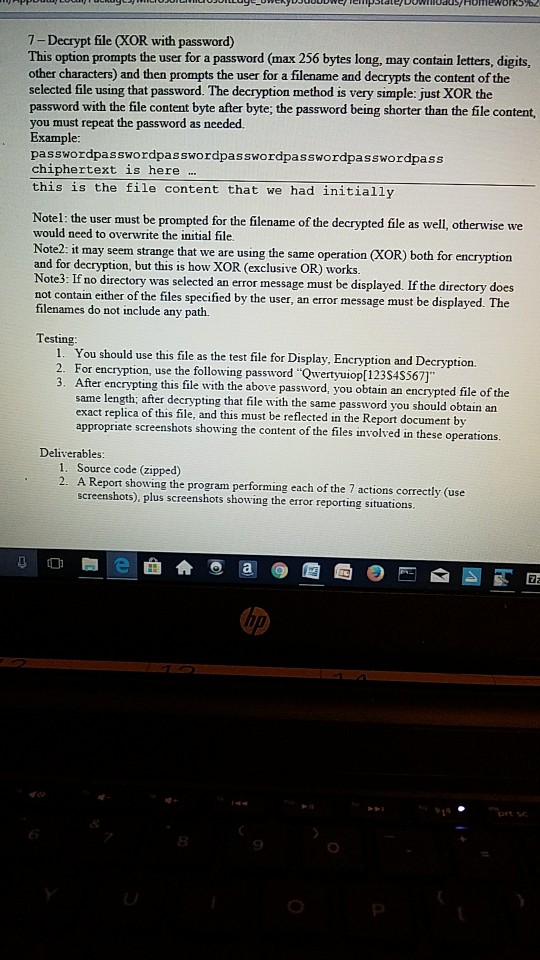
p Data Local Packages/Microsoft MicrosoftEdge swe yb3d8bb e Tempstate Downloads Homework5%20 File/directory processing write a Java, C# or C/C++ program (the choice is yours) for filedirectory processing according to the following rules. The program requested for this project must have a text menu like this: 0-Exit 1 - Select directory 2 -List directory content (first level) 3 - List directory content (all levels) 4 - Delete file 5- Display file (hexadecimal view) 6-Encrypt file (XOR with password) 7 - Decrypt file (XOR with password) Select option: The menu is displayed and the user must select an option (a number between 0 and 7). The action corresponding to the selection is performed, then the menu is displayed again and the user can choose another option. This cycle is repeated until the user selects 0, which exits the loop and ends the prograrm The options are 0-Exit This options ends the program 1- Select directory The user is prompted for a directory (absolutel) name. This is the first options that must be selected by the user. All the options below are working on the directory selected here. After performing several operations on the selected directory, the user can select another directory and work with it. 6 8 9 back
Step by Step Solution
There are 3 Steps involved in it

Get step-by-step solutions from verified subject matter experts
 Study Help