







Question: P Excel 4A and 4B Simulation Exam - Samir Keishk - Google Chrome sim5.pegasus.pearsoncmg.com/SIM5Services/SIM5Frame.aspx?resLinkID=1000002137788263&resultID=&nonce-a030d4f7-2b8c-48f8-afd8-4eb9706ca255&launchCode=qe8mtdEeV50Xw6fCrBCZ8... 4B Sales Reps - Excel PivotChart Tools SIMS Share File
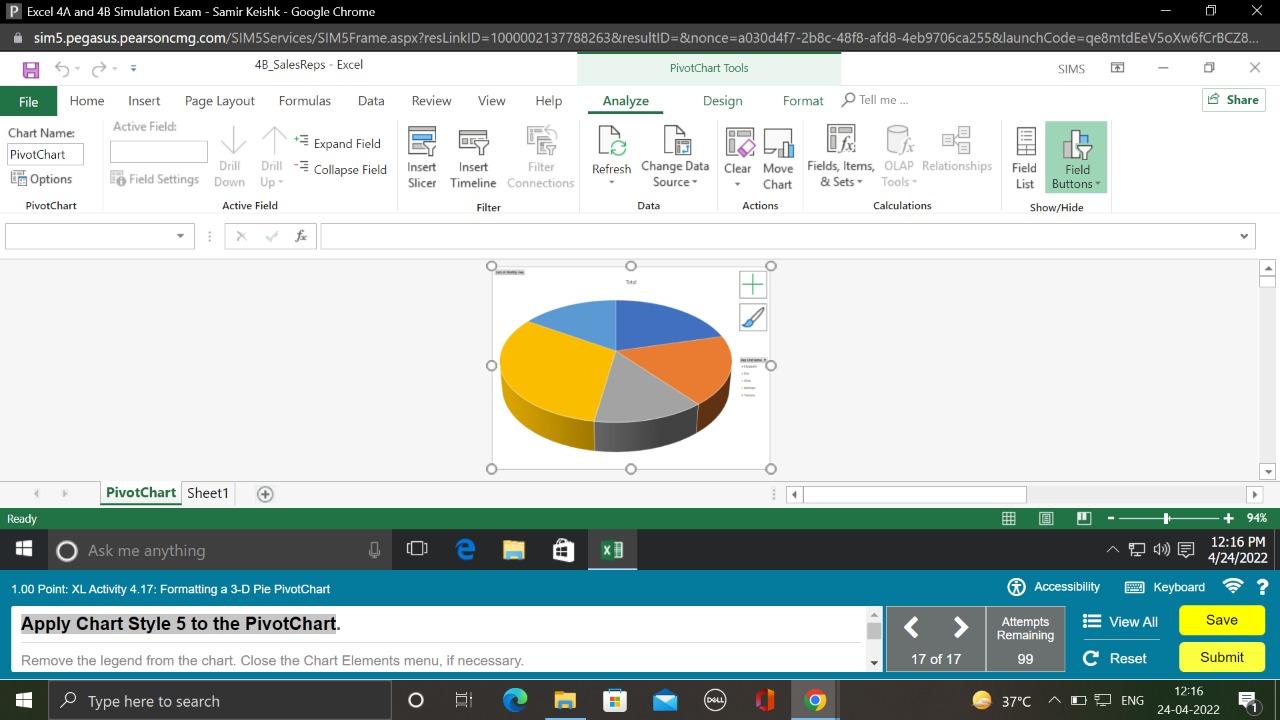
P Excel 4A and 4B Simulation Exam - Samir Keishk - Google Chrome sim5.pegasus.pearsoncmg.com/SIM5Services/SIM5Frame.aspx?resLinkID=1000002137788263&resultID=&nonce-a030d4f7-2b8c-48f8-afd8-4eb9706ca255&launchCode=qe8mtdEeV50Xw6fCrBCZ8... 4B Sales Reps - Excel PivotChart Tools SIMS Share File Home Insert Page Layout Formulas Data Review View Help Analyze Design Format Tell me... Active Field: Chart Name: PivotChart Expand Field Drill Drill Options PivotChart Field Settings Down Up- Collapse Field Insert Slicer Insert Filter Timeline Connections Refresh Change Data Clear Move Source Chart Fields, Items, OLAP Relationships & Sets Tools Field: Field List Buttons Filter Data Actions Calculations Show/Hide Ready Active Field fx PivotChart Sheet1 Ask me anything 1.00 Point: XL Activity 4.17: Formatting a 3-D Pie PivotChart Apply Chart Style 5 to the PivotChart. e Remove the legend from the chart. Close the Chart Elements menu, if necessary. Type here to search THE DELL 4) + 94% 12:16 PM 4/24/2022 Accessibility Keyboard Attempts Remaining View All Save 17 of 17 99 C Reset Submit 37C ENG 12:16 24-04-2022
Step by Step Solution
There are 3 Steps involved in it

Get step-by-step solutions from verified subject matter experts
 Study Help