







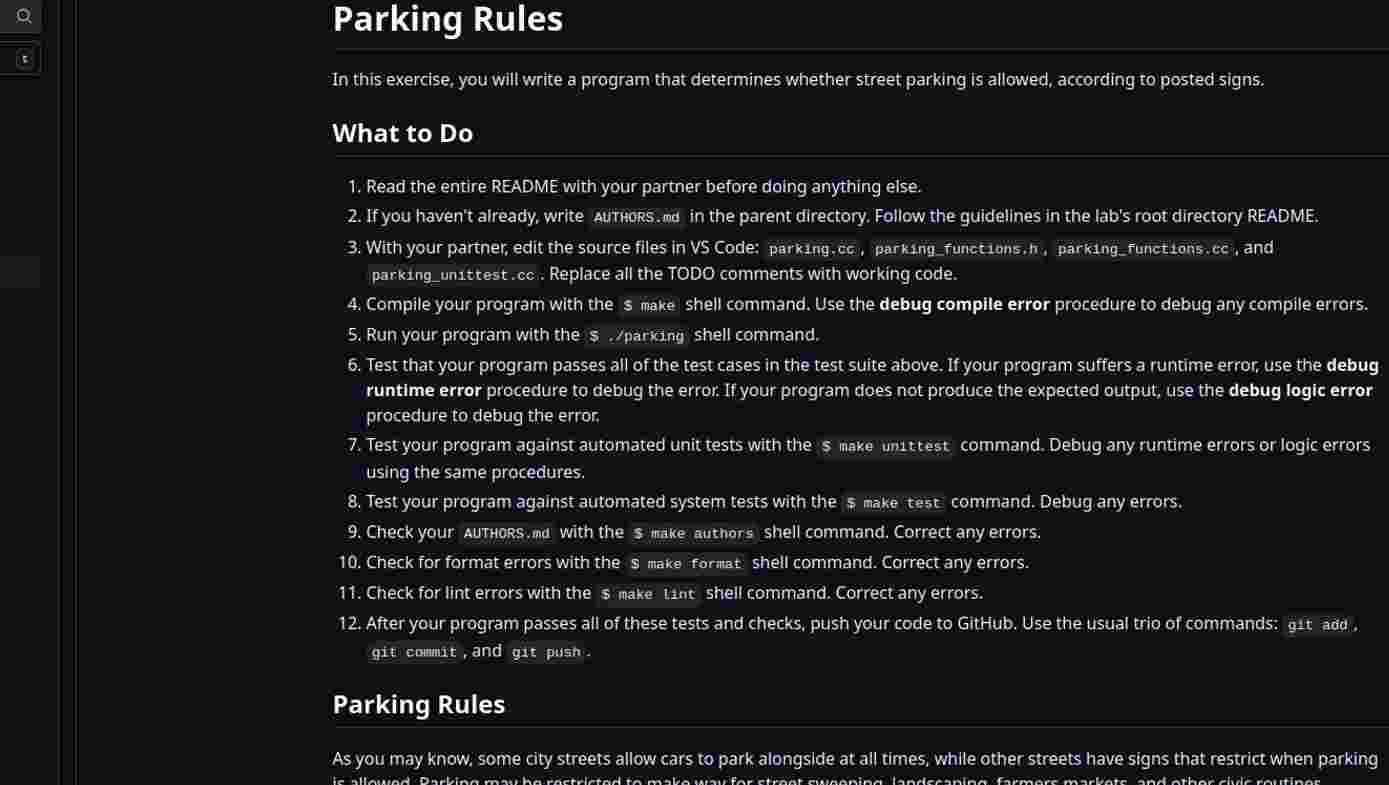
Question: Parking Rules In this exercise, you will write a program that determines whether street parking is allowed, according to posted signs: What to Do 1
Parking Rules
In this exercise, you will write a program that determines whether street parking is allowed, according to posted signs:
What to Do
Read the entire README with your partner before doing anything else.
If you haven't already, write ArHoRS md in the parent directory. Follow the guidelines in the lab's root directory README.
With your partner, edit the source files in VS Code: parking.cic, parkingfunctions, h parkingFunctions.cc and parkingunittest.cc Replace all the TODO comments with working code.
Compile your program with the s make shell command. Use the debug compile error procedure to debug any compile errors.
Run your program with the is pariong shell command,
Test that your program passes all of the test cases in the test suite above. If your program suffers a runtime error, use the debug runtime error procedure to debug the error If your program does not produce the expected output, use the debug logic error procedure to debug the error.
Test your program against automated unit tests with the s make unittest command. Debug any runtime errors or logic errors using the same procedures.
Test your program against automated system tests with the $ make test command. Debug any errors.
Check your AUTHORS.md with the s make authors shell command. Correct any errors:
Check for format errors with the $ make format shell command. Correct any errors.
Check for lint errors with the $ make lint shell command. Correct any errors.
After your program passes all of these tests and checks, push your code to Github. Use the usual trio of commands: git add, qit comit, and git push.
Parking Rules
As you may know, some city streets allow cars to park alongslde at all times; while other streets have signs that restrict when parking
Step by Step Solution
There are 3 Steps involved in it
1 Expert Approved Answer
Step: 1 Unlock

Question Has Been Solved by an Expert!
Get step-by-step solutions from verified subject matter experts
Step: 2 Unlock
Step: 3 Unlock
 Study Help