







Question: Part 1: Build a web page with Flexbex (12 Points) - Build a new page using Flexbox for layout. All pages, as always, mast bave
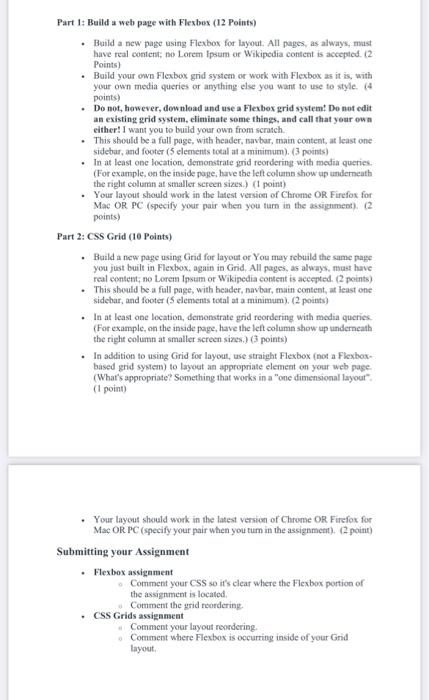
Part 1: Build a web page with Flexbex (12 Points) - Build a new page using Flexbox for layout. All pages, as always, mast bave teal content; no Lorem lpsam or Wikipedia content is accepted. (2 Points) - Build your own Flexbox grid system or work with Flexbox as it is, with your own media queries or anything else you want to use to style. (4 points) - Do not, however, dewnload and use a Flexbox grid system! Do not edit an existing grid system, eliminate some things, and call that your own either! I want you to build your own from scratch. - This should be a full page, with header, navbar, main content, at least one sidebar, and footer ( 5 elements tocal at a minimum). ( 3 points) - In at least one location. demonstrate yrid reordering with media queries. (For example, on the inside page, have the left colums show up underneath the right columa at smaller sereen sizes.) (1 point) - Your layout should work in the latest version of Chrome OR. Firefox for Mac OR PC (specify your pair when you tarn in the assipnment). (2 points) Part 2: CSS Grid (1e Points) - Buald a new page using Gitid for layout or You may rebuild the same page you just built in Flexbox, again in Grid. All pages, as always, mast have real content; no Lorem Ipsum or Wikipedia content is acerpted. (2 points) - This should be a full page, with beader, navbar, main content, at least one sidebar, and footer ( 5 elements total at a minimum). (2 points) - In at least one location, demonstrate grid reordering with media queries. (For example, on the inside page, have the left eolumn show ap winderneath the right column at smaller sereen sines,) (3 points) - In addition to using Grid for layout, use straight Flexbox (not a Flexboxbased grid systenn) to layout an appropriate elemeat on your web page. (What's appropriate? Something that works in a "one dimensional layout". (1 point) - Your layeut should work in the latest versicen of Chrome OR Firefox for Mac OR PC (specify your pair when you tum in the assignment). (2 point) Submitting your Assignment - Flexbos assigament Comment your CSS so it's clear where the Flexbox portion of the assignment is located. Comment the yrid roordering. - CSS Grids assignameat Comment your layout neordering. Comment where Flexbox is occurring inside of your Grid layout
Step by Step Solution
There are 3 Steps involved in it

Get step-by-step solutions from verified subject matter experts
 Study Help