





Question: Part 1: Computer Components Checklist Below are the different components that you are required to investigate: 1. Processor 2. Operating system 3. Memory 4. Storage
Part 1: Computer Components Checklist Below are
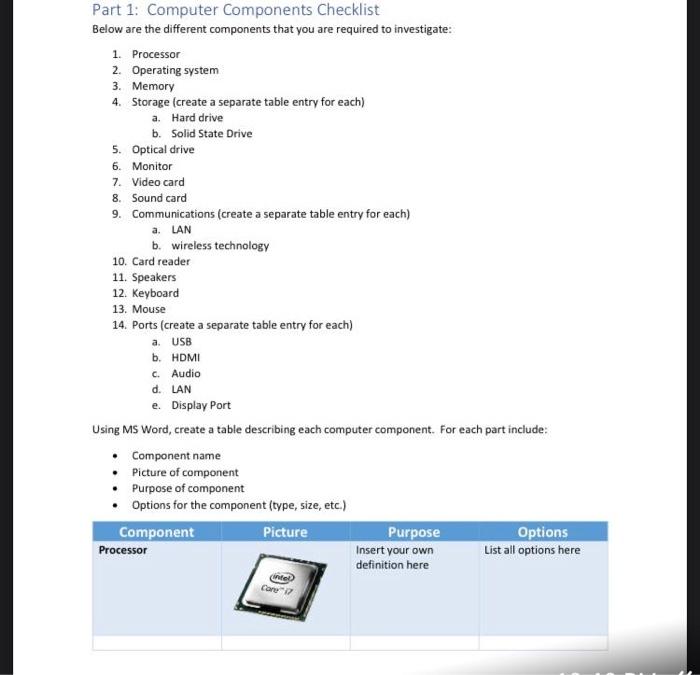
Part 1: Computer Components Checklist Below are the different components that you are required to investigate: 1. Processor 2. Operating system 3. Memory 4. Storage (create a separate table entry for each) a. Hard drive b. Solid State Drive 5. Optical drive 6. Monitor 7. Video card 8. Sound card 9. Communications (create a separate table entry for each) a. LAN b. wireless technology 10. Card reader 11. Speakers 12. Keyboard 13. Mouse 14. Ports (create a separate table entry for each) a. USB b. HDMI c. Audio d. LAN e. Display Port Using MS Word, create a table describing each computer component. For each part include: Component name Picture of component Purpose of component Options for the component (type, size, etc.) Component Picture Purpose Options Processor Insert your own List all options here definition here Care

Step by Step Solution

There are 3 Steps involved in it

1 Expert Approved Answer
Step: 1 Unlock blur-text-image

Question Has Been Solved by an Expert!

Get step-by-step solutions from verified subject matter experts

Step: 2 Unlock
Step: 3 Unlock

Students Have Also Explored These Related General Management Questions!