







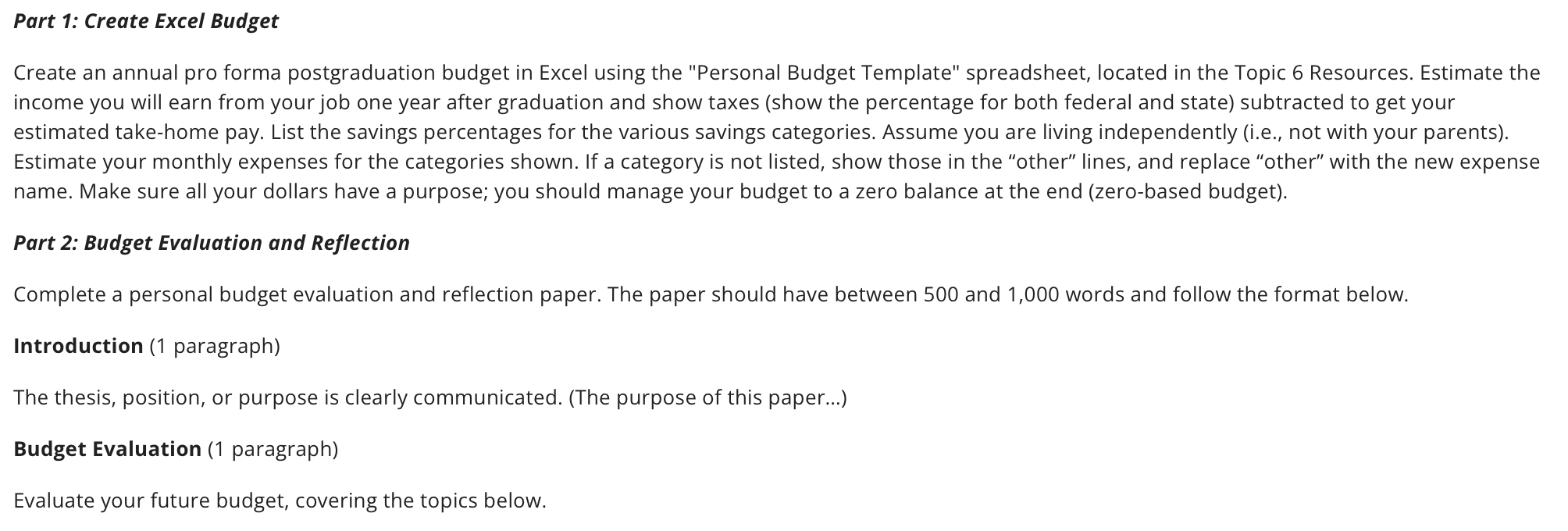
Question: Part 1 : Create Excel Budget Create an annual pro forma postgraduation budget in Excel using the Personal Budget Template spreadsheet, located in the Topic
Part : Create Excel Budget
Create an annual pro forma postgraduation budget in Excel using the "Personal Budget Template" spreadsheet, located in the Topic Resources. Estimate the income you will earn from your job one year after graduation and show taxes show the percentage for both federal and state subtracted to get your estimated takehome pay. List the savings percentages for the various savings categories. Assume you are living independently ie not with your parents Estimate your monthly expenses for the categories shown. If a category is not listed, show those in the "other" lines, and replace "other" with the new expense name. Make sure all your dollars have a purpose; you should manage your budget to a zero balance at the end zerobased budget
Part : Budget Evaluation and Reflection
Complete a personal budget evaluation and reflection paper. The paper should have between and words and follow the format below.
Introduction paragraph
The thesis, position, or purpose is clearly communicated. The purpose of this paper...
Budget Evaluation paragraph
Evaluate your future budget, covering the topics below.
Step by Step Solution
There are 3 Steps involved in it
1 Expert Approved Answer
Step: 1 Unlock

Question Has Been Solved by an Expert!
Get step-by-step solutions from verified subject matter experts
Step: 2 Unlock
Step: 3 Unlock
 Study Help