







Question: Part 1 - Creating a Database 1 . Create a new database in MS Access. 2 . Import the following tables from the Excel file.
Part Creating a Database
Create a new database in MS Access.
Import the following tables from the Excel file.
The EMPLOYEE table keeps track of employee details. The DEPARTMENT table stores data about the departments. The REGION table contains the location and region for each department. The DEPENDENT table stores data about the dependents of the employees. The CUSTOMER table contains data about the customers. The PRODUCT table contains data about the products. The SALESORDER table contains data regarding each sales order.
Identify the keys Primary and Foreign in each table. Some of the tables may require a composite key for Primary Key
Part Oueries
Now answer the following queries. Store the query designs as Q Q Q Q Q Q Q Q Q& Q to match up with the following queries
List the names and addresses of all employees.
Who are the employees with salary more than $
What is the name of the department in which the employee Jennifer Wallace works?
Who are the dependents of John B Smith?
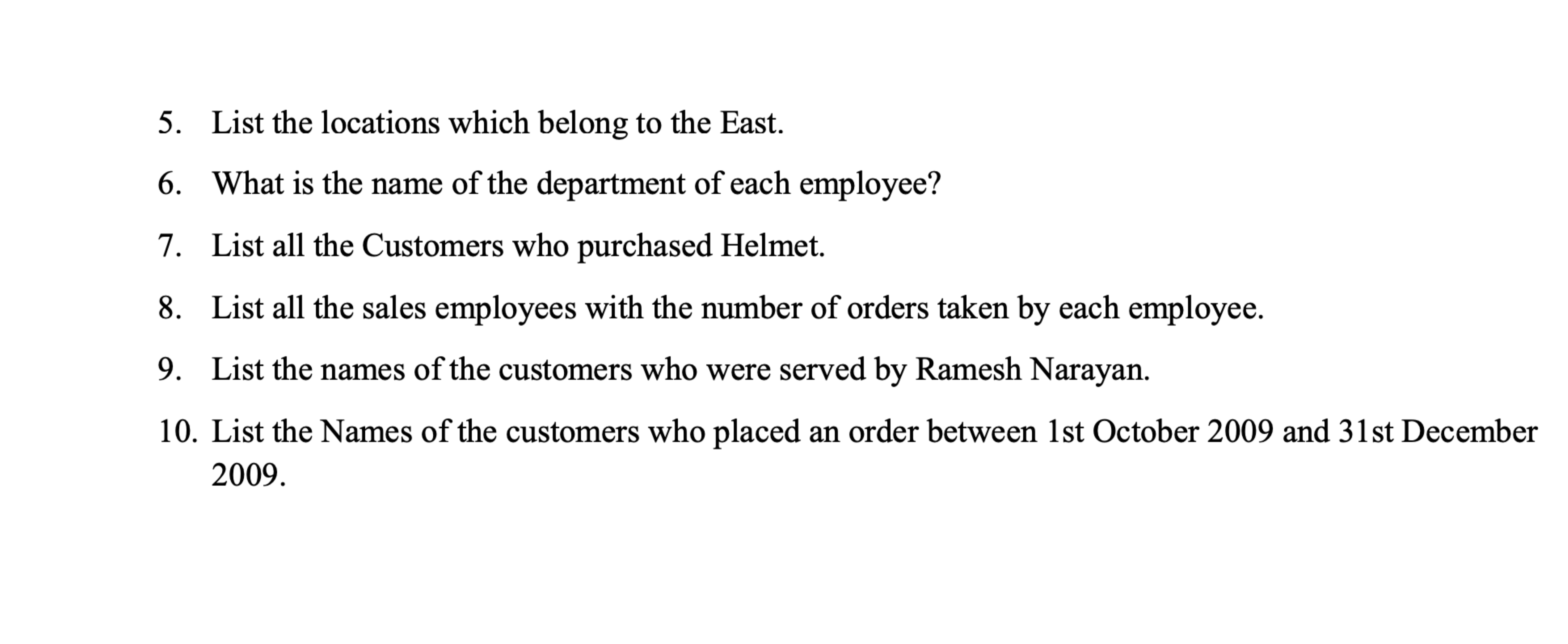
List the locations which belong to the East.
What is the name of the department of each employee?
List all the Customers who purchased Helmet.
List all the sales employees with the number of orders taken by each employee.
List the names of the customers who were served by Ramesh Narayan.
List the Names of the customers who placed an order between st October and st December
Step by Step Solution
There are 3 Steps involved in it
1 Expert Approved Answer
Step: 1 Unlock

Question Has Been Solved by an Expert!
Get step-by-step solutions from verified subject matter experts
Step: 2 Unlock
Step: 3 Unlock
 Study Help