







Question: Part 1 : Using Help Versus Tell mie what you want to do Option Directions Open the Excel application. Click the Help icon via the
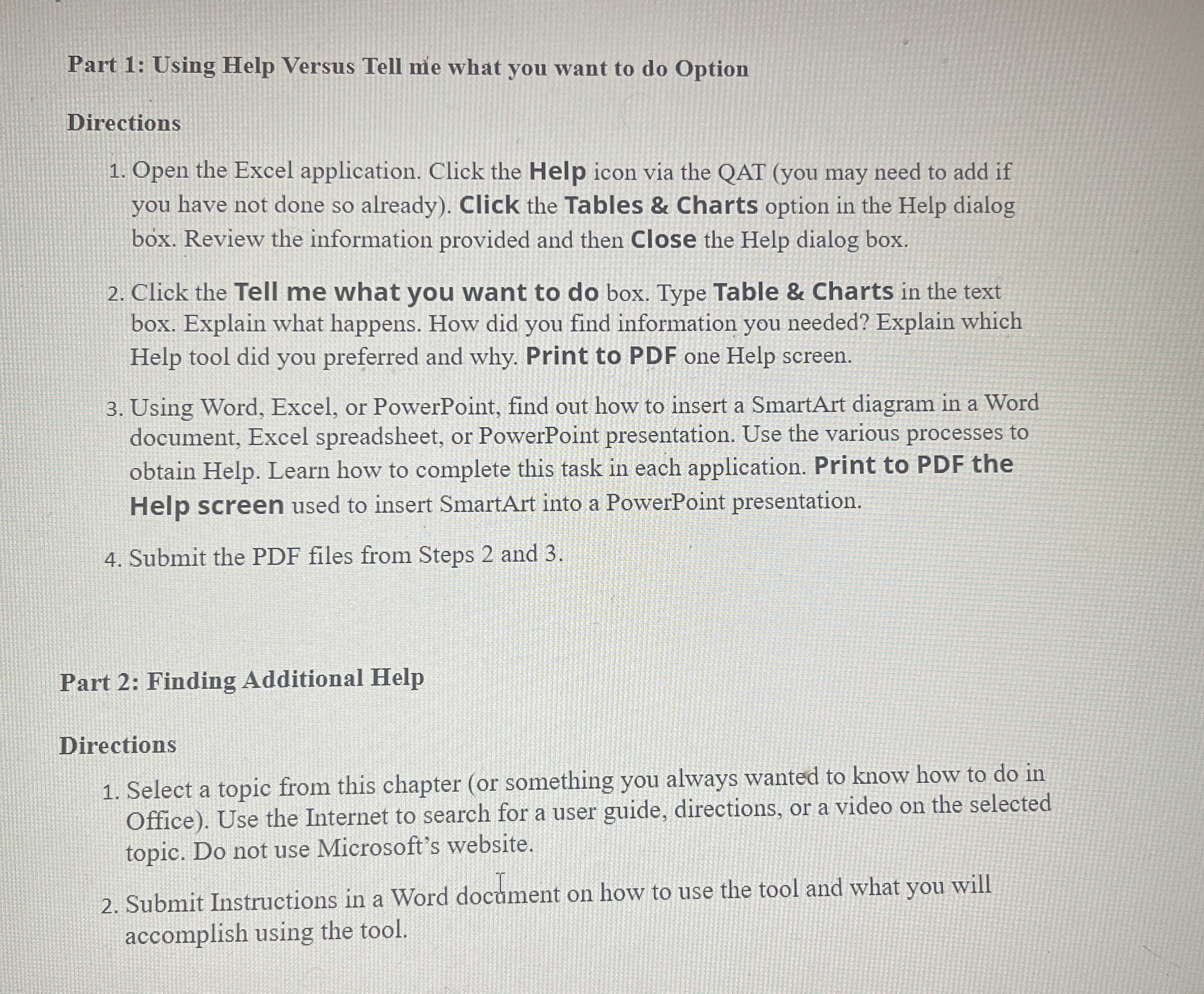
Part : Using Help Versus Tell mie what you want to do Option
Directions
Open the Excel application. Click the Help icon via the QAT you may need to add if you have not done so already Click the Tables & Charts option in the Help dialog box. Review the information provided and then Close the Help dialog box.
Click the Tell me what you want to do box. Type Table & Charts in the text box. Explain what happens. How did you find information you needed? Explain which Help tool did you preferred and why. Print to PDF one Help screen.
Using Word, Excel, or PowerPoint, find out how to insert a SmartArt diagram in a Word document, Excel spreadsheet, or PowerPoint presentation. Use the various processes to obtain Help. Learn how to complete this task in each application. Print to PDF the Help screen used to insert SmartArt into a PowerPoint presentation.
Submit the PDF files from Steps and
Part : Finding Additional Help
Directions
Select a topic from this chapter or something you always wanted to know how to do in Office Use the Internet to search for a user guide, directions, or a video on the selected topic. Do not use Microsoft's website.
Submit Instructions in a Word docament on how to use the tool and what you will accomplish using the tool.
Step by Step Solution
There are 3 Steps involved in it
1 Expert Approved Answer
Step: 1 Unlock

Question Has Been Solved by an Expert!
Get step-by-step solutions from verified subject matter experts
Step: 2 Unlock
Step: 3 Unlock
 Study Help