







Question: Part 2 - Configuring OSPF: In this section, you will configure OSPF on the three routers. As a routing protocol, OSPF helps routers learn each
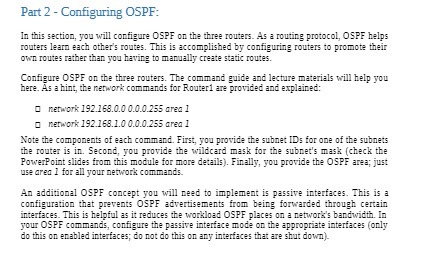
Part 2 - Configuring OSPF: In this section, you will configure OSPF on the three routers. As a routing protocol, OSPF helps routers learn each other's routes. This is accomplished by configuring routers to promote their Own routes rather than you having to manually create static routes. Configure OSPF on the three routers. The command guide and lecture materials will help you here. As a hint, the network commands for Routerl are provided and explained: 0 network 192.168.0.0 0.0.0.255 oreo 1 0 network 192.168.1.0 0.0.0.255 area 1 Note the components of each command. First, you provide the subnet IDs for one of the subnets the router is in. Second, you provide the wildcard mask for the subnet's mask (check the Powerpoint slides from this module for more details). Finally, you provide the OSPF area; just use oreo I for all your network commands. An additional OSPF concept you will need to implement is passive interfaces. This is a configuration that prevents OSPF advertisements from being forwarded through certain interfaces. This is helpful as it reduces the workload OSPF places on a network's bandwidth. In your OSPF commands, configure the passive interface mode on the appropriate interfaces (only do this on enabled interfaces; do not do this on any interfaces that are shut down)
Step by Step Solution
There are 3 Steps involved in it

Get step-by-step solutions from verified subject matter experts
 Study Help