







Question: Part 2 - Importing a Dataset in Python If you need Python follow this link: 1. Import the Pandas package using the Anaconda install option:
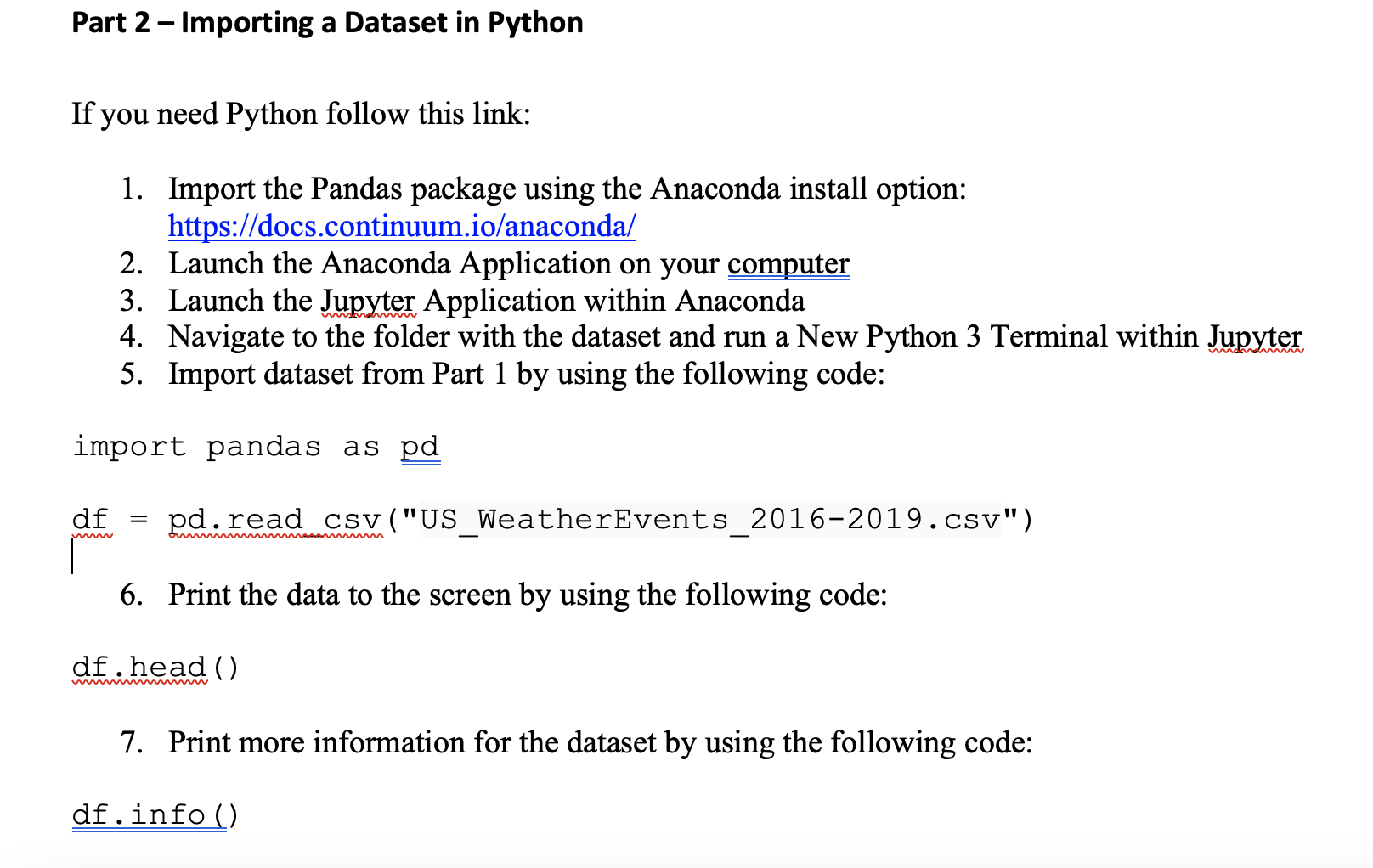
Part 2 - Importing a Dataset in Python If you need Python follow this link: 1. Import the Pandas package using the Anaconda install option: https://docs.continuum.io/anaconda/ 2. Launch the Anaconda Application on your computer 3. Launch the Jupyter Application within Anaconda 4. Navigate to the folder with the dataset and run a New Python 3 Terminal within Jupyter 5. Import dataset from Part 1 by using the following code: import pandas as pd df = pd.read csv("US_WeatherEvents_2016-2019.csv") 6. Print the data to the screen by using the following code: df head () 7. Print more information for the dataset by using the following code: df.info ()
Step by Step Solution
There are 3 Steps involved in it
1 Expert Approved Answer
Step: 1 Unlock

Question Has Been Solved by an Expert!
Get step-by-step solutions from verified subject matter experts
Step: 2 Unlock
Step: 3 Unlock
 Study Help