







Question: Part 2 Part 2 is to format the summary sheet: 12. Center all the value in B2:H6 13. Create top and bottom boarders on row
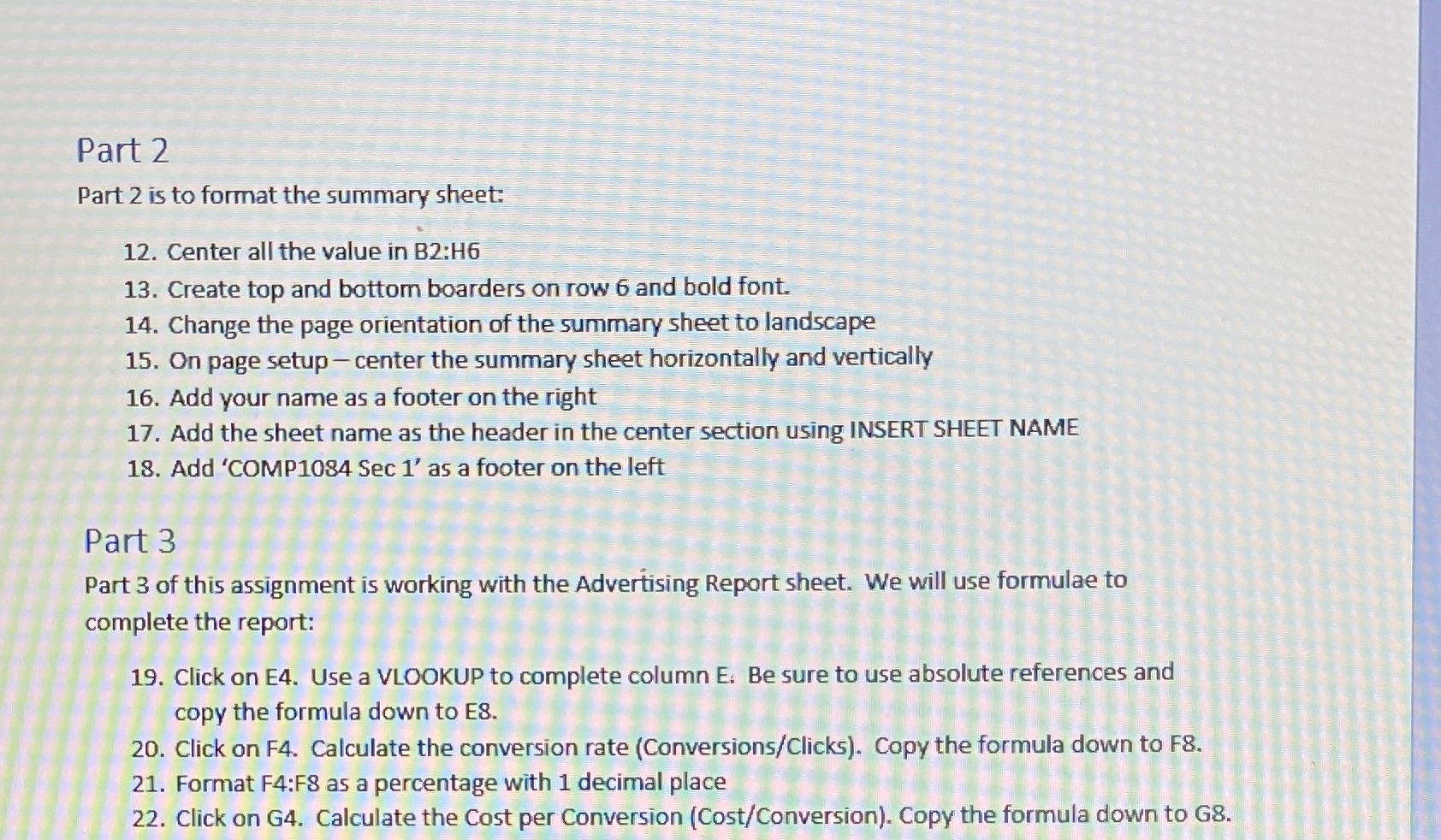
Part 2 Part 2 is to format the summary sheet: 12. Center all the value in B2:H6 13. Create top and bottom boarders on row 6 and bold font. 14. Change the page orientation of the summary sheet to landscape 15. On page setup - center the summary sheet horizontally and vertically 16. Add your name as a footer on the right 17. Add the sheet name as the header in the center section using INSERT SHEET NAME 18. Add 'COMP1084 Sec 1' as a footer on the left Part 3 Part 3 of this assignment is working with the Advertising Report sheet. We will use formulae to complete the report: 19. Click on E4. Use a VLOOKUP to complete column E. Be sure to use absolute references and copy the formula down to ES. 20. Click on F4. Calculate the conversion rate (Conversions/Clicks). Copy the formula down to F8. 21. Format F4:F8 as a percentage with 1 decimal place 22. Click on G4. Calculate the Cost per Conversion (Cost/Conversion). Copy the formula down to G8
Step by Step Solution
There are 3 Steps involved in it

Get step-by-step solutions from verified subject matter experts
 Study Help