







Question: - Part 2 With the pseudo code below, create and code a button labeled Part 2 that performs the same logic as the loop written
Part
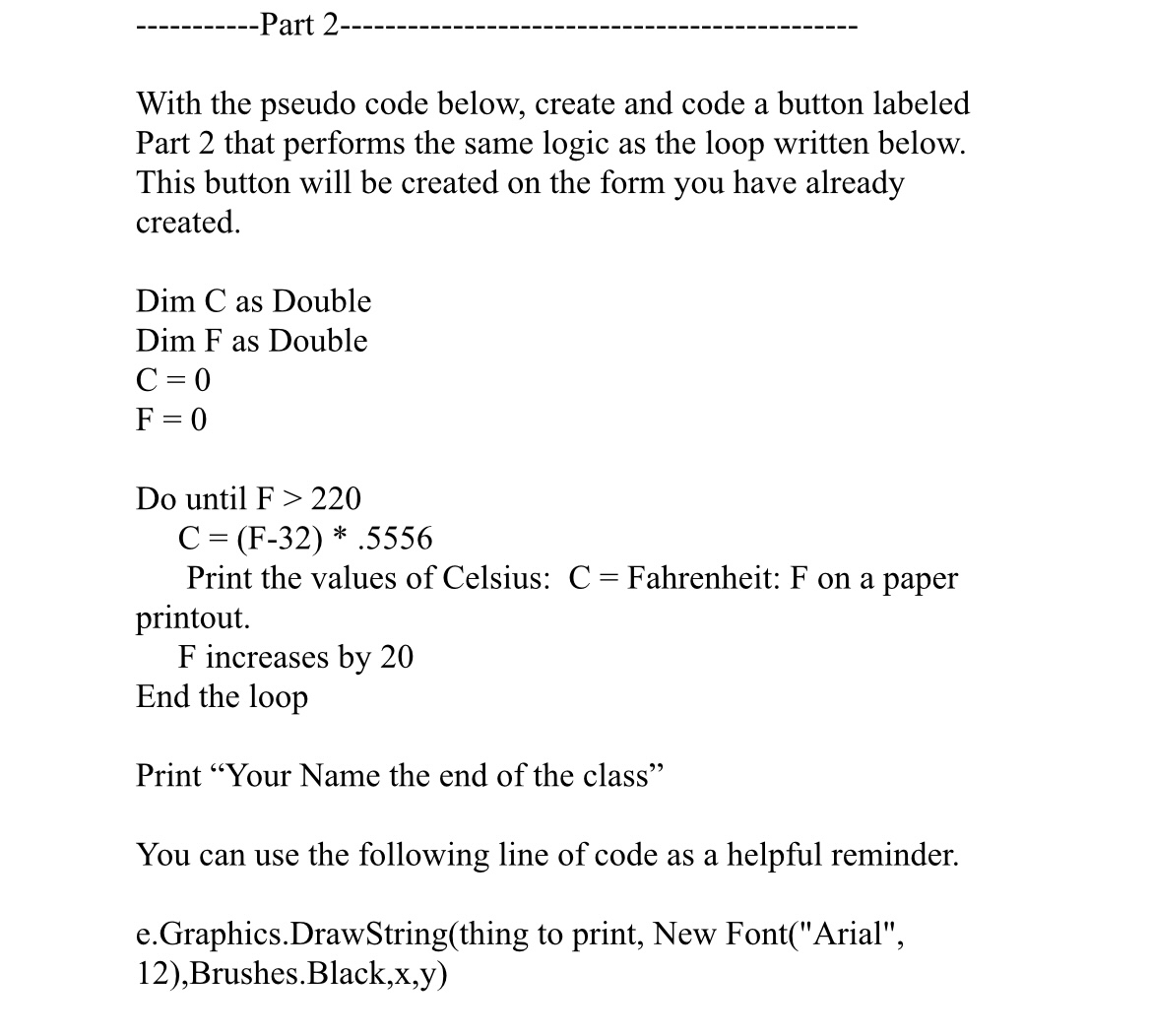
With the pseudo code below, create and code a button labeled Part that performs the same logic as the loop written below. This button will be created on the form you have already created.
Dim as Double
Dim F as Double
Do until
Print the values of Celsius: Fahrenheit: on a paper printout.
increases by
End the loop
Print "Your Name the end of the class"
You can use the following line of code as a helpful reminder.
eGraphics.DrawStringthing to print, New FontArialBrushes.Black,xy
Step by Step Solution
There are 3 Steps involved in it
1 Expert Approved Answer
Step: 1 Unlock

Question Has Been Solved by an Expert!
Get step-by-step solutions from verified subject matter experts
Step: 2 Unlock
Step: 3 Unlock
 Study Help