







Question: Part 3 - Coding Exercise: Decoding a Message from a Text File $ 0 . 0 0 In this exercise, you will develop a function
Part Coding Exercise: Decoding a Message from a Text File
$
In this exercise, you will develop a function named 'decodemessagefile This function should read an encoded message from a txt file and return its decoded version as a string. Note that you can write your code using any language and IDE you want Python is preferred if possible, but not mandatory
Your function must be able to process an input file with the following format:
love
computers
dogs
cats
I
you
In this file, each line contains a number followed by a word. The task is to decode a hidden message based on the arrangement of these numbers into a "pyramid" structure. The pyramid increases by one number per line, like so:
The key to decoding the message is to use the words corresponding to the numbers at the end of each pyramid line in this example, and You should ignore all the other words. So for the example input file above, the message words are:
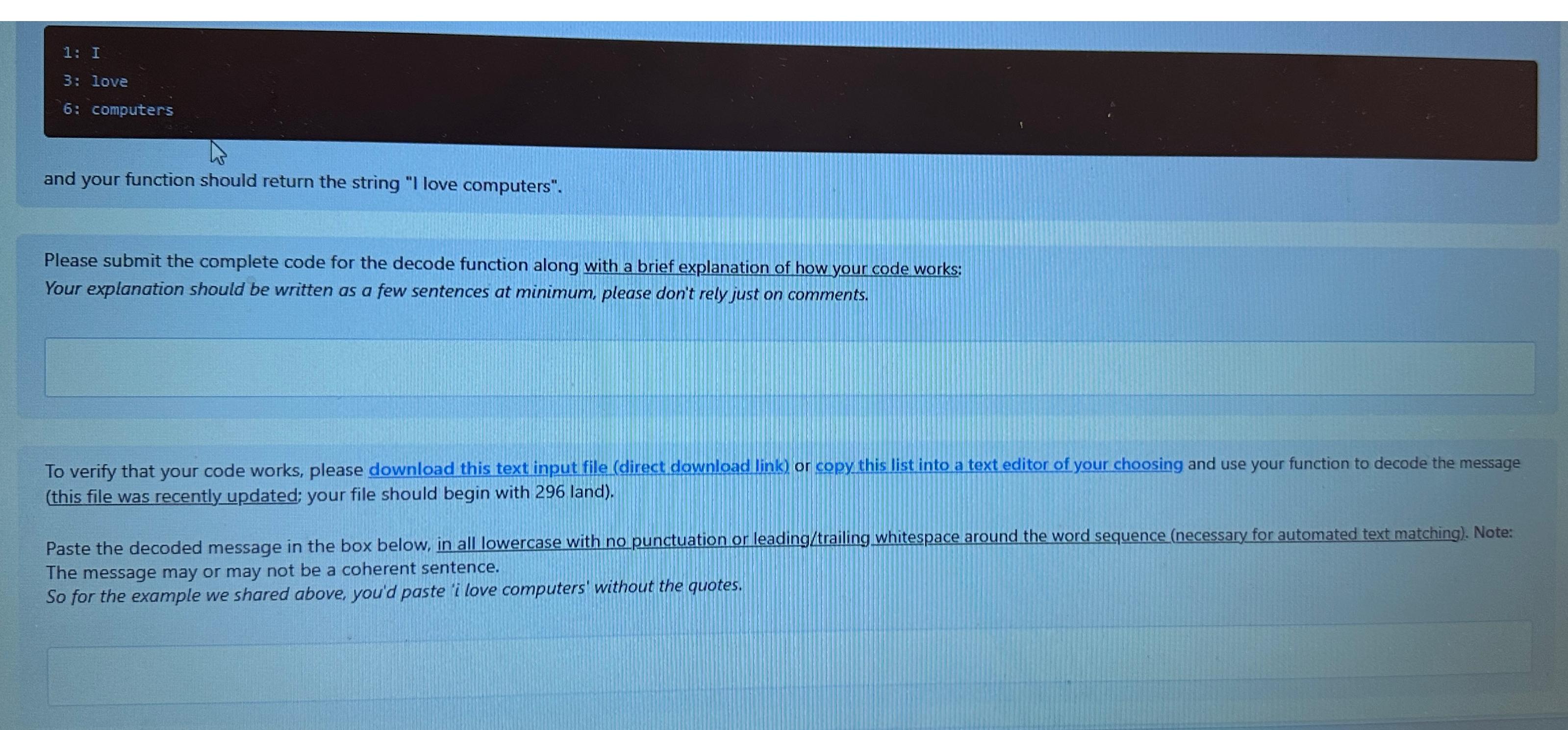
: I
: love
: computers
and your function should return the string "I love computers".
Please submit the complete code for the decode function along with a brief explanation of how your code works:
Your explanation should be written as a few sentences at minimum, please don't rely just on comments.
To verify that your code works, please download this text input file direct download link or copy this list into a text editor of your choosing and use your function to decode the message this file was recently updated; your file should begin with land
Paste the decoded message in the box below, in all lowercase with no punctuation or leadingtrailing whitespace around the word sequence necessary for automated text matching Note: The message may or may not be a coherent sentence.
So for the example we shared above, you'd paste 'i love computers' without the quotes.
Step by Step Solution
There are 3 Steps involved in it
1 Expert Approved Answer
Step: 1 Unlock

Question Has Been Solved by an Expert!
Get step-by-step solutions from verified subject matter experts
Step: 2 Unlock
Step: 3 Unlock
 Study Help