







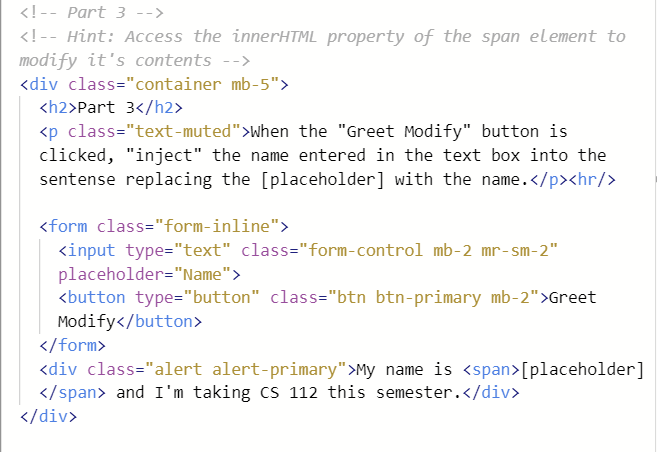
Question: Part 3 when the Greet Modify button is clicked, inject the name entered in the text box into the sentense replacing the [placeholder] with the
Part 3
when the "Greet Modify" button is clicked, "inject" the name entered in the text box into the sentense replacing the [placeholder] with the name.
Part 4
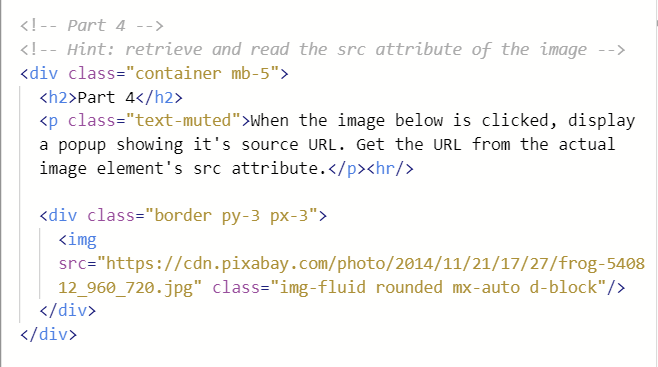
when the image below is clicked, display a popup showing it's source URL. Get the URL from the actual image element's src attribute.
Part 5
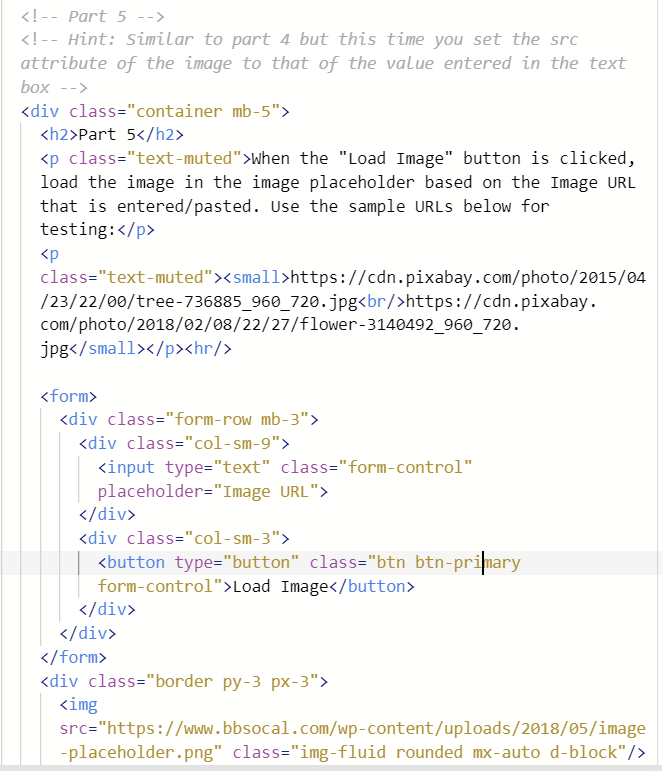
When the "Load Image" button is clicked, load the image in the image placeholder based on the Image URL that is entered/pasted. Use the sample URLs below for testing:
https://cdn.pixabay.com/photo/2015/04 /23/22/00/tree-736885_960_720.jpg
https://cdn.pixabay. com/photo/2018/02/08/22/27/flower-3140492_960_720. jpg
 attribute of the image to that of the value entered in the text box -->
 Part 5
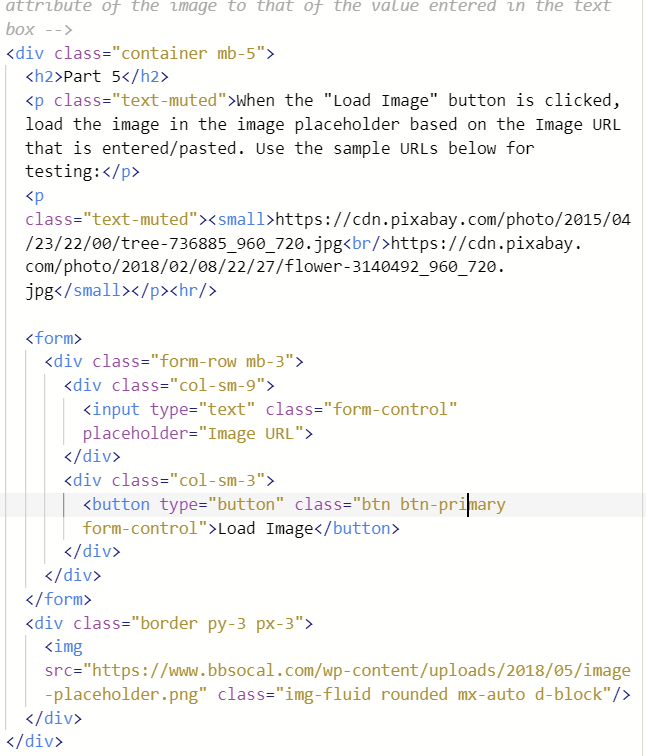
when the "Load Image" button is clicked, load the image in the image placeholder based on the Image URL that is entered/pasted. Use the sample URLs below for testing:
https://cdn.pixabay.com/photo/2015/04 /23/22/00/tree-736885_960_720.jpg
https://cdn.pixabay. com/photo/2018/02/08/22/27/flower-3140492_960_720. jpg
Step by Step Solution
There are 3 Steps involved in it

Get step-by-step solutions from verified subject matter experts
 Study Help