





Question: PART 3F So... how do we correctly draw this model so that the Text is white, and the Logo is orange? Or to be more
PART 3F So... how do we correctly draw this modelPART 3F So... how do we correctly draw this model
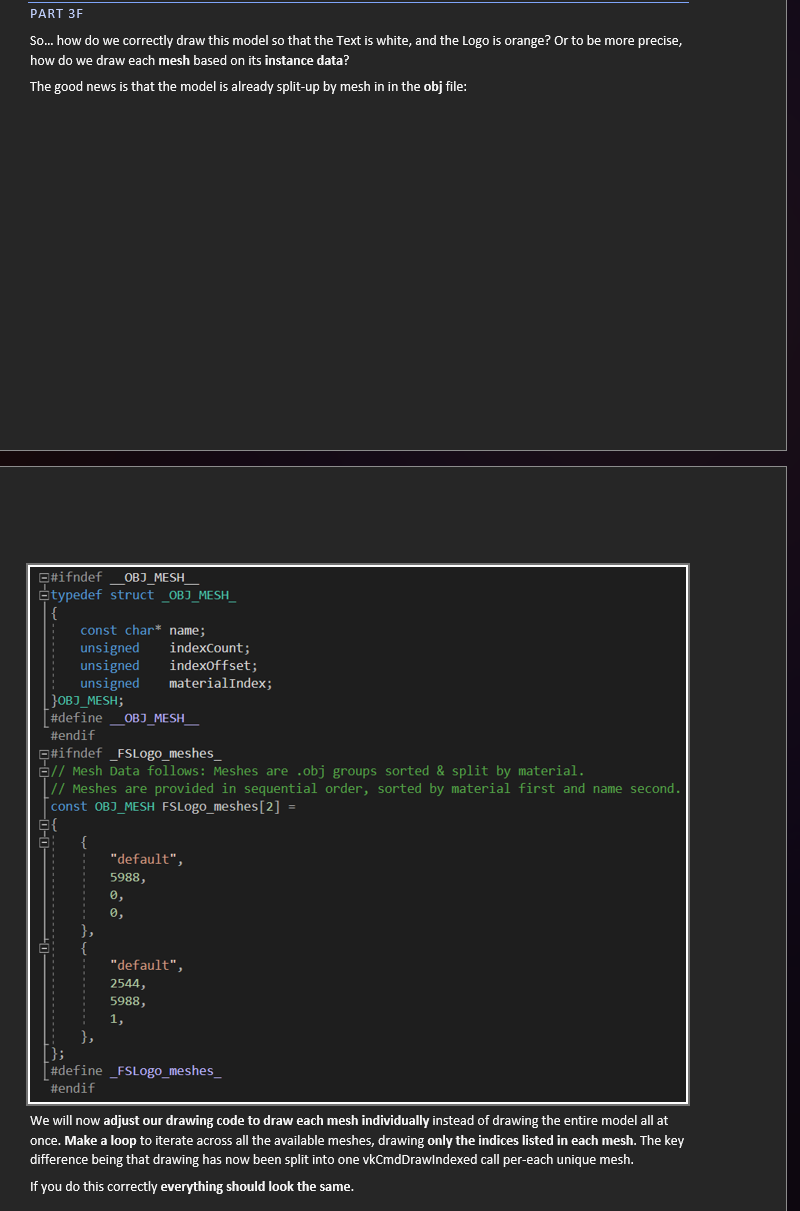
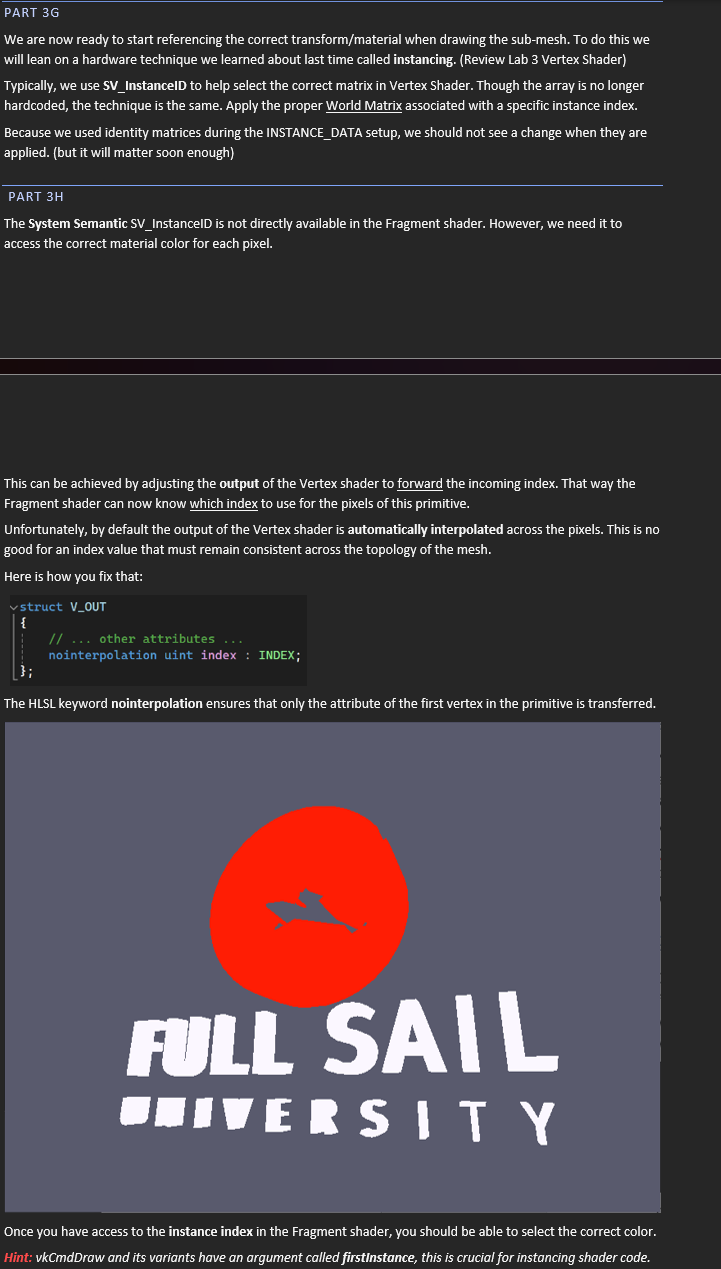
PART 3F So... how do we correctly draw this model so that the Text is white, and the Logo is orange? Or to be more precise, how do we draw each mesh based on its instance data? The good news is that the model is already split-up by mesh in in the obj file: #ifndef _OBJ_MESH typedef struct _OBJ_MESH const char* name; unsigned indexCount; unsigned indexoffset; unsigned materialIndex; JOBJ_MESH; #define OBJ_MESH #endif #ifndef _FSLogo_meshes_ 9// Mesh Data follows: Meshes are . obj groups sorted & split by material. // Meshes are provided in sequential order, sorted by material first and name second. const OBJ_MESH FSLogo_meshes [2] = 0-0 "default", 5988, 0, "default", 2544, 5988, #define _FSLogo_meshes_ #endif We will now adjust our drawing code to draw each mesh individually instead of drawing the entire model all at once. Make a loop to iterate across all the available meshes, drawing only the indices listed in each mesh. The key difference being that drawing has now been split into one vkCmdDrawindexed call per-each unique mesh. If you do this correctly everything should look the same.LA EETc We are now ready to start referencing the correct transform/material when drawing the sub-mesh. To do this we will lean on a hardware technique we learned about last time called instancing. (Review Lab 3 Vertex Shader) Typically, we use SV_InstancelD to help select the correct matrix in Vertex Shader. Though the array is no longer hardcoded, the technique is the same. Apply the proper World Matrix associated with a specific instance index. Because we used identity matrices during the INSTANCE_DATA setup, we should not see a change when they are applied. (but it will matter soon enough) PART 3H The System Semantic SV_InstancelD is not directly available in the Fragment shader. However, we need it to access the correct material color for each pixel. This can be achieved by adjusting the output of the Vertex shader to forward the incoming index. That way the Fragment shader can now know which index to use for the pixels of this primitive. Unfortunately, by default the output of the Vertex shader is automatically interpolated across the pixels. This is no good for an index value that must remain consistent across the topology of the mesh. Here is how you fix that: ey index : INDEX; The HLSL keyword nointerpolation ensures that only the attribute of the first vertex in the primitive is transferred. ruLL SAIL SNIVERS | T Y Once you have access to the instance index in the Fragment shader, you should be able to select the correct color. vkCmdDrow and its variants have an argument called firstinstance, this is crucial for instancing shader code

Step by Step Solution

There are 3 Steps involved in it

1 Expert Approved Answer
Step: 1 Unlock blur-text-image

Question Has Been Solved by an Expert!

Get step-by-step solutions from verified subject matter experts

Step: 2 Unlock
Step: 3 Unlock

Students Have Also Explored These Related Law Questions!