







Question: Part 7 - Knowledge evidence KE Answer all knowledge questions in your own words. These questions are based on the assessment as well as
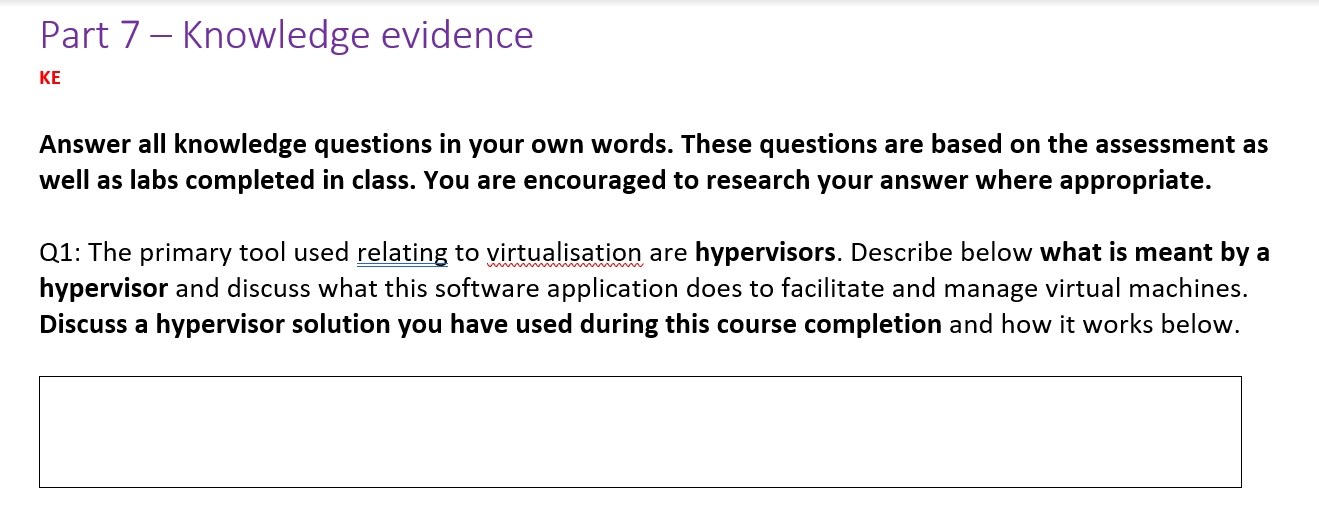

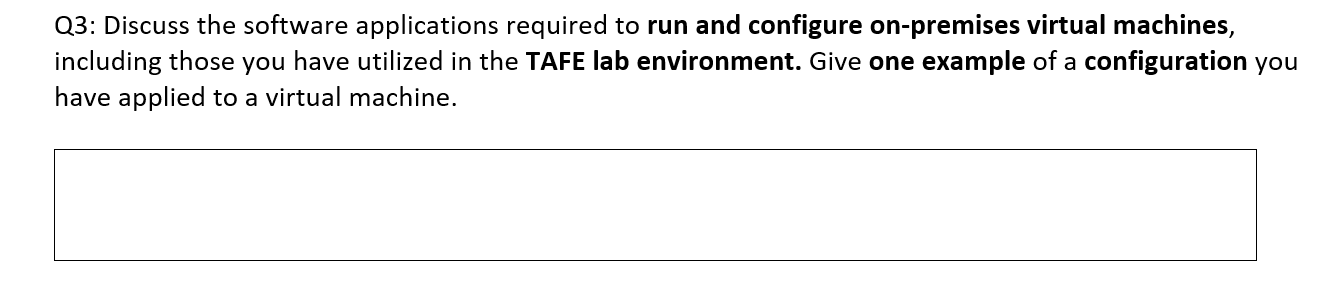
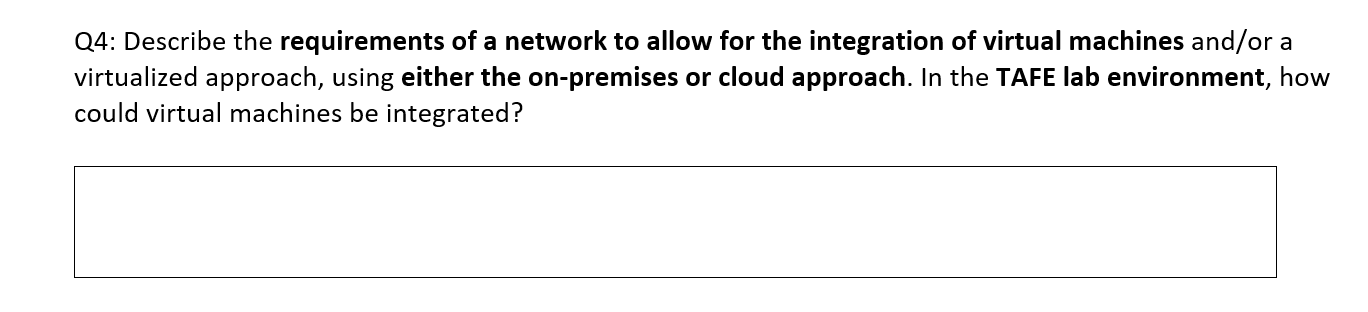
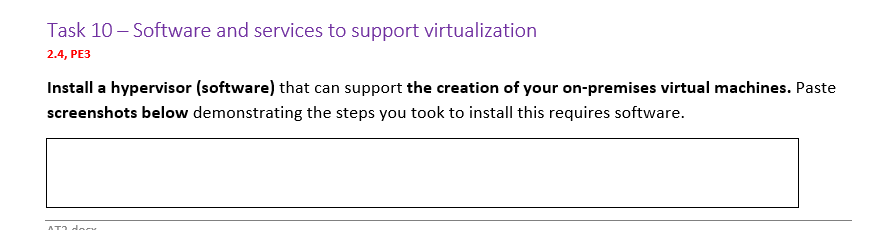
Part 7 - Knowledge evidence KE Answer all knowledge questions in your own words. These questions are based on the assessment as well as labs completed in class. You are encouraged to research your answer where appropriate. wwwwwwwwwwwwwww Q1: The primary tool used relating to virtualisation are hypervisors. Describe below what is meant by a hypervisor and discuss what this software application does to facilitate and manage virtual machines. Discuss a hypervisor solution you have used during this course completion and how it works below. Q2: How can cloud-based hypervisors be configured or utilized to allow for greater control, security and management of virtual machines? Include one example during your labs where you have configured this. Q3: Discuss the software applications required to run and configure on-premises virtual machines, including those you have utilized in the TAFE lab environment. Give one example of a configuration you have applied to a virtual machine. Q4: Describe the requirements of a network to allow for the integration of virtual machines and/or a virtualized approach, using either the on-premises or cloud approach. In the TAFE lab environment, how could virtual machines be integrated? Task 10 - Software and services to support virtualization 2.4, PE3 Install a hypervisor (software) that can support the creation of your on-premises virtual machines. Paste screenshots below demonstrating the steps you took to install this requires software. AT2 docx
Step by Step Solution
There are 3 Steps involved in it

Get step-by-step solutions from verified subject matter experts
 Study Help