







Question: Part A As you read your eText, the menu options at the left of your screen will help you to easily navigate the eText and
Part A
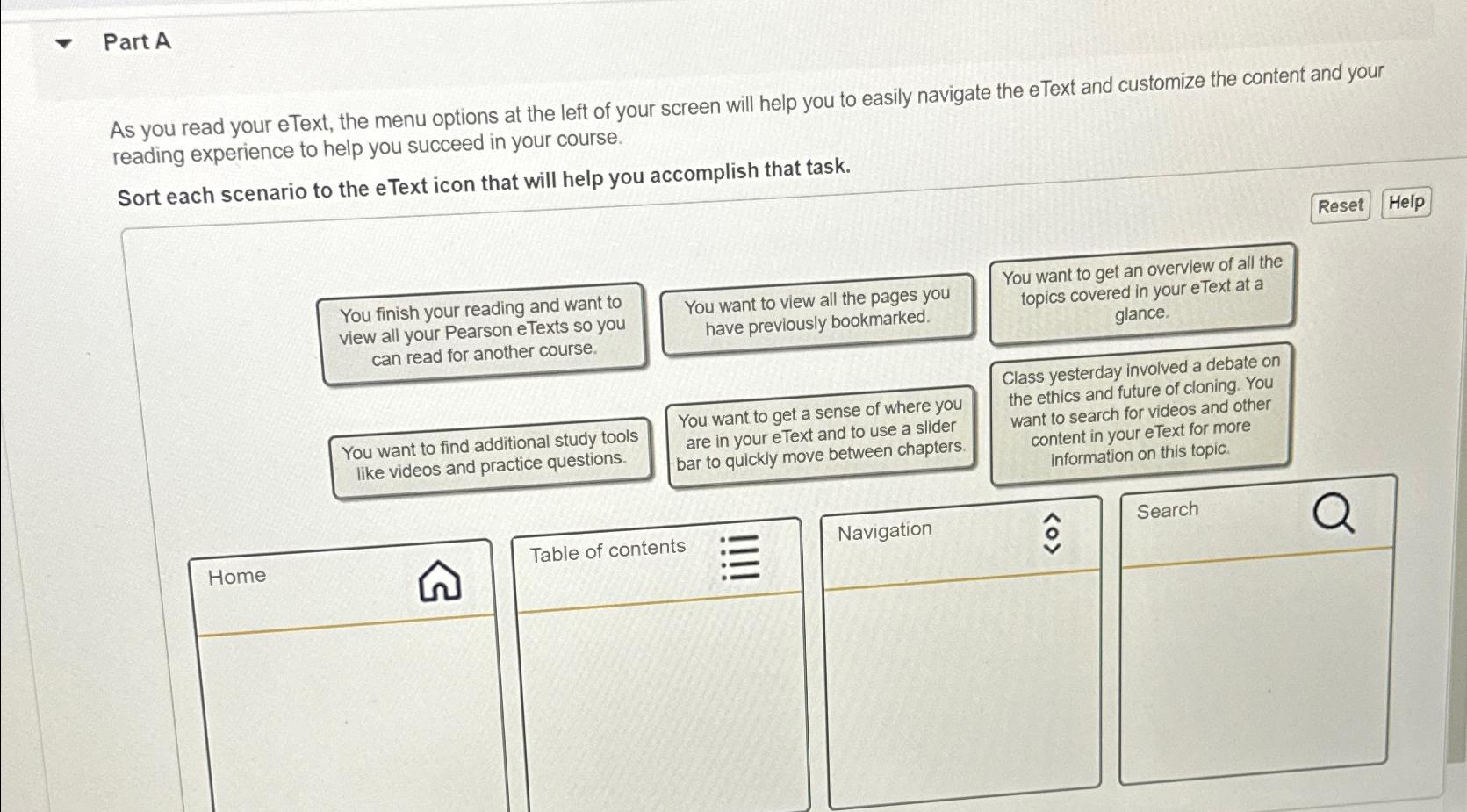
As you read your eText, the menu options at the left of your screen will help you to easily navigate the eText and customize the content and your reading experience to help you succeed in your course.
Sort each scenario to the eText icon that will help you accomplish that task.
You finish your reading and want to view all your Pearson eTexts so you can read for another course.
You want to find additional study tools like videos and practice questions.
You want to get a sense of where you are in your eText and to use a slider bar to quickly move between chapters.
You want to get an overview of all the topics covered in your eText at a glance.
Class yesterday involved a debate on the ethics and future of cloning. You want to search for videos and other content in your eText for more information on this topic.
Home
Table of contents
Navigation
hat@
Search
Step by Step Solution
There are 3 Steps involved in it
1 Expert Approved Answer
Step: 1 Unlock

Question Has Been Solved by an Expert!
Get step-by-step solutions from verified subject matter experts
Step: 2 Unlock
Step: 3 Unlock
 Study Help