







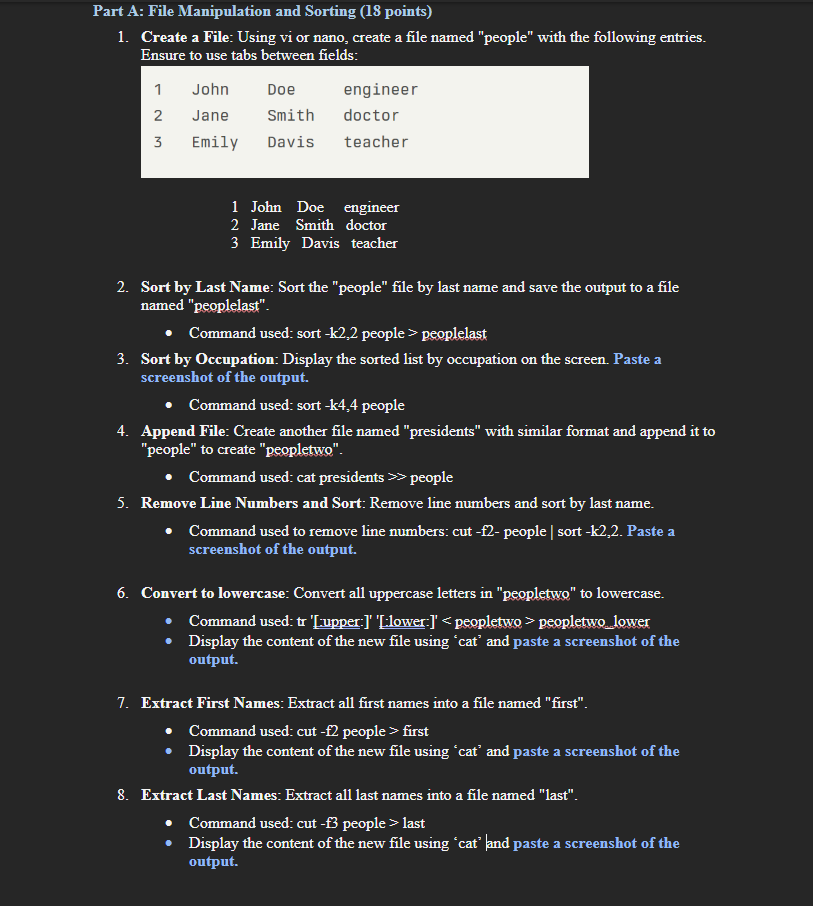
Question: Part A: File Manipulation and Sorting ( 1 8 points ) 1 . Create a File: Using vi or nano, create a file named people
Part A: File Manipulation and Sorting points
Create a File: Using vi or nano, create a file named "people" with the following entries. Ensure to use tabs between fields:
Sort by Last Name: Sort the "people" file by last name and save the output to a file named "peoplelast".
Command used: sort mathrmk people peoplelast
Sort by Occupation: Display the sorted list by occupation on the screen. Paste a screenshot of the output.
Command used: sort mathrmk people
Append File: Create another file named "presidents" with similar format and append it to "people" to create "peopletwo".
Command used: cat presidents $ people
Remove Line Numbers and Sort: Remove line numbers and sort by last name.
Command used to remove line numbers: cut f people sort k Paste a screenshot of the output.
Convert to lowercase: Convert all uppercase letters in "peopletwo" to lowercase.
Command used: tr upper:lower: peopletwo peopletwo.lower
Display the content of the new file using 'cat' and paste a screenshot of the output.
Extract First Names: Extract all first names into a file named "first".
Display the content of the new file using 'cat' and paste a screenshot of the output.
Extract Last Names: Extract all last names into a file named "last".
Command used: cut f people last
Display the content of the new file using 'cat' and paste a screenshot of the output.
Step by Step Solution
There are 3 Steps involved in it
1 Expert Approved Answer
Step: 1 Unlock

Question Has Been Solved by an Expert!
Get step-by-step solutions from verified subject matter experts
Step: 2 Unlock
Step: 3 Unlock
 Study Help