







Question: Part A: In Part A of this assignmentwe will develop a Web server in two stages. In the end, you will have built a multi-threaded
Part A: In Part A of this assignmentwe will develop a Web server in two stages. In the end, you will have built a multi-threaded Web server that is
capable of processing multiple simultaneous service requests in parallel. You should be able to demonstrate that your Web server is capable of
delivering your home page to a Web browser. We are going to implement version 1.0 of HTTP, as defined in RFC 1945, where separate HTTP
requests are sent for each component of the Web page. The server will be able to handle multiple simultaneous service requests in parallel. This means
that the Web server is multi-threaded. In the main thread, the server listens to afixed port. When it receives a TCP connection request, it sets up a TCP
connection through another port and services the request in a separate thread. To simplify this programming task, we will develop the code in two stages.
In the first stage, you will write a multi-threaded server that simply displays the contents of the HTTP request message that it receives. After this program
is running properly, you will add the code required to generate an appropriate response.As you are developing the code, you can test your server from a Web
browser.
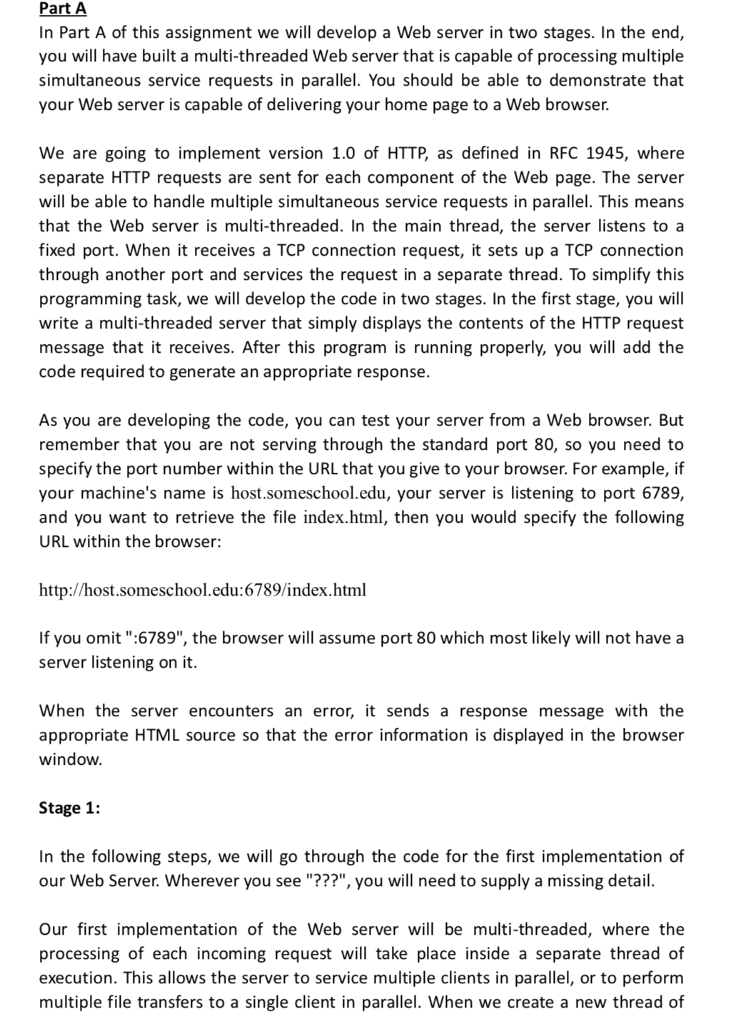
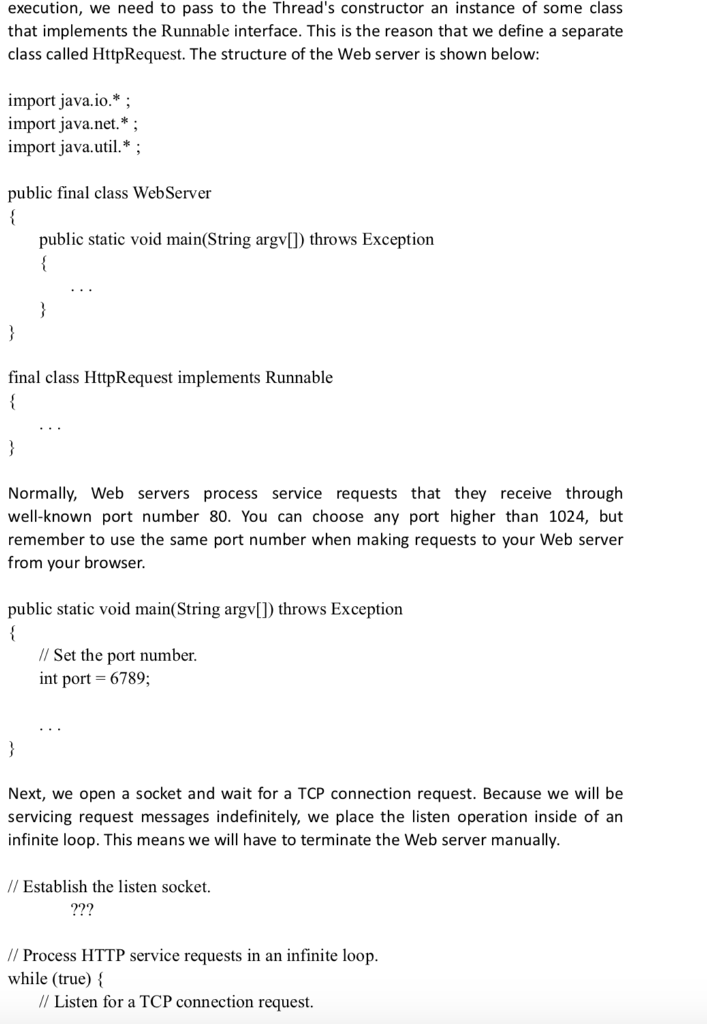
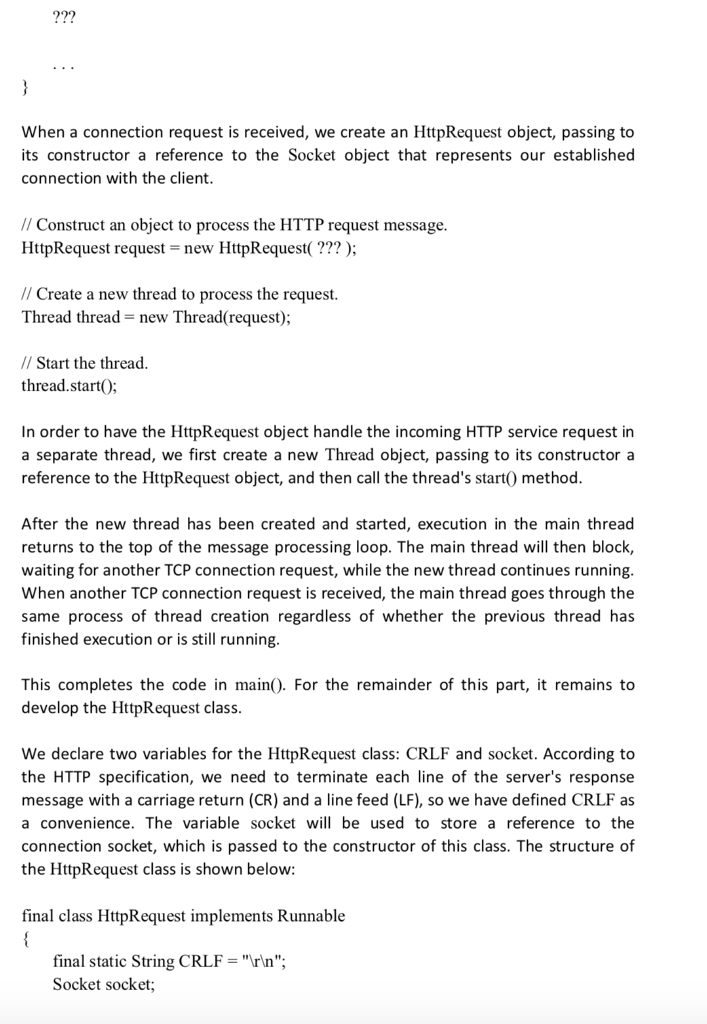
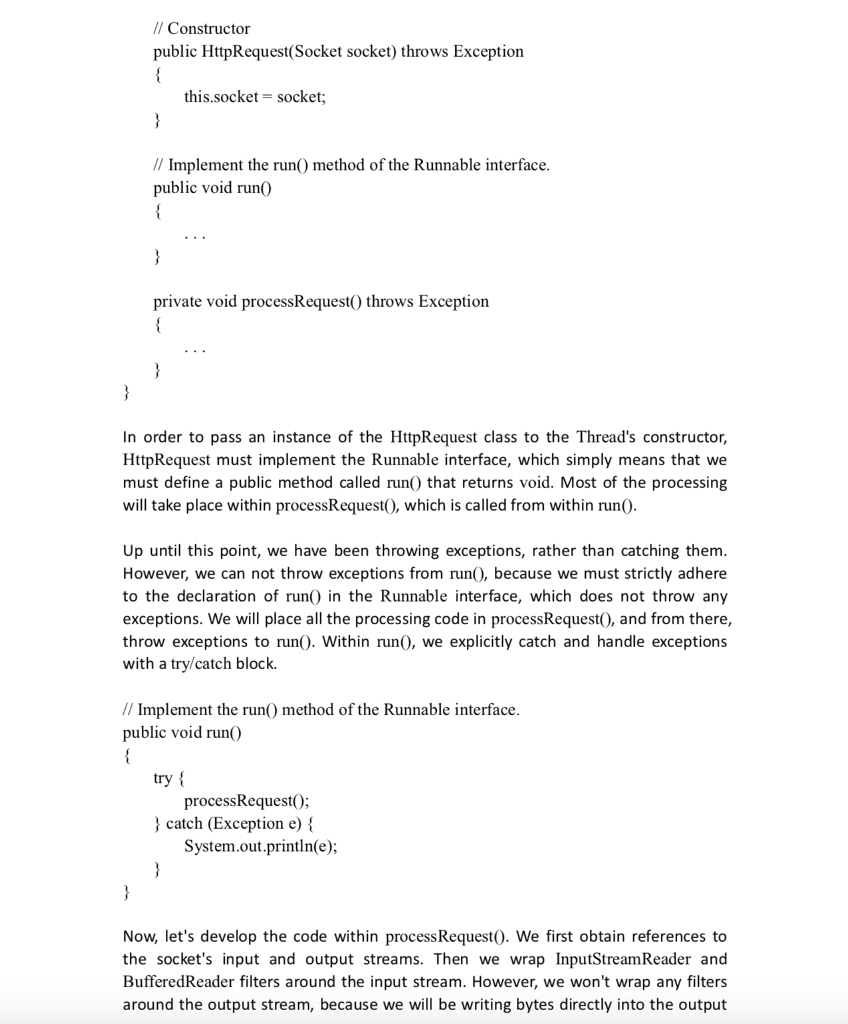
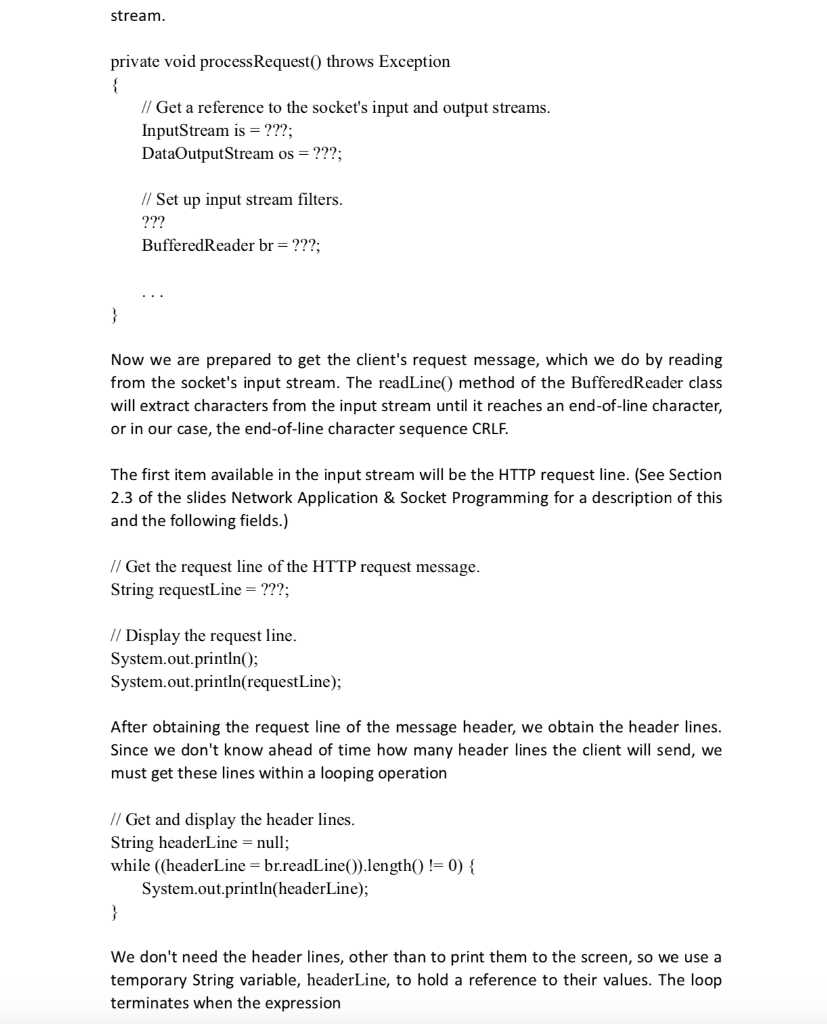
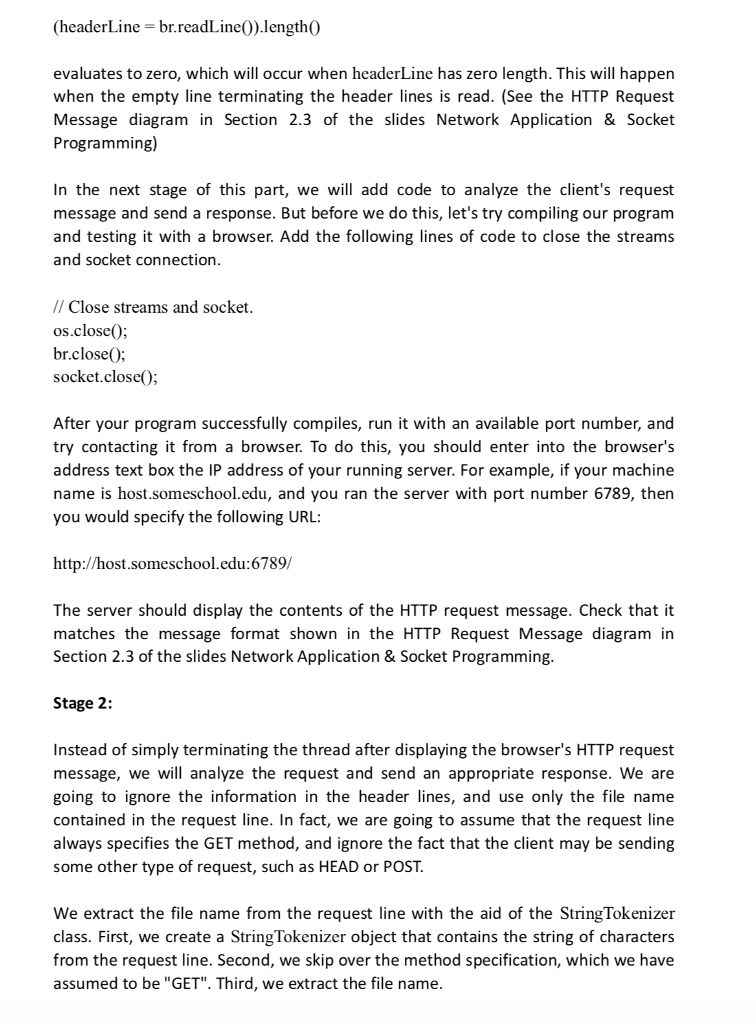
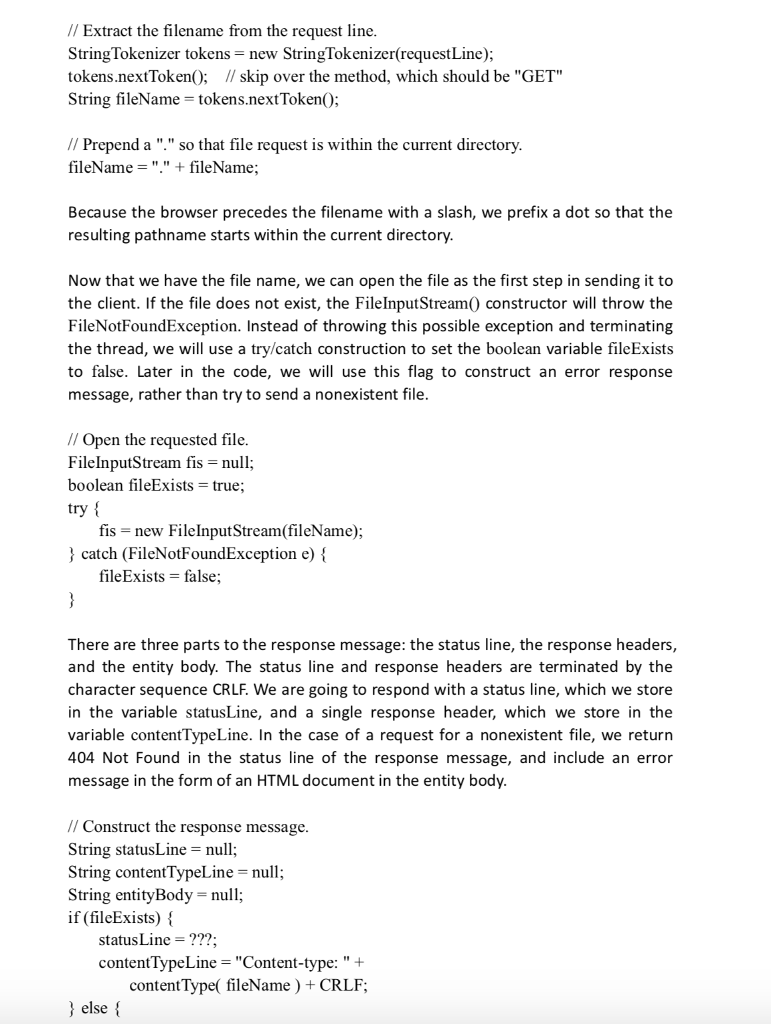
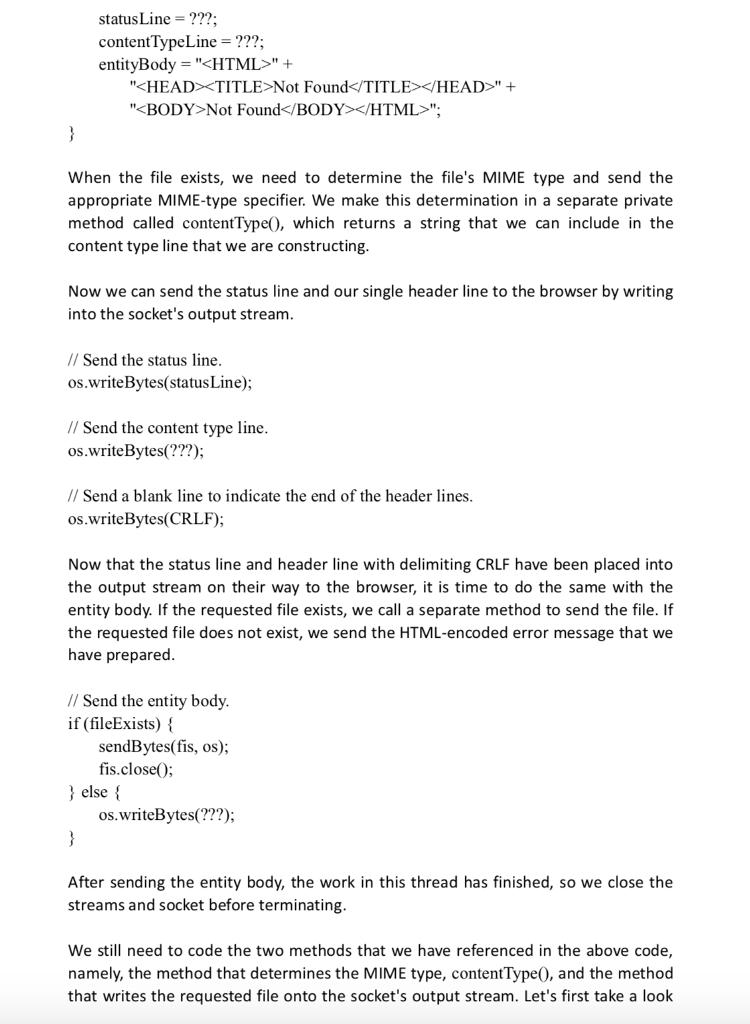
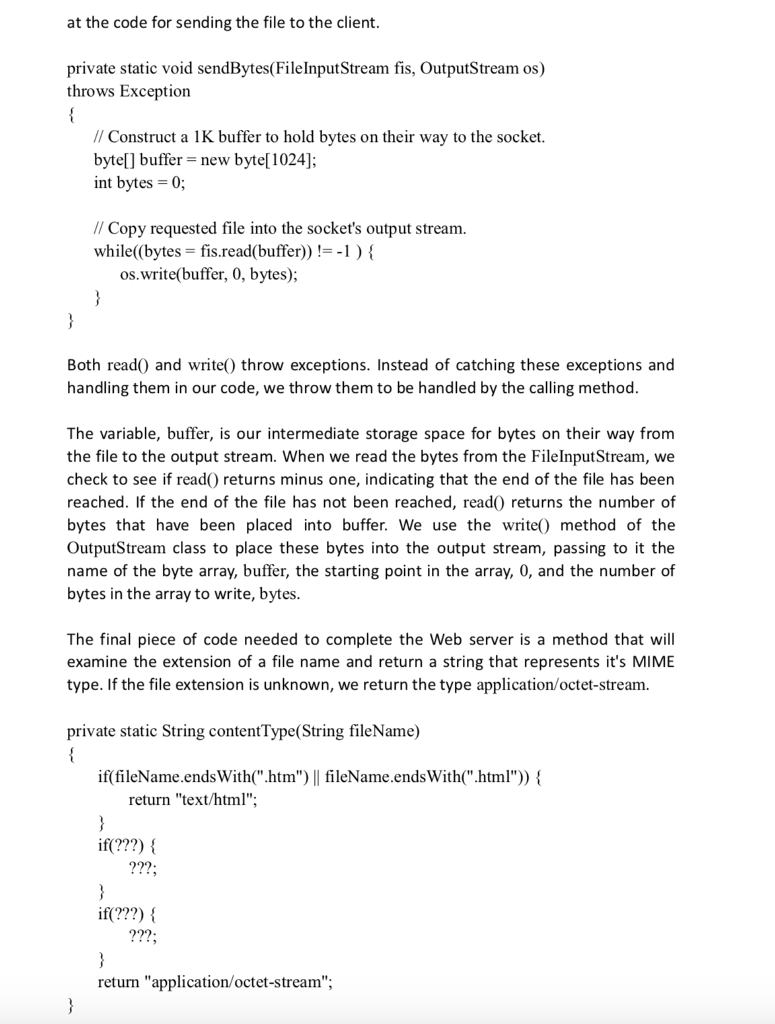
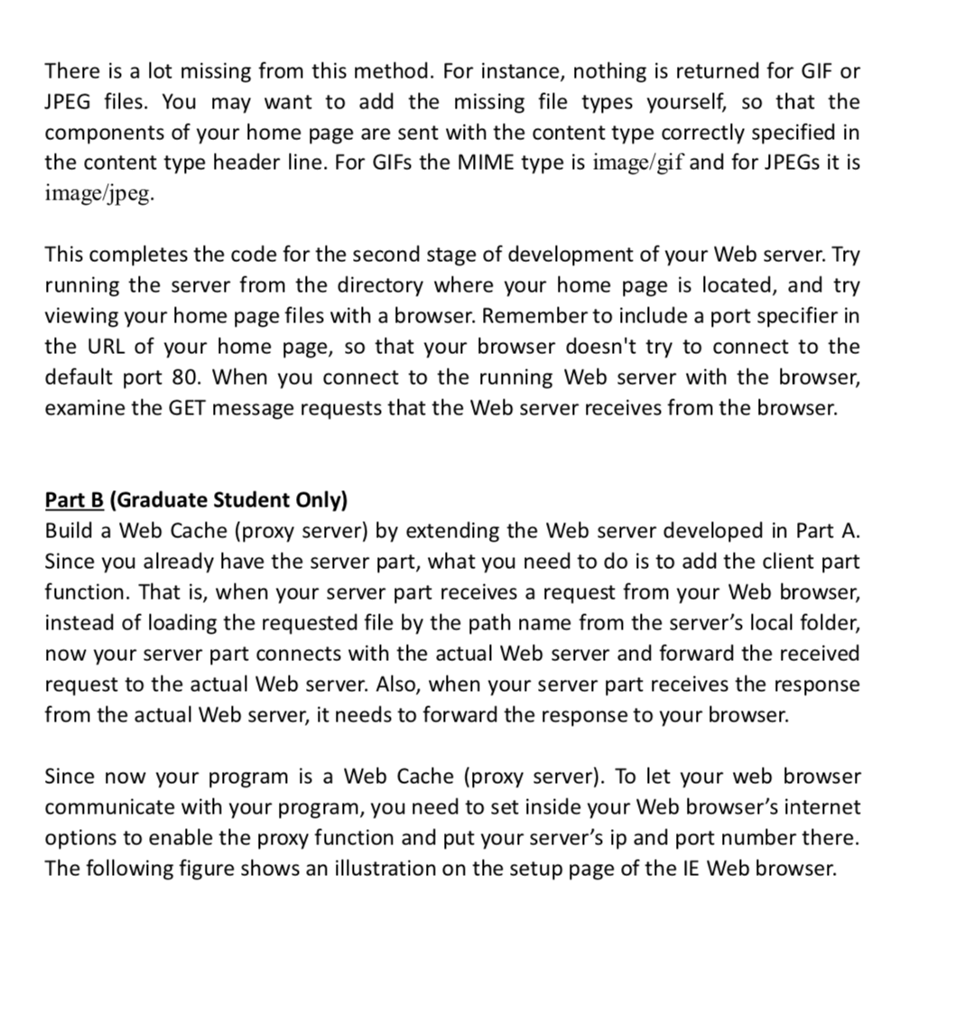
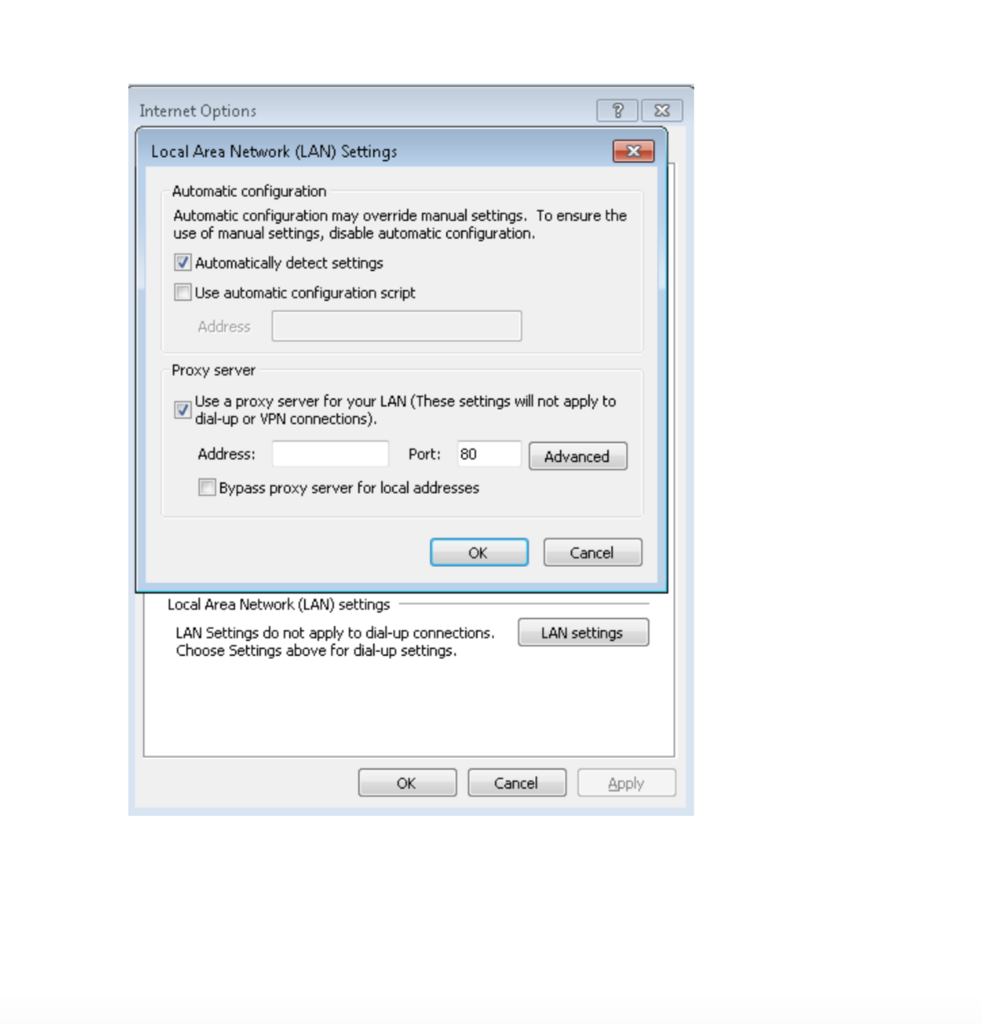
Part A In Part A of this assignment we will develop a Web server in two stages. In the end you will have built a multi-threaded Web server that is capable of processing multiple simultaneous service requests in parallel. You should be able to demonstrate that your Web server is capable of delivering your home page to a Web browser We are going to implement version 1.0 of HTTP, as defined in RFC 1945, where separate HTTP requests are sent for each component of the Web page. The server will be able to handle multiple simultaneous service requests in parallel. This means that the Web server is multi-threaded. In the main thread, the server listens to a fixed port. When it receives a TCP connection request, it sets up a TCP connection through another port and services the request in a separate thread. To simplify this programming task, we will develop the code in two stages. In the first stage, you will write a multi-threaded server that simply displays the contents of the HTTP request message that it receives. After this program is running properly, you will add the code required to generate an appropriate response As you are developing the code, you can test your server from a Web browser. But remember that you are not serving through the standard port 80, so you need to specify the port number within the URL that you give to your browser. For example, if your machine's name is host.someschool.edu, your server is listening to port 6789, and you want to retrieve the file index.html, then you would specify the following URL within the browser: http://host.someschool.edu:6789/index.html If you omit ":6789", the browser will assume port 80 which most likely will not have a server listening on it When the server encounters an error, it sends a response message with the appropriate HTML source so that the error information is displayed in the browser windoW Stage 1: In the following steps, we will go through the code for the first implementation of our Web Server. Wherever you see"???", you will need to supply a missing detail Our first implementation of the Web server will be multi-threaded, where the processing of each incoming request will take place inside a separate thread of execution. This allows the server to service multiple clients in parallel, or to perform multiple file transfers to a single client in parallel. When we create a new thread of
Step by Step Solution
There are 3 Steps involved in it

Get step-by-step solutions from verified subject matter experts
 Study Help