







Question: Part (a) Write Matlab function Rot that rotates an image by 90 clockwise. The image may be colour or grayscale. Use an if statement to
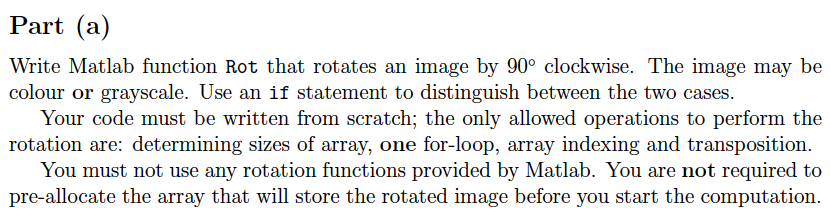
Part (a) Write Matlab function Rot that rotates an image by 90 clockwise. The image may be colour or grayscale. Use an if statement to distinguish between the two cases. Your code must be written from scratch; the only allowed operations to perform the rotation are: determining sizes of array, one for-loop, array indexing and transposition. You must not use any rotation functions provided by Matlab. You are not required to pre-allocate the array that will store the rotated image before you start the computation. Part (a) Write Matlab function Rot that rotates an image by 90 clockwise. The image may be colour or grayscale. Use an if statement to distinguish between the two cases. Your code must be written from scratch; the only allowed operations to perform the rotation are: determining sizes of array, one for-loop, array indexing and transposition. You must not use any rotation functions provided by Matlab. You are not required to pre-allocate the array that will store the rotated image before you start the computation
Step by Step Solution
There are 3 Steps involved in it

Get step-by-step solutions from verified subject matter experts
 Study Help