







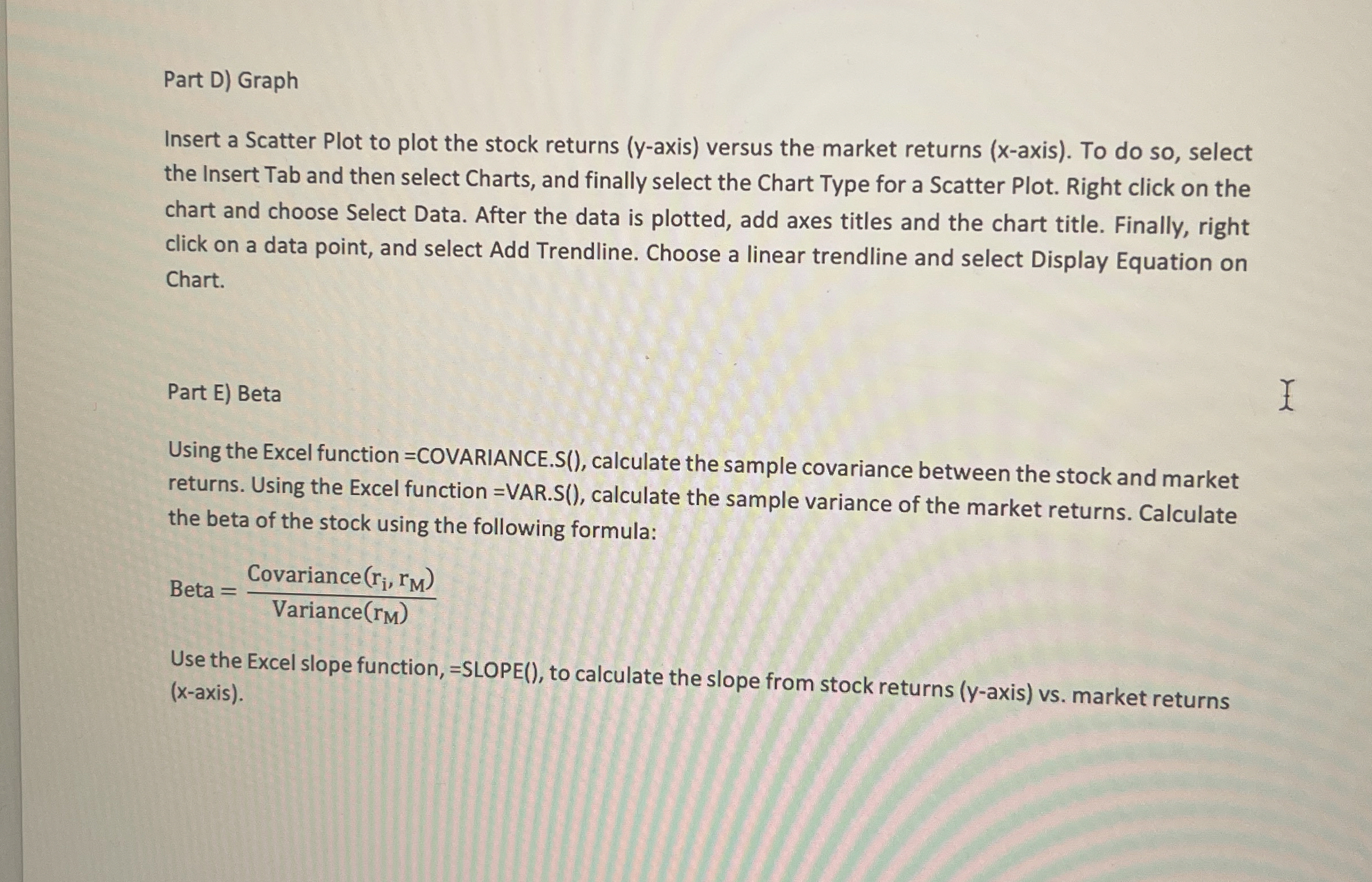
Question: Part D ) Graph Insert a Scatter Plot to plot the stock returns ( y - axis ) versus the market returns ( x -
Part D Graph
Insert a Scatter Plot to plot the stock returns axis versus the market returns axis To do so select
the Insert Tab and then select Charts, and finally select the Chart Type for a Scatter Plot. Right click on the
chart and choose Select Data. After the data is plotted, add axes titles and the chart title. Finally, right
click on a data point, and select Add Trendline. Choose a linear trendline and select Display Equation on
Chart.
Part E Beta
Using the Excel function COVARIANCE.S calculate the sample covariance between the stock and market
returns. Using the Excel function VAR.S calculate the sample variance of the market returns. Calculate
the beta of the stock using the following formula:
Beta
Use the Excel slope function, SLOPE to calculate the slope from stock returns axis vs market returns
axis
Step by Step Solution
There are 3 Steps involved in it
1 Expert Approved Answer
Step: 1 Unlock

Question Has Been Solved by an Expert!
Get step-by-step solutions from verified subject matter experts
Step: 2 Unlock
Step: 3 Unlock
 Study Help