



Question: Part II: Simple Wave Generator (25 points) Hardware Required: Arduino UNO, LED, 330 ohm resistor Steps: 1. Connect the cathode (short lead) of LED to
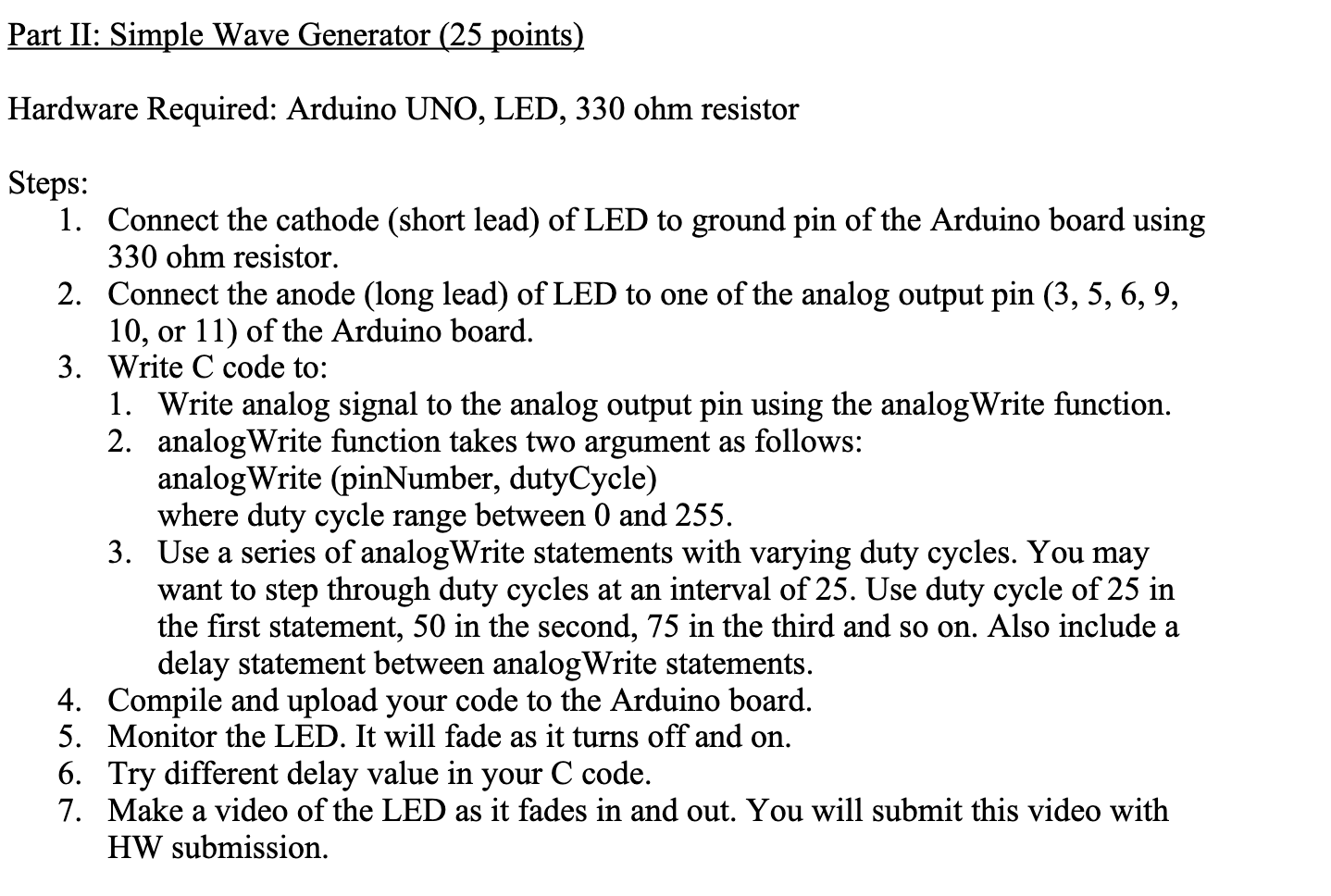
Part II: Simple Wave Generator (25 points) Hardware Required: Arduino UNO, LED, 330 ohm resistor Steps: 1. Connect the cathode (short lead) of LED to ground pin of the Arduino board using 330 ohm resistor. 2. Connect the anode (long lead) of LED to one of the analog output pin (3, 5, 6, 9, 10, or 11) of the Arduino board. 3. Write C code to: 1. Write analog signal to the analog output pin using the analogWrite function. 2. analogWrite function takes two argument as follows: analogWrite (pinNumber, dutyCycle) where duty cycle range between 0 and 255. 3. Use a series of analogWrite statements with varying duty cycles. You may want to step through duty cycles at an interval of 25. Use duty cycle of 25 in the first statement, 50 in the second, 75 in the third and so on. Also include a delay statement between analogWrite statements. 4. Compile and upload your code to the Arduino board. 5. Monitor the LED. It will fade as it turns off and on. 6. Try different delay value in your C code. 7. ke a video of the LED as fades in and out. You will submit this video with HW submission. Part II: Simple Wave Generator (25 points) Hardware Required: Arduino UNO, LED, 330 ohm resistor Steps: 1. Connect the cathode (short lead) of LED to ground pin of the Arduino board using 330 ohm resistor. 2. Connect the anode (long lead) of LED to one of the analog output pin (3, 5, 6, 9, 10, or 11) of the Arduino board. 3. Write C code to: 1. Write analog signal to the analog output pin using the analogWrite function. 2. analogWrite function takes two argument as follows: analogWrite (pinNumber, dutyCycle) where duty cycle range between 0 and 255. 3. Use a series of analogWrite statements with varying duty cycles. You may want to step through duty cycles at an interval of 25. Use duty cycle of 25 in the first statement, 50 in the second, 75 in the third and so on. Also include a delay statement between analogWrite statements. 4. Compile and upload your code to the Arduino board. 5. Monitor the LED. It will fade as it turns off and on. 6. Try different delay value in your C code. 7. ke a video of the LED as fades in and out. You will submit this video with HW submission
Step by Step Solution
There are 3 Steps involved in it

Get step-by-step solutions from verified subject matter experts