







Question: Part II: Transforming the Data (25 points) Instructions: Load the data as per the Case Study instruction and build the appropriate relationships between the tables.
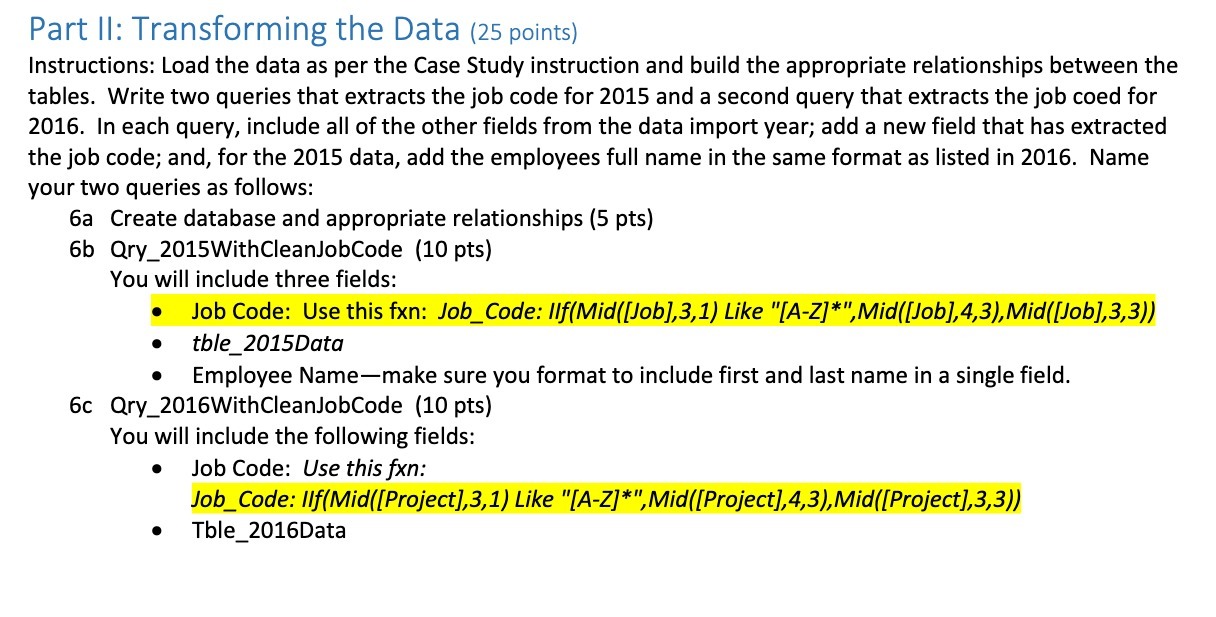
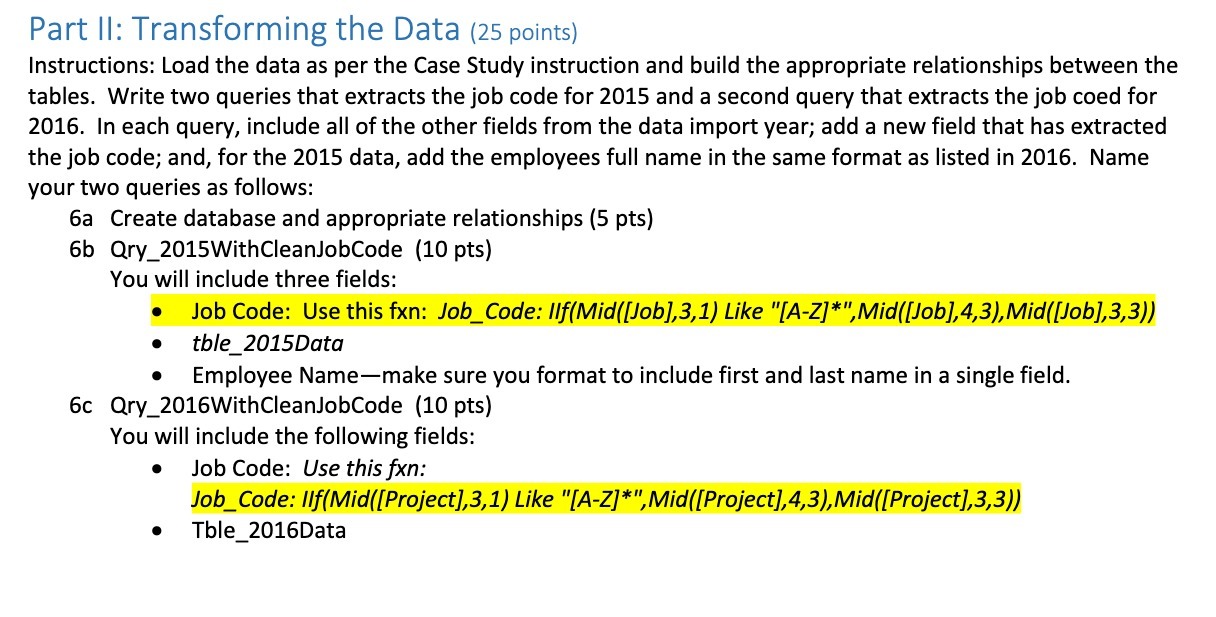
Part II: Transforming the Data (25 points) Instructions: Load the data as per the Case Study instruction and build the appropriate relationships between the tables. Write two queries that extracts the job code for 2015 and a second query that extracts the job coed for 2016. In each query, include all of the other fields from the data import year; add a new field that has extracted the job code; and, for the 2015 data, add the employees full name in the same format as listed in 2016. Name your two queries as follows: 6a Create database and appropriate relationships (5 pts) 6b Qry_2015WithCleanJobCode (10 pts) You will include three fields: Job Code: Use this fxn: Job_Code: IIf(Mid([Job],3,1) Like "[A-Z]*", Mid([Job], 4,3), Mid([Job],3,3)) tble_2015Data Employee Name-make sure you format to include first and last name in a single field. 6c Qry_2016WithCleanJobCode (10 pts) You will include the following fields: Job Code: Use this fxn: Job_Code: IIf(Mid([Project],3,1) Like "[A-Z]*", Mid([Project], 4,3), Mid([Project],3,3)) Tble_2016Data
Step by Step Solution
There are 3 Steps involved in it

Get step-by-step solutions from verified subject matter experts
 Study Help