







Question: Part -Worth 5 points. Using Windows Batch in command prompt. -Call this program programl.bat -Implement mod (find the remainder), with error trapping, using if and
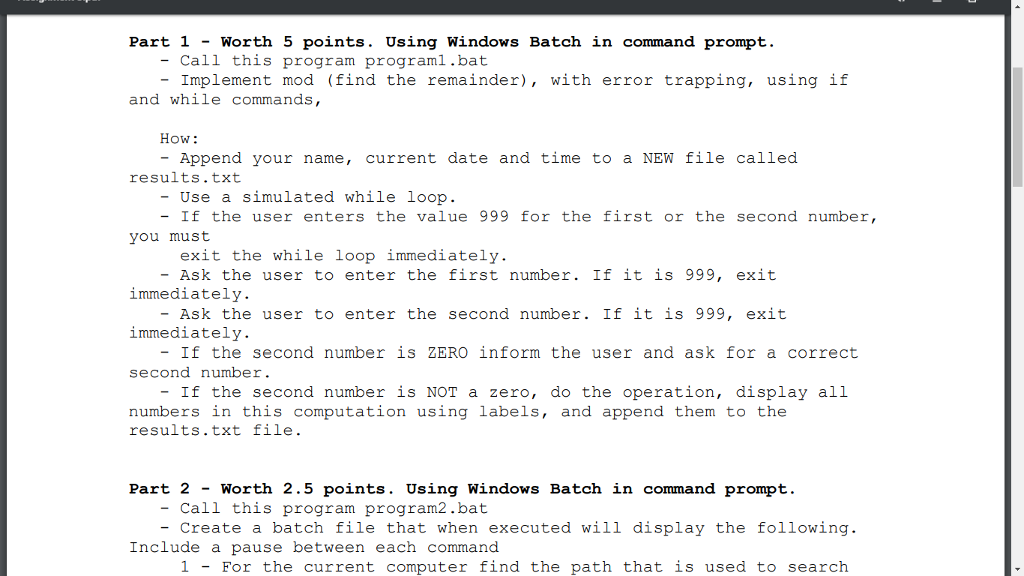
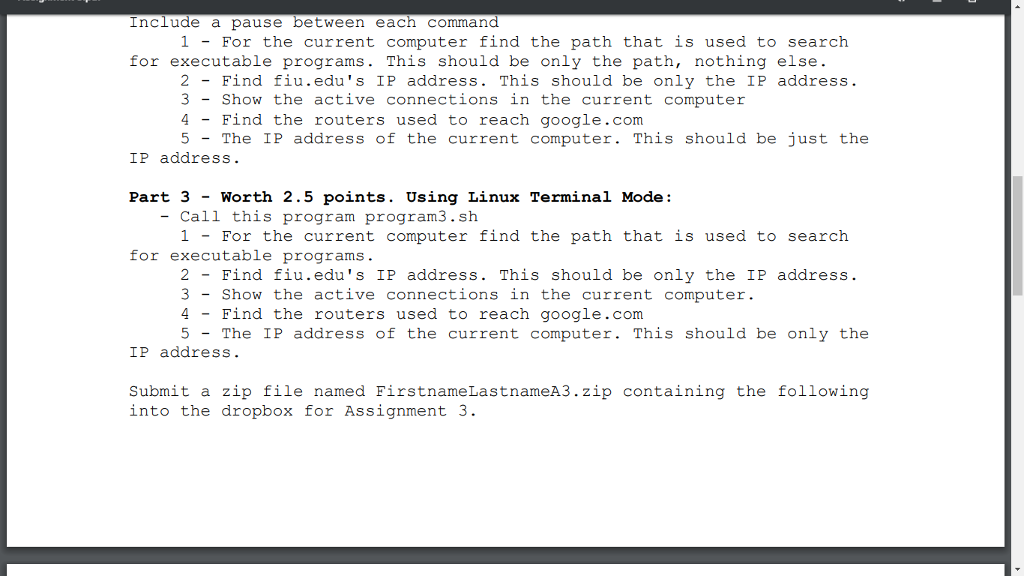
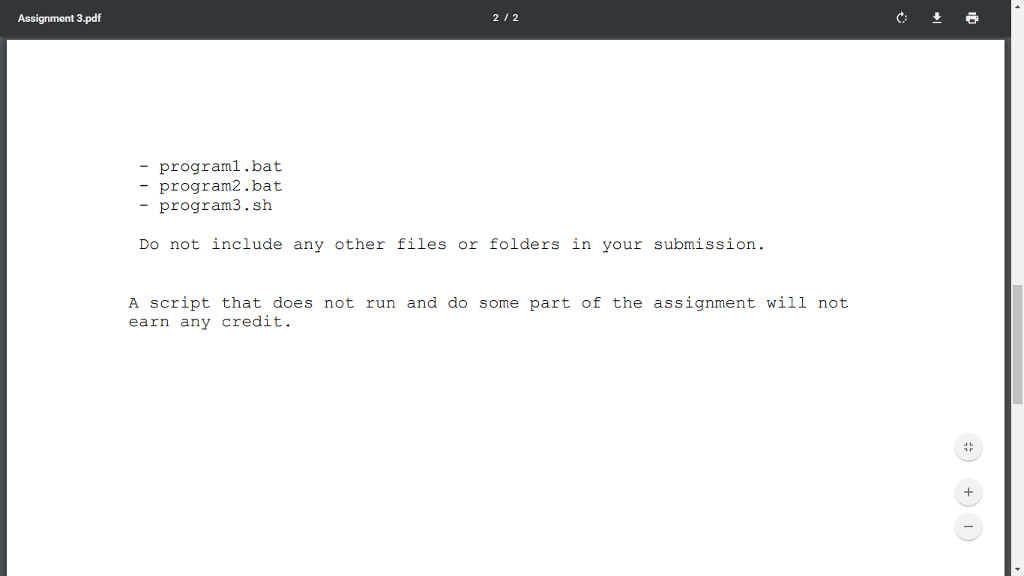
Part -Worth 5 points. Using Windows Batch in command prompt. -Call this program programl.bat -Implement mod (find the remainder), with error trapping, using if and while commands, How: Append your name, current date and time to a NEW file called results.txt - Use a simulated while loop. - If the user enters the value 999 for the first or the second number, you must exit the while loop immediately - Ask the user to enter the first number. If it is 999, exit immediately immediately. second number Ask the user to enter the second number. If it is 999, exit If the second number is ZERO inform the user and ask for a correct - If the second number is NOT a zero, do the operation, display all numbers in this computation using labels, and append them to the results.txt file. Part 2 - Worth 2.5 points. Using Windows Batch in command prompt. -???? this program prog ram2.b - Create a batch file that when executed will display the following. Include a pause between each command 1 - For the current computer find the path that is used to search
Step by Step Solution
There are 3 Steps involved in it

Get step-by-step solutions from verified subject matter experts
 Study Help