







Question: Part2 Instructions: In a Relational Database, OBJECT is a data structure to store or to refer to data. The most common object that is used
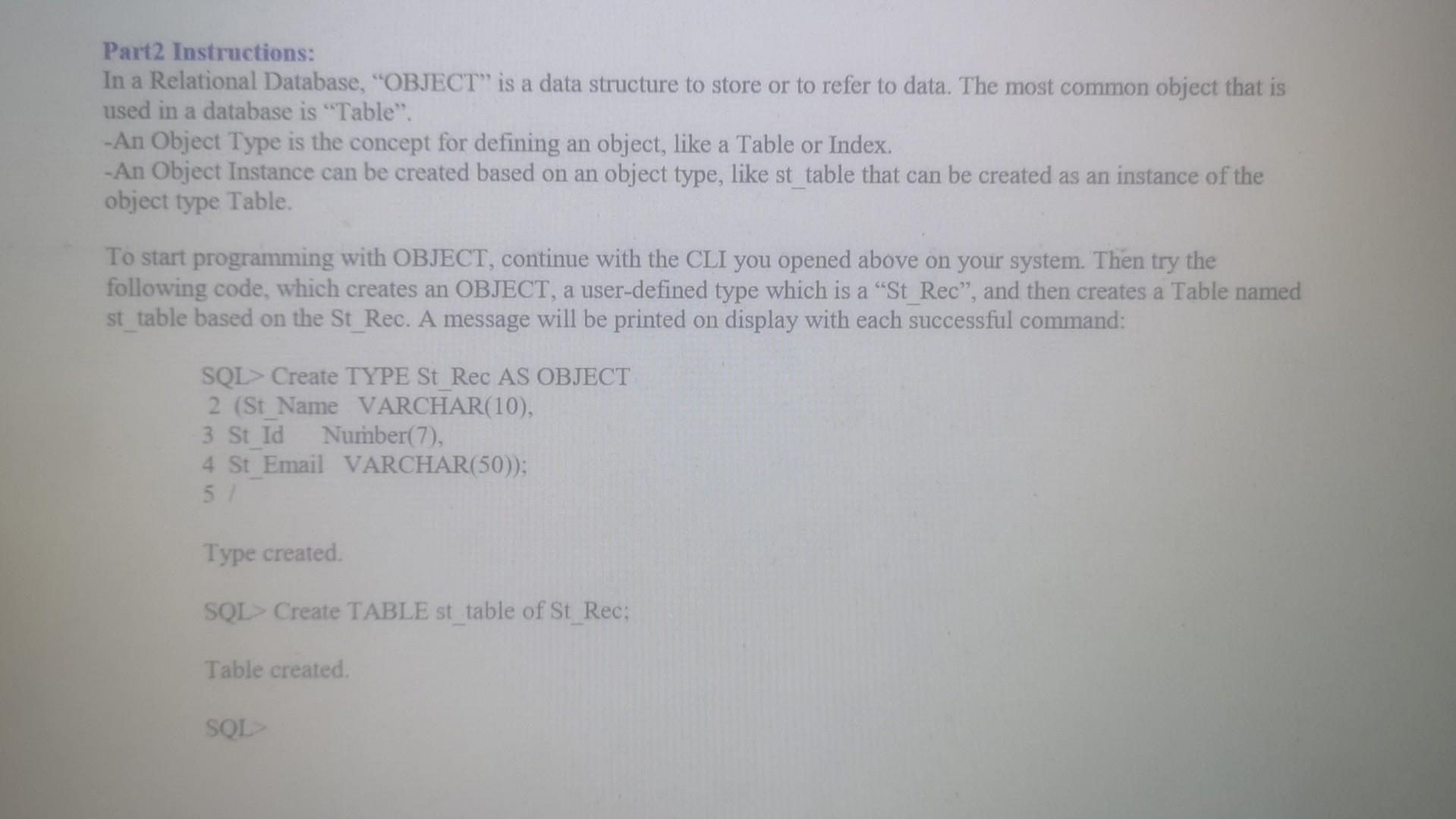
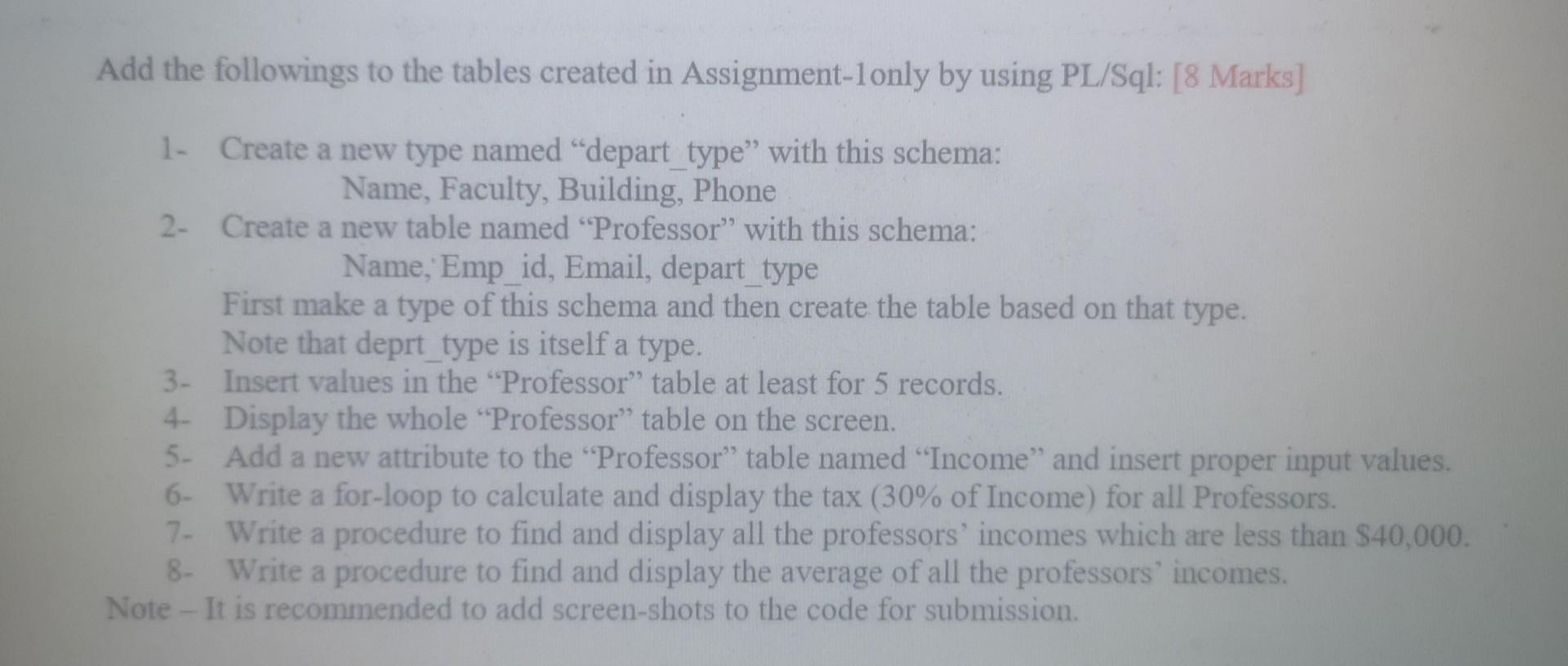
Part2 Instructions: In a Relational Database, "OBJECT" is a data structure to store or to refer to data. The most common object that is used in a database is "Table". -An Object Type is the concept for defining an object, like a Table or Index. - An Object Instance can be created based on an object type, like st table that can be created as an instance of the object type Table. To start programming with OBJECT, continue with the CLI you opened above on your system. Then try the following code, which creates an OBJECT, a user-defined type which is a "St_Rec", and then creates a Table named st table based on the St_Rec. A message will be printed on display with each successful command: SQL> Create TYPE St Rec AS OBJECT 2 (St_Name VARCHAR(10), 3 St_Id Number(7), 4 St_Email VARCHAR(50)); 51 Type created. SQL> Create TABLE st_table of St_Rec; Table created. SQL Add the followings to the tables created in Assignment-1only by using PL/Sql: [8 Marks] 1- Create a new type named "depart_type" with this schema: Name, Faculty, Building, Phone 2- Create a new table named "Professor" with this schema: Name,'Emp_id, Email, depart_type First make a type of this schema and then create the table based on that type. Note that deprt type is itself a type. 3- Insert values in the "Professor" table at least for 5 records. 4. Display the whole "Professor" table on the screen. 5- Add a new attribute to the "Professor" table named "Income" and insert proper input values. 6- Write a for-loop to calculate and display the tax ( 30% of Income) for all Professors. 7. Write a procedure to find and display all the professors' incomes which are less than $40,000. 8. Write a procedure to find and display the average of all the professors' incomes. Note - It is recommended to add screen-shots to the code for submission
Step by Step Solution
There are 3 Steps involved in it

Get step-by-step solutions from verified subject matter experts
 Study Help