







Question: PART-B. Open Bungee.html and insert appropriate CSS codes to create an output as shown below: a.) For the body: i. Background color of your choice
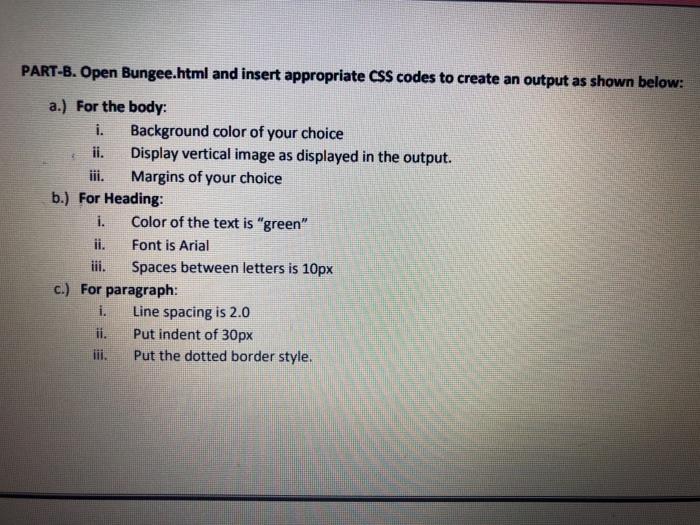
PART-B. Open Bungee.html and insert appropriate CSS codes to create an output as shown below: a.) For the body: i. Background color of your choice ii. Display vertical image as displayed in the output. iii. Margins of your choice b.) For Heading: i. Color of the text is "green" Font is Arial Spaces between letters is 10px c.) For paragraph: i. Line spacing is 2.0 ii. Put indent of 30px Put the dotted border style
Step by Step Solution
There are 3 Steps involved in it
1 Expert Approved Answer
Step: 1 Unlock

Question Has Been Solved by an Expert!
Get step-by-step solutions from verified subject matter experts
Step: 2 Unlock
Step: 3 Unlock
 Study Help