







Question: perform following task on linux operating system Find Files and Determine File Types 1. Log as root and execute the find command to search for
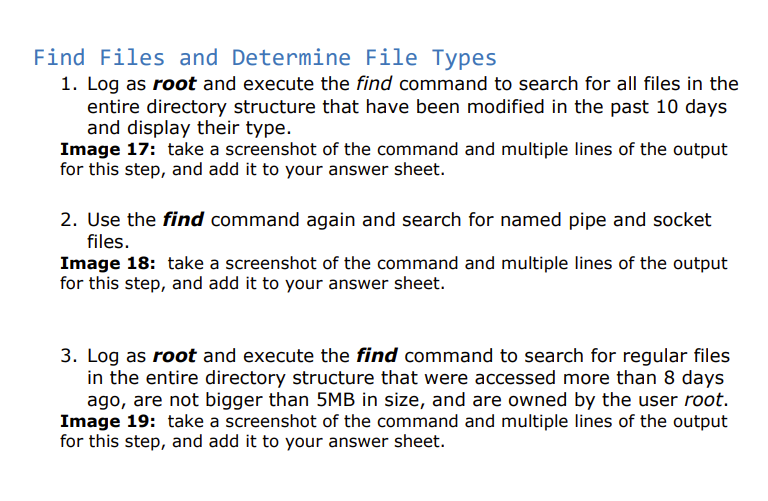
Find Files and Determine File Types 1. Log as root and execute the find command to search for all files in the entire directory structure that have been modified in the past 10 days and display their type. Image 17: take a screenshot of the command and multiple lines of the output for this step, and add it to your answer sheet. 2. Use the find command again and search for named pipe and socket files. Image 18: take a screenshot of the command and multiple lines of the output for this step, and add it to your answer sheet. 3. Log as root and execute the find command to search for regular files in the entire directory structure that were accessed more than 8 days ago, are not bigger than 5MB in size, and are owned by the user root. Image 19: take a screenshot of the command and multiple lines of the output for this step, and add it to your answer sheet. Find Files and Determine File Types 1. Log as root and execute the find command to search for all files in the entire directory structure that have been modified in the past 10 days and display their type. Image 17: take a screenshot of the command and multiple lines of the output for this step, and add it to your answer sheet. 2. Use the find command again and search for named pipe and socket files. Image 18: take a screenshot of the command and multiple lines of the output for this step, and add it to your answer sheet. 3. Log as root and execute the find command to search for regular files in the entire directory structure that were accessed more than 8 days ago, are not bigger than 5MB in size, and are owned by the user root. Image 19: take a screenshot of the command and multiple lines of the output for this step, and add it to your answer sheet
Step by Step Solution
There are 3 Steps involved in it

Get step-by-step solutions from verified subject matter experts
 Study Help