







Question: Perform the trajectory generation and path - following task described in the course project for a omronEcobra 6 0 0 SCARA robot ( not
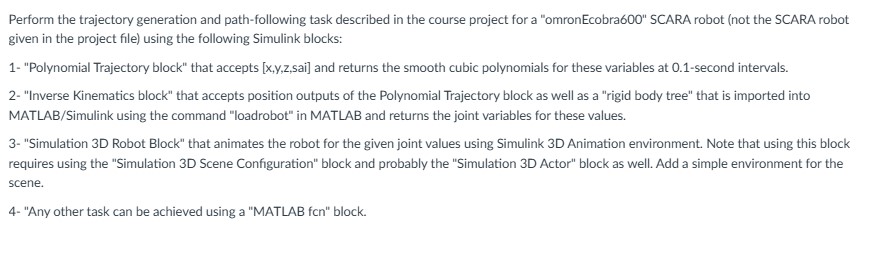
Perform the trajectory generation and pathfollowing task described in the course project for a "omronEcobra SCARA robot not the SCARA robot given in the project file using the following Simulink blocks:
"Polynomial Trajectory block" that accepts xyzsai and returns the smooth cubic polynomials for these variables at second intervals.
"Inverse Kinematics block" that accepts position outputs of the Polynomial Trajectory block as well as a "rigid body tree" that is imported into MATLABSimulink using the command "loadrobot" in MATLAB and returns the joint variables for these values.
"Simulation D Robot Block" that animates the robot for the given joint values using Simulink D Animation environment. Note that using this block requires using the "Simulation D Scene Configuration" block and probably the "Simulation D Actor" block as well. Add a simple environment for the scene.
"Any other task can be achieved using a "MATLAB fcn block.
TO DO: Write Matlab Simulink code that can do these things please
Step by Step Solution
There are 3 Steps involved in it
1 Expert Approved Answer
Step: 1 Unlock

Question Has Been Solved by an Expert!
Get step-by-step solutions from verified subject matter experts
Step: 2 Unlock
Step: 3 Unlock
 Study Help