







Question: Phase 2 : Excel Analysis Unit Product Cost Calculation: Use Microsoft Excel to identify, accumulate, and calculate the unit product costs for the chosen product
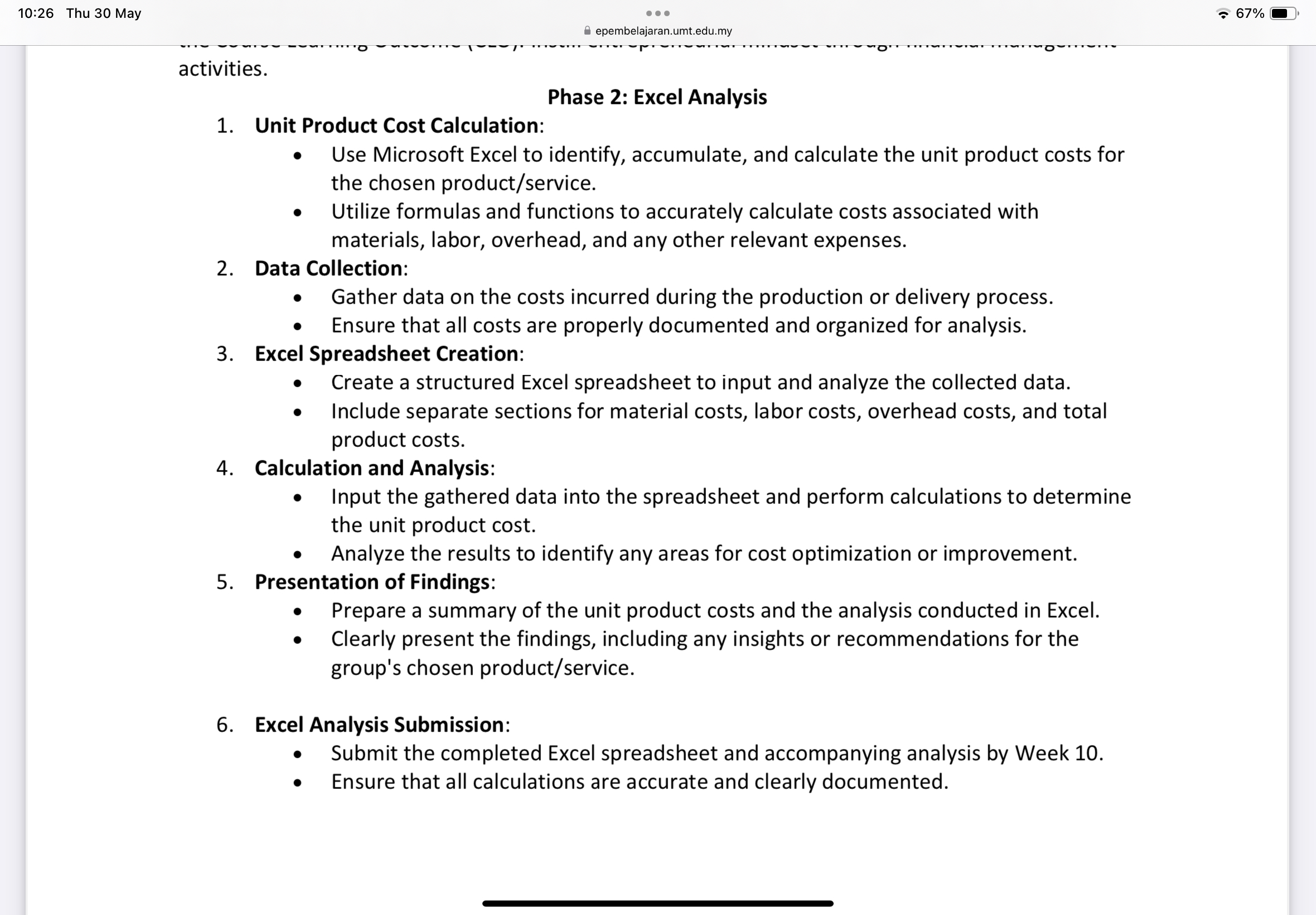
Phase : Excel Analysis
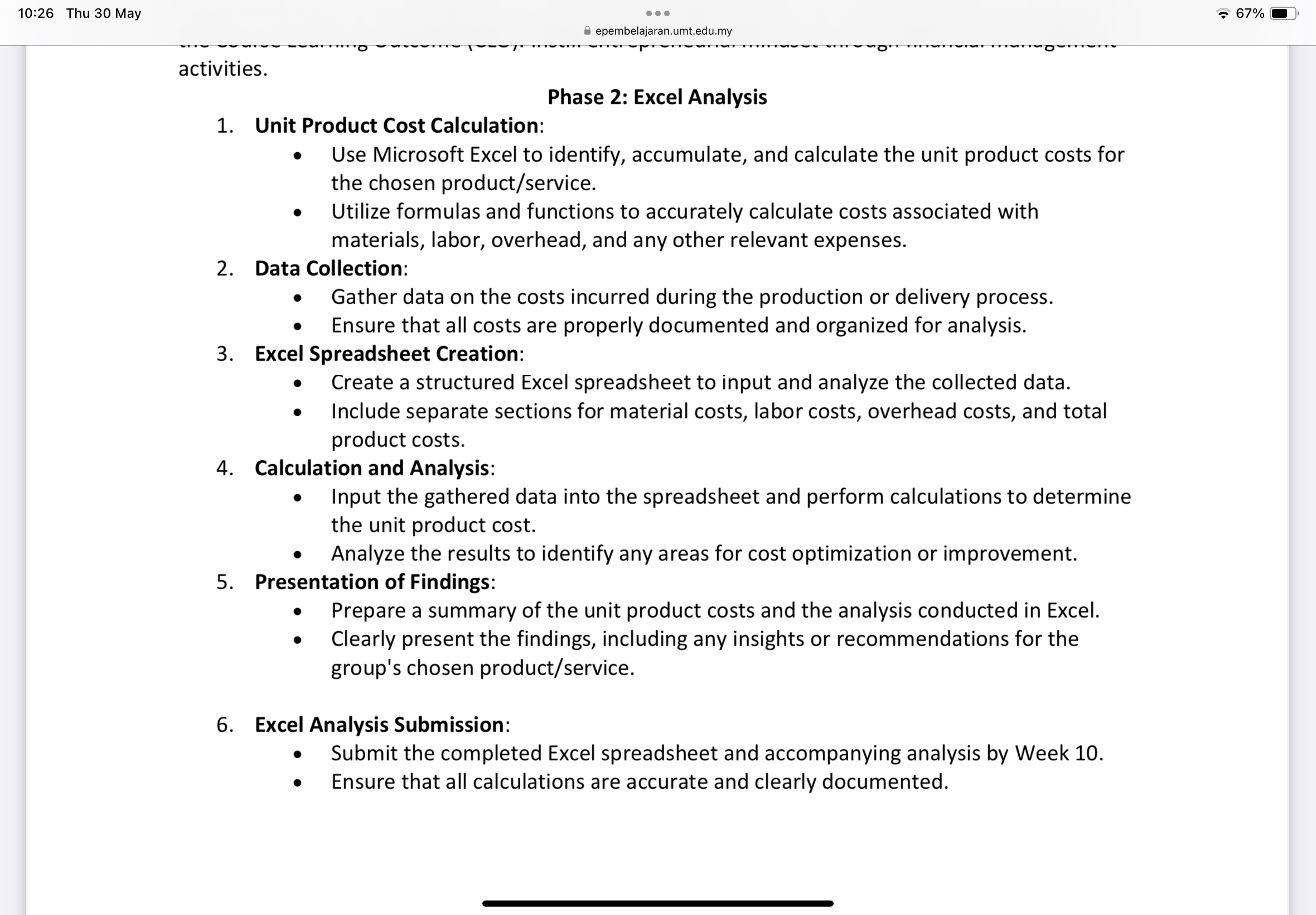
Unit Product Cost Calculation:
Use Microsoft Excel to identify, accumulate, and calculate the unit product costs for the chosen productservice
Utilize formulas and functions to accurately calculate costs associated with materials, labor, overhead, and any other relevant expenses.
Data Collection:
Gather data on the costs incurred during the production or delivery process.
Ensure that all costs are properly documented and organized for analysis.
Excel Spreadsheet Creation:
Create a structured Excel spreadsheet to input and analyze the collected data.
Include separate sections for material costs, labor costs, overhead costs, and total product costs.
Calculation and Analysis:
Input the gathered data into the spreadsheet and perform calculations to determine the unit product cost.
Analyze the results to identify any areas for cost optimization or improvement.
Presentation of Findings:
Prepare a summary of the unit product costs and the analysis conducted in Excel.
Clearly present the findings, including any insights or recommendations for the group's chosen productservice
Excel Analysis Submission:
Submit the completed Excel spreadsheet and accompanying analysis by Week
Ensure that all calculations are accurate and clearly documented.
Step by Step Solution
There are 3 Steps involved in it
1 Expert Approved Answer
Step: 1 Unlock

Question Has Been Solved by an Expert!
Get step-by-step solutions from verified subject matter experts
Step: 2 Unlock
Step: 3 Unlock
 Study Help