







Question: PHP and HTML Step 1 - HTML form Start by creating an HTML form with input fields for the title, author, and year published of
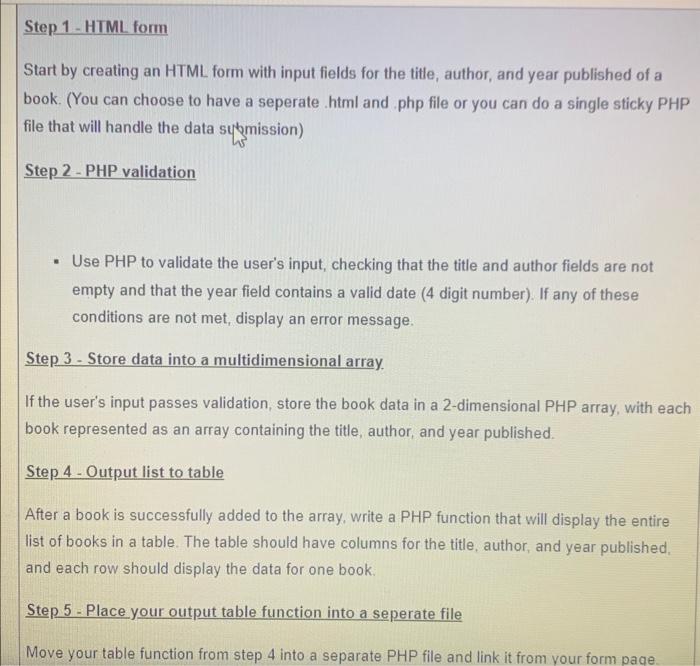
Step 1 - HTML form Start by creating an HTML form with input fields for the title, author, and year published of a book. (You can choose to have a seperate .html and .php file or you can do a single sticky PHP file that will handle the data sytmission) Step 2 - PHP validation - Use PHP to validate the user's input, checking that the title and author fields are not empty and that the year field contains a valid date (4 digit number). If any of these conditions are not met, display an error message. Step 3 - Store data into a multidimensional array. If the user's input passes validation, store the book data in a 2-dimensional PHP array, with each book represented as an array containing the title, author, and year published. Step 4 - Output list to table After a book is successfully added to the array, write a PHP function that will display the entire list of books in a table. The table should have columns for the title, author, and year published. and each row should display the data for one book. Step 5 - Place your output table function into a seperate file Move your table function from step 4 into a separate PHP file and link it from vour form page
Step by Step Solution
There are 3 Steps involved in it

Get step-by-step solutions from verified subject matter experts
 Study Help