







Question: phpMyAdmin help : I have done up to number 8, can anyone help me up to 20 ? Thank you. Query: INSERT INTO students (age)
phpMyAdmin help :
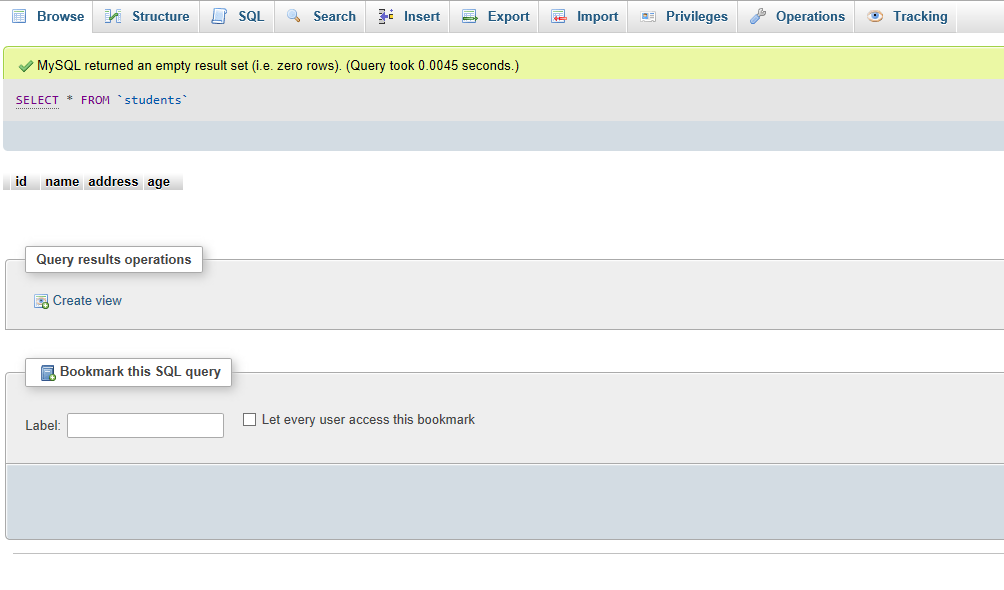
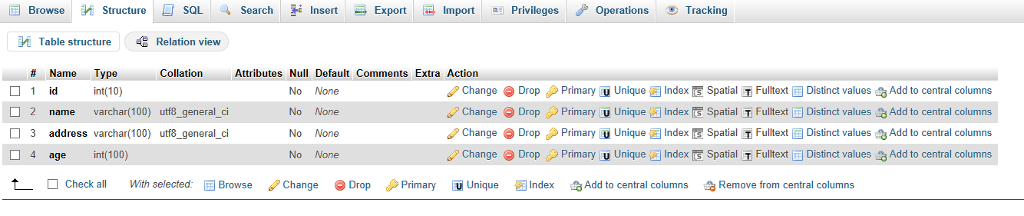
I have done up to number 8, can anyone help me up to 20 ? Thank you.
Query:
INSERT INTO students (age) VALUES (20);
INSERT INTO students (age) VALUES (30);
INSERT INTO students (age) VALUES (15);
INSERT INTO students (age) VALUES (39);
INSERT INTO students (age) VALUES (20);
INSERT INTO students (age, address) VALUES (20, '150 W University Blvd');
SELECT * from students;
select name from students;
select age, address from students;
select id, name, age from students;
select address from students where age = 15 or age = 30 or age = 31
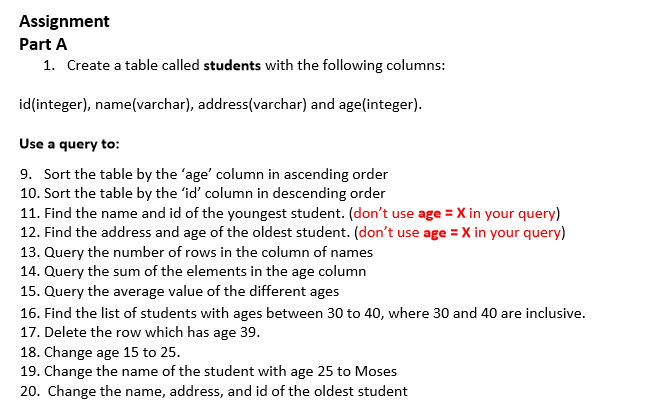
Assignment Part A 1. Create a table called students with the following columns: id(integer), name(varchar), address(varchar) and age(integer). Use a query to 9. Sort the table by the 'age' column in ascending order 10. Sort the table by the 'id' column in descending order 11. Find the name and id of the youngest student. (don't use age X in your query) 12. Find the address and age of the oldest student. (don't use age X in your query) 13. Query the number of rows in the column of names 14. Query the sum of the elements in the age column 15. Query the average value of the different ages 16. Find the list of students with ages between 30 to 40, where 30 and 40 are inclusive. 17. Delete the row which has age 39. 18. Change age 15 to 25 19. Change the name of the student with age 25 to Moses 20. Change the name, address, and id of the oldest student
Step by Step Solution
There are 3 Steps involved in it

Get step-by-step solutions from verified subject matter experts
 Study Help