







Question: PHP&SQL 1. Write a connection to a customer database that resides in localhost, using the username 'root' and default password (no password). . Create a
PHP&SQL
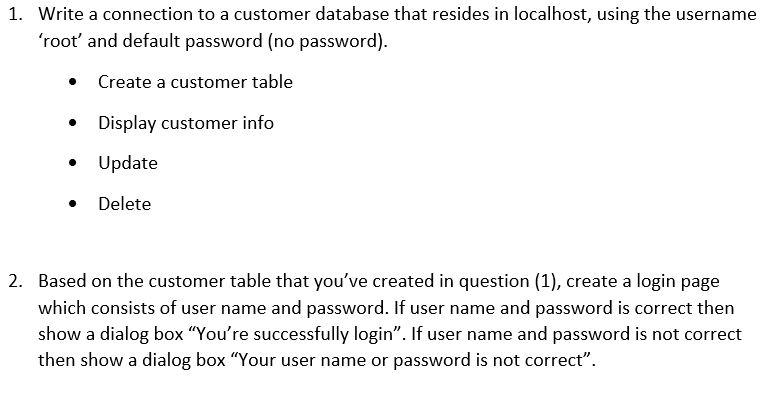
1. Write a connection to a customer database that resides in localhost, using the username 'root' and default password (no password). . Create a customer table Display customer info Update Delete 2. Based on the customer table that you've created in question (1), create a login page which consists of user name and password. If user name and password is correct then show a dialog box "You're successfully login". If user name and password is not correct then show a dialog box "Your user name or password is not correct
Step by Step Solution
There are 3 Steps involved in it
1 Expert Approved Answer
Step: 1 Unlock

Question Has Been Solved by an Expert!
Get step-by-step solutions from verified subject matter experts
Step: 2 Unlock
Step: 3 Unlock
 Study Help