







Question: Pick two of the audit steps from Chapter 5 (Auditing Routers, Switches, and Firewalls) and one of the audit steps from Chapter 12 (Auditing WLAN
Pick two of the audit steps from Chapter 5 (Auditing Routers, Switches, and Firewalls) and one of the audit steps from Chapter 12 (Auditing WLAN and Mobile Devices). Describe the audit step and how you would conduct it for the case study company. Include specific procedures for performing and validating the audit step and any expected results. The procedures you use should be in your own words and not copied from the book. You may make assumptions, but should document those assumptions in your report. If you use references outside of the book, please cite those.
Ch. 5 Audit 2
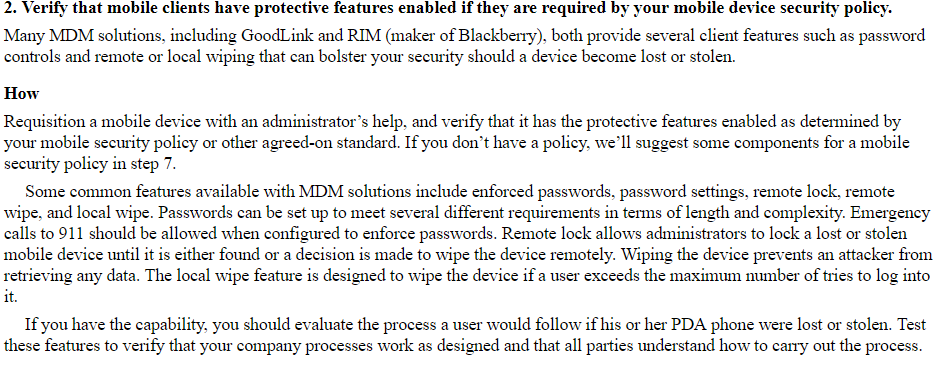

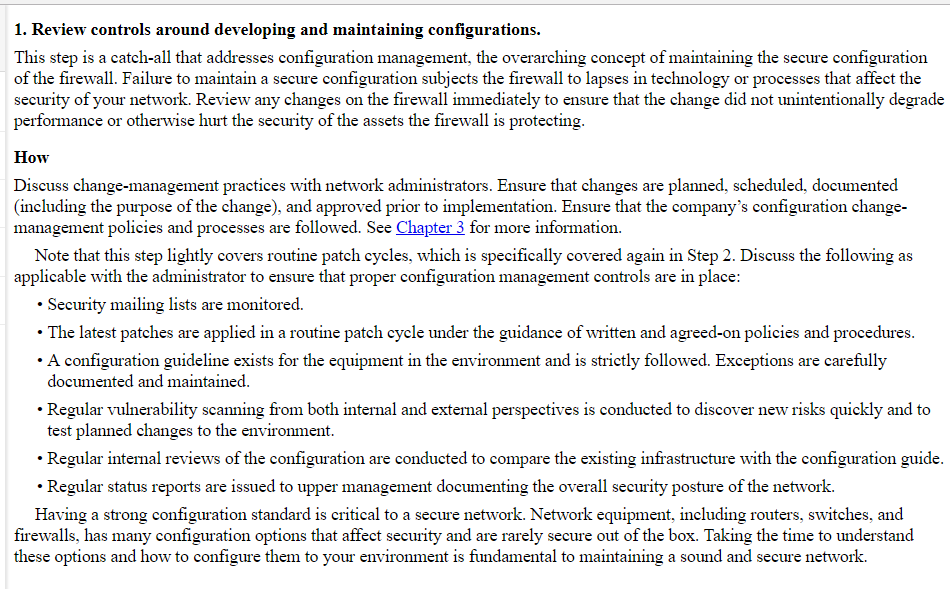
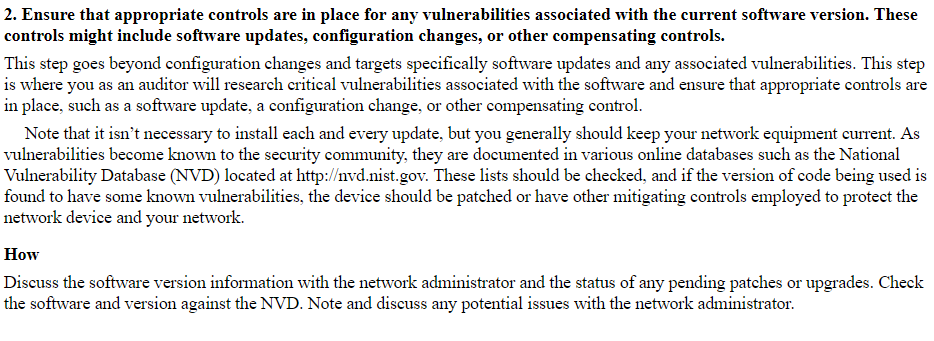
2. Verify that mobile clients have protective features enabled if they are required by your mobile device security policy Many MDM solutions, including GoodLink and RIM (maker of Blackberry), both provide several client features such as password controls and remote or local wiping that can bolster your security should a device become lost or stolen. How Requisition a mobile device with an administrator's help, and verify that it has the protective features enabled as determined by your mobile security policy or other agreed-on standard. If you don't have a policy, we'll suggest some components for a mobile security policy in step 7 Some common features available with MDM solutions include enforced passwords, password settings, remote lock, remote wipe, and local wipe. Passwords can be set up to meet several different requirements in terms of length and complexity. Emergency calls to 911 should be allowed when configured to enforce passwords. Remote lock allows administrators to lock a lost or stolen mobile device until it is either found or a decision is made to wipe the device remotely. Wiping the device prevents an attacker from retrieving any data. The local wipe feature is designed to wipe the device if a user exceeds the maximum number of tries to log into 1t. If you have the capability, you should evaluate the process a user would follow if his or her PDA phone were lost or stolen. Test these features to verify that your company processes work as designed and that all parties understand how to carry out the process 2. Verify that mobile clients have protective features enabled if they are required by your mobile device security policy Many MDM solutions, including GoodLink and RIM (maker of Blackberry), both provide several client features such as password controls and remote or local wiping that can bolster your security should a device become lost or stolen. How Requisition a mobile device with an administrator's help, and verify that it has the protective features enabled as determined by your mobile security policy or other agreed-on standard. If you don't have a policy, we'll suggest some components for a mobile security policy in step 7 Some common features available with MDM solutions include enforced passwords, password settings, remote lock, remote wipe, and local wipe. Passwords can be set up to meet several different requirements in terms of length and complexity. Emergency calls to 911 should be allowed when configured to enforce passwords. Remote lock allows administrators to lock a lost or stolen mobile device until it is either found or a decision is made to wipe the device remotely. Wiping the device prevents an attacker from retrieving any data. The local wipe feature is designed to wipe the device if a user exceeds the maximum number of tries to log into 1t. If you have the capability, you should evaluate the process a user would follow if his or her PDA phone were lost or stolen. Test these features to verify that your company processes work as designed and that all parties understand how to carry out the process
Step by Step Solution
There are 3 Steps involved in it

Get step-by-step solutions from verified subject matter experts
 Study Help