







Question: pictures: - Update the html document from Lab4.2 by adding the following: - A header element which includes an image of your choice (you can
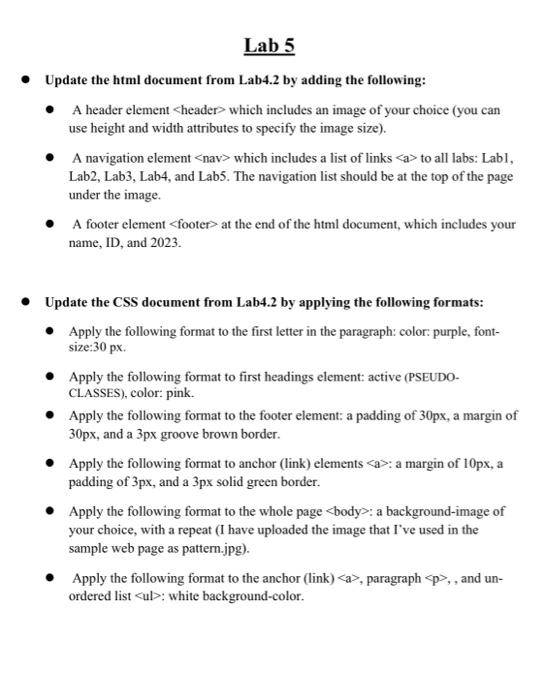
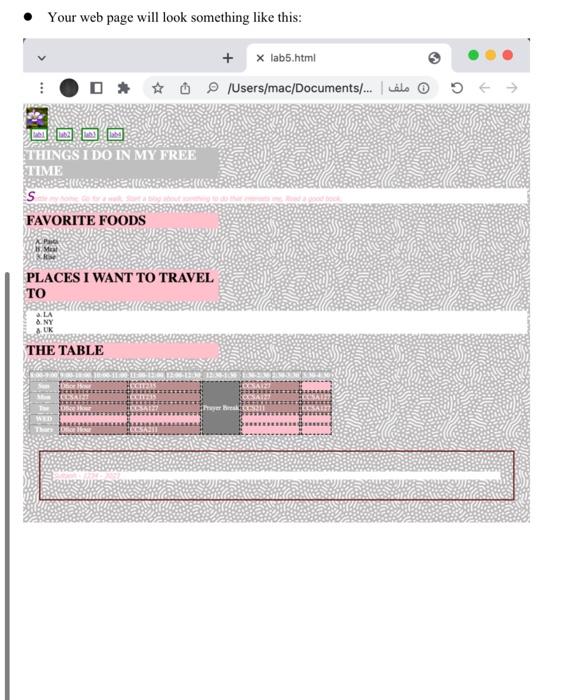
- Update the html document from Lab4.2 by adding the following: - A header element which includes an image of your choice (you can use height and width attributes to specify the image size). - A navigation element which includes a list of links to all labs: Labl, Lab2, Lab3, Lab4, and Lab5. The navigation list should be at the top of the page under the image. - A footer element > at the end of the html document, which includes your name, ID, and 2023. - Update the CSS document from Lab4.2 by applying the following formats: - Apply the following format to the first letter in the paragraph: color: purple, fontsize:30 px. - Apply the following format to first headings element: active (PSEUDOCLASSES), color: pink. - Apply the following format to the footer element: a padding of 30px, a margin of 30px, and a 3px groove brown border. - Apply the following format to anchor (link) elements : a margin of 10px, a padding of 3px, and a 3px solid green border. - Apply the following format to the whole page body>: a background-image of your choice, with a repeat (I have uploaded the image that I've used in the sample web page as pattern.jpg). - Apply the following format to the anchor (link) a>, paragraph p>, , and unordered list > : white background-color. - Your web page will look something like this
Step by Step Solution
There are 3 Steps involved in it

Get step-by-step solutions from verified subject matter experts
 Study Help