







Question: Plan and code a menu-driven well modularized (functions) program utilizing an array. Read all tabs. An input file has an unknown number of text entries
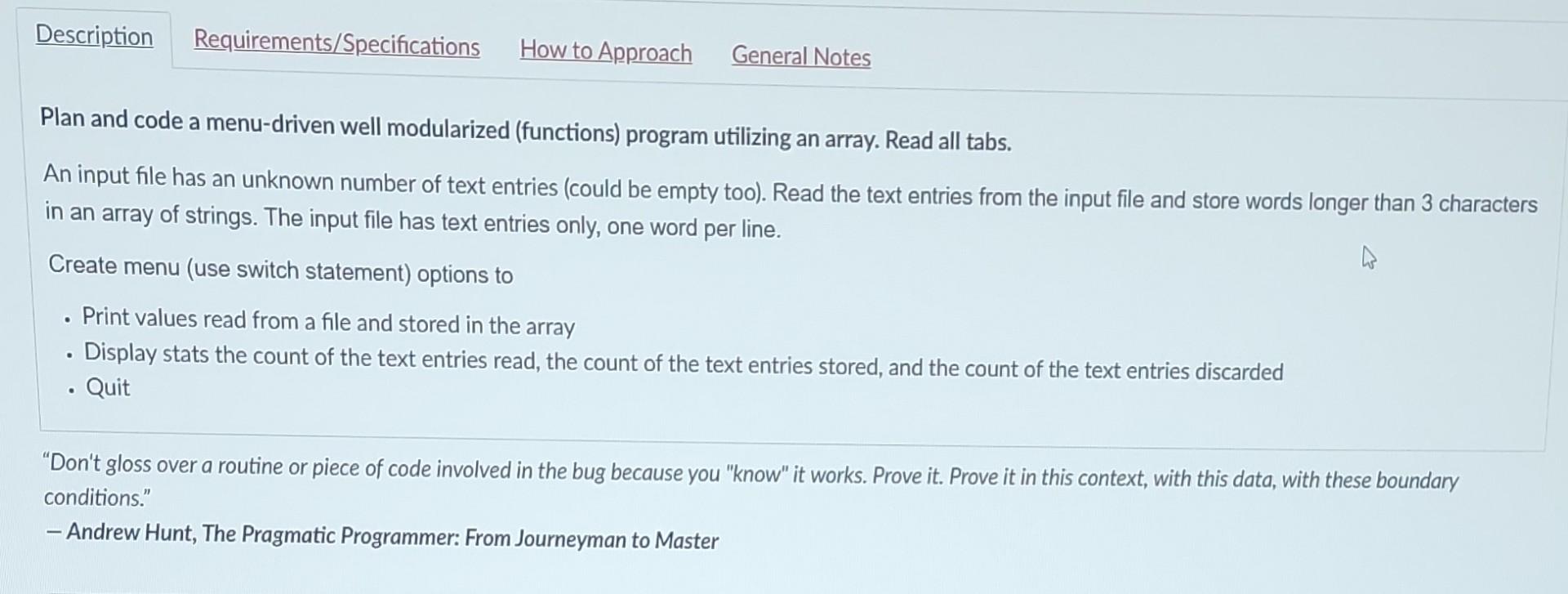
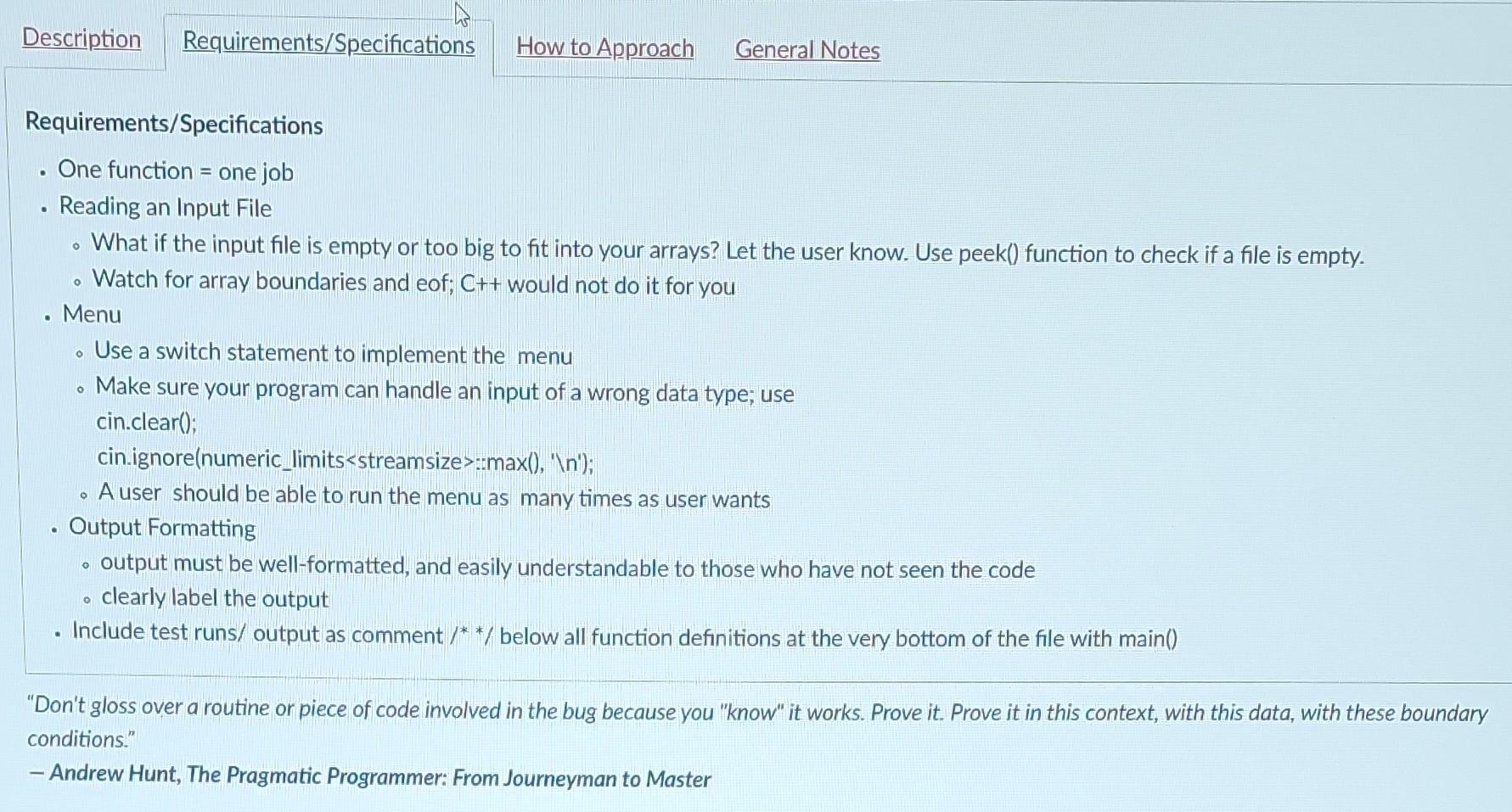
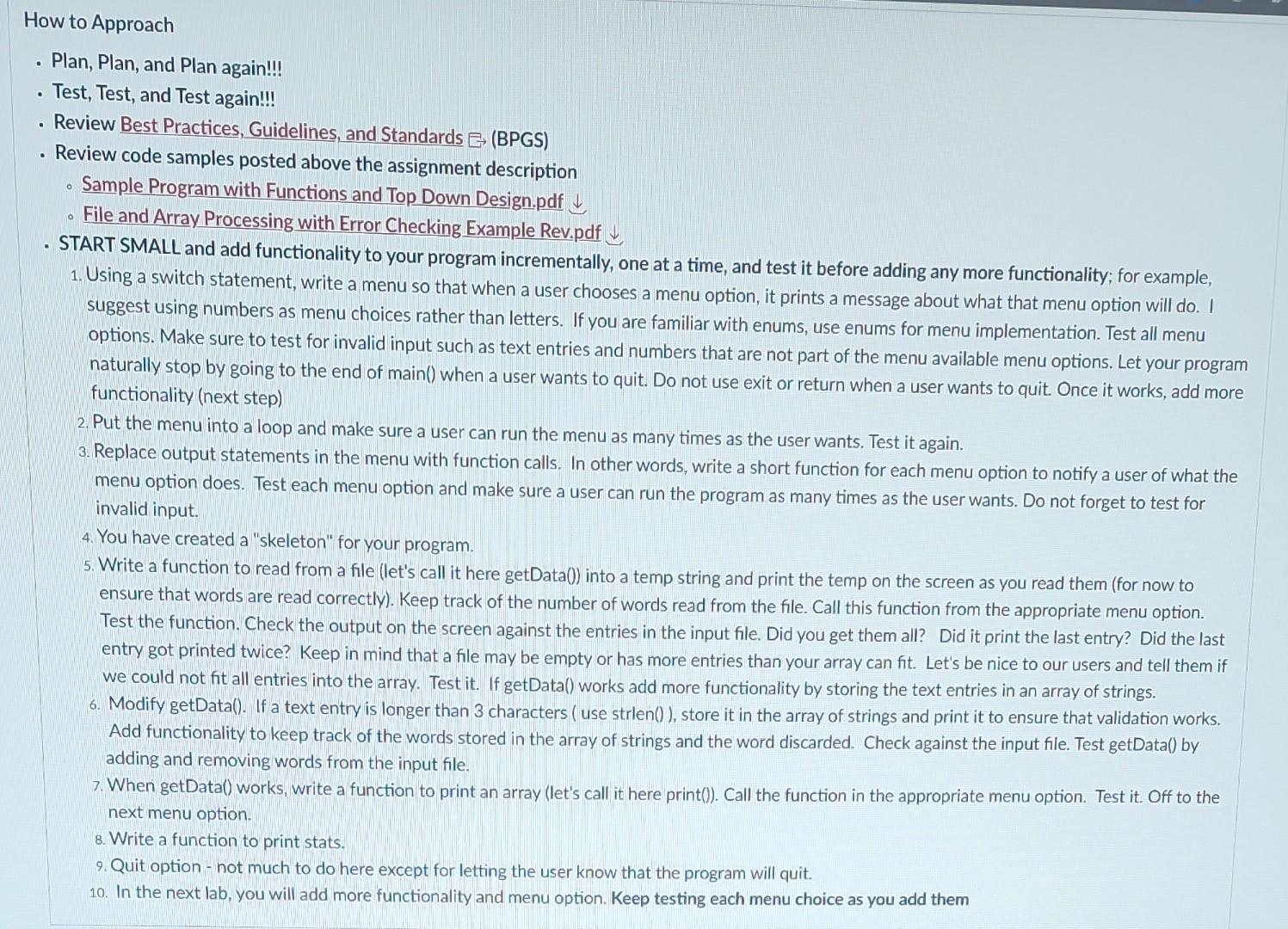
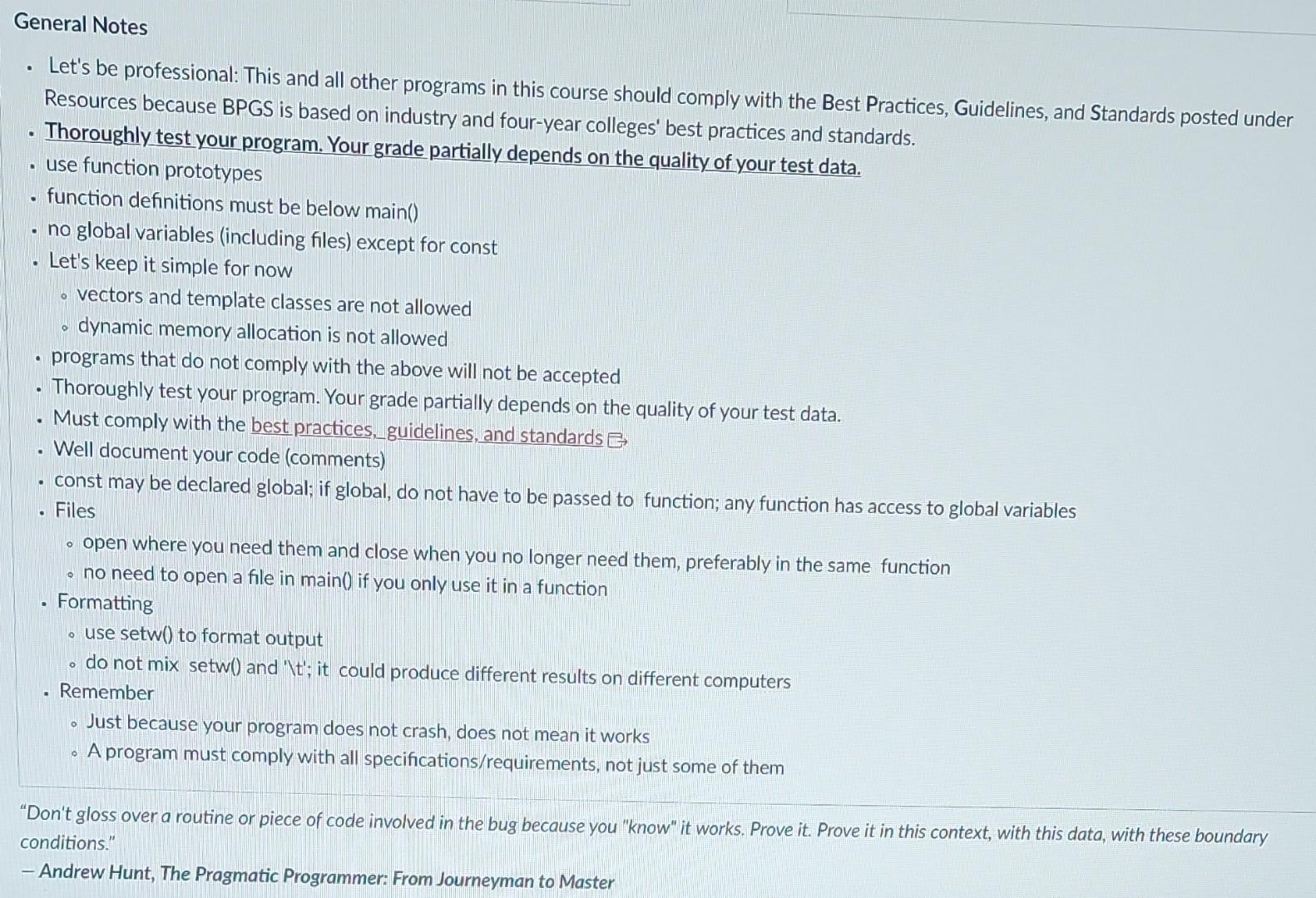
Plan and code a menu-driven well modularized (functions) program utilizing an array. Read all tabs. An input file has an unknown number of text entries (could be empty too). Read the text entries from the input file and store words longer than 3 characters in an array of strings. The input file has text entries only, one word per line. Create menu (use switch statement) options to - Print values read from a file and stored in the array - Display stats the count of the text entries read, the count of the text entries stored, and the count of the text entries discarded - Quit "Don't gloss over a routine or piece of code involved in the bug because you "know" it works. Prove it. Prove it in this context, with this data, with these boundary conditions." - Andrew Hunt, The Pragmatic Programmer: From Journeyman to Master Requirements/Specifications - One function = one job - Reading an Input File - What if the input file is empty or too big to fit into your arrays? Let the user know. Use peek() function to check if a file is empty. - Watch for array boundaries and eof; C++ would not do it for you - Menu - Use a switch statement to implement the menu - Make sure your program can handle an input of a wrong data type; use cin.clear(); cin.ignore(numeric_limits::max(), ' (n '); - A user should be able to run the menu as many times as user wants - Output Formatting - output must be well-formatted, and easily understandable to those who have not seen the code - clearly label the output - Include test runs/ output as comment // below all function definitions at the very bottom of the file with main() "Don't gloss over a routine or piece of code involved in the bug because you "know" it works. Prove it. Prove it in this context, with this data, with these boundary conditions." - Andrew Hunt, The Pragmatic Programmer: From Journeyman to Master - Plan, Plan, and Plan again!!! - Test, Test, and Test again!!! - Review Best Practices, Guidelines, and Standards (BPGS) - Review code samples posted above the assignment description - Sample Program with Functions and Top Down Design.pdf - File and Array Processing with Error Checking Example Rev.pdf - START SMALL and add functionality to your program incrementally, one at a time, and test it before adding any more functionality; for example, 1. Using a switch statement, write a menu so that when a user chooses a menu option, it prints a message about what that menu option will do. I suggest using numbers as menu choices rather than letters. If you are familiar with enums, use enums for menu implementation. Test all menu options. Make sure to test for invalid input such as text entries and numbers that are not part of the menu available menu options. Let your program naturally stop by going to the end of main() when a user wants to quit. Do not use exit or return when a user wants to quit. Once it works, add more functionality (next step) 2. Put the menu into a loop and make sure a user can run the menu as many times as the user wants. Test it again. 3. Replace output statements in the menu with function calls. In other words, write a short function for each menu option to notify a user of what the menu option does. Test each menu option and make sure a user can run the program as many times as the user wants. Do not forget to test for invalid input. 4. You have created a "skeleton" for your program. 5. Write a function to read from a file (let's call it here getData()) into a temp string and print the temp on the screen as you read them (for now to ensure that words are read correctly). Keep track of the number of words read from the file. Call this function from the appropriate menu option. Test the function. Check the output on the screen against the entries in the input file. Did you get them all? Did it print the last entry? Did the last entry got printed twice? Keep in mind that a file may be empty or has more entries than your array can fit. Let's be nice to our users and tell them if we could not fit all entries into the array. Test it. If getData() works add more functionality by storing the text entries in an array of strings. 6. Modify getData(). If a text entry is longer than 3 characters ( use strlen()), store it in the array of strings and print it to ensure that validation works. Add functionality to keep track of the words stored in the array of strings and the word discarded. Check against the input file. Test getData() by adding and removing words from the input file. 7. When getData() works, write a function to print an array (let's call it here print()). Call the function in the appropriate menu option. Test it. Off to the next menu option. 8. Write a function to print stats. 9. Quit option - not much to do here except for letting the user know that the program will quit. 10. In the next lab, you will add more functionality and menu option. Keep testing each menu choice as you add them - Let's be professional: This and all other programs in this course should comply with the Best Practices, Guidelines, and Standards posted under Resources because BPGS is based on industry and four-year colleges' best practices and standards. - Thoroughly test your program. Your grade partially depends on the quality of your test data. - use function prototypes - function definitions must be below main() - no global variables (including files) except for const - Let's keep it simple for now - vectors and template classes are not allowed - dynamic memory allocation is not allowed - programs that do not comply with the above will not be accepted - Thoroughly test your program. Your grade partially depends on the quality of your test data. - Must comply with the best practices, guidelines, and standards G - Well document your code (comments) - const may be declared global; if global, do not have to be passed to function; any function has access to global variables - Files - open where you need them and close when you no longer need them, preferably in the same function - no need to open a file in main() if you only use it in a function - Formatting - use setw() to format output - do not mix setw() and ' 1t ') it could produce different results on different computers - Remember - Just because your program does not crash, does not mean it works - A program must comply with all specifications/requirements, not just some of them "Don't gloss over a routine or piece of code involved in the bug because you "know" it works. Prove it. Prove it in this context, with this data, with these boundary conditions." - Andrew Hunt, The Pragmatic Programmer: From Journeyman to Master
Step by Step Solution
There are 3 Steps involved in it

Get step-by-step solutions from verified subject matter experts
 Study Help