







Question: Play a simple song Write a program called Playsimplesong to play a song represented as notes in text. Write the program so that it: 1.
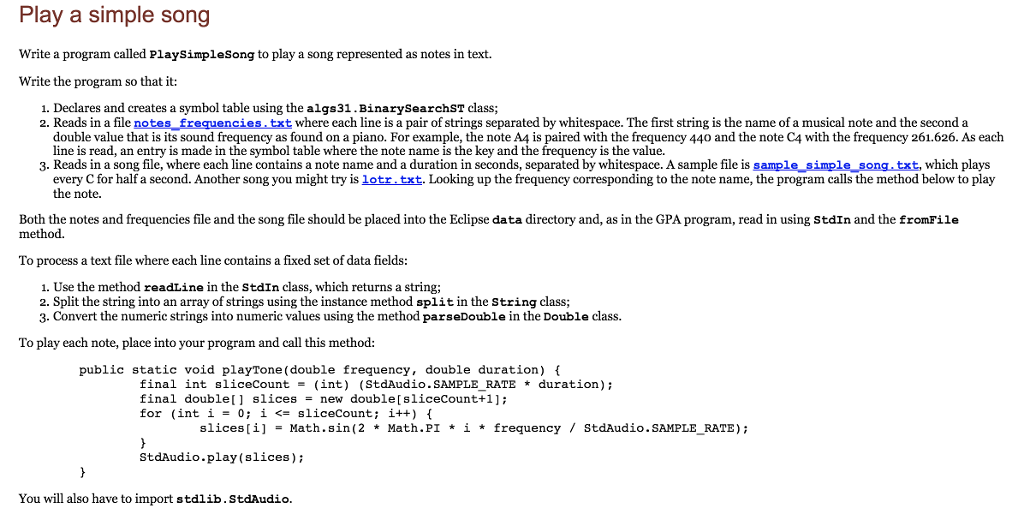
Play a simple song Write a program called Playsimplesong to play a song represented as notes in text. Write the program so that it: 1. Declares and creates a symbol table using the algs31.BinarysearchST class; 2. Reads in a file notes frequencies.txt where each line is a pair of strings separated by whitespace. The first string is the name of a musical note and the second a double value that is its sound frequency as found on a piano. For example, the note A4 is paired with the frequency 440 and the note C4 with the frequency 261.626. As each line is read, an entry is made in the symbol table where the note name is the key and the frequency is the value. 3. Reads in a song file, where each line contains a note name and a duration in seconds, separated by whitespace. A sample file is sample simple song txt, which plays every C for half a second. Another song you might try is lotr.txt. Looking up the frequency corresponding to the note name, the program calls the method below to play the note. Both the notes and frequencies file and the song file should be placed into the Eclipse data directory and, as in the GPA program, read in using StdIn and the fromFile method. To process a text file where each line contains a fixed set of data fields 1. Use the method readLine in the stdIn class, which returns a string; 2. Split the string into an array of strings using the instance method split in the String class; 3. Convert the numeric strings into numeric values using the method parseDouble in the Double class. To play each note, place into your program and call this method: public static void playTone (double frequency, double duration) f final int slicecount = (int) (StdAudio . SAMPLE RATE * duration); final double[] slices = new double [slicecount+1]; for (int i = 0; i
Step by Step Solution
There are 3 Steps involved in it

Get step-by-step solutions from verified subject matter experts
 Study Help