







Question: please answer each question Duncan is creating records for inventory products in QuickBooks Online. Which field will he fill in that is not used for
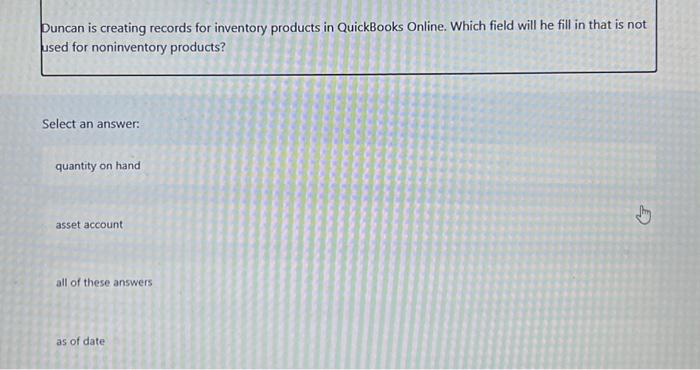
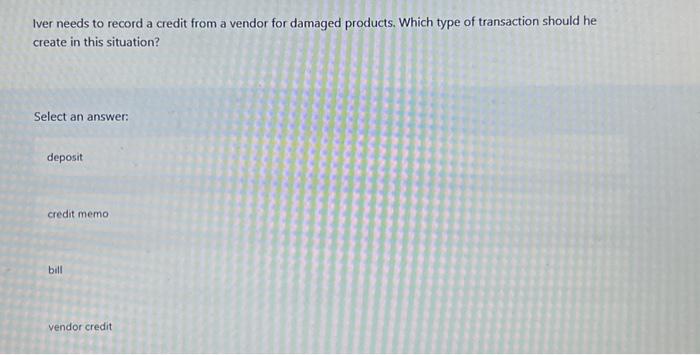
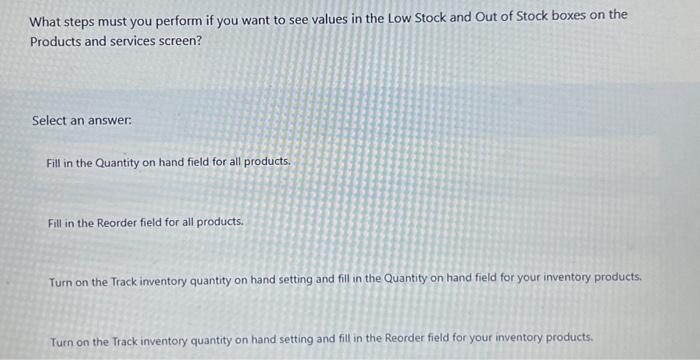
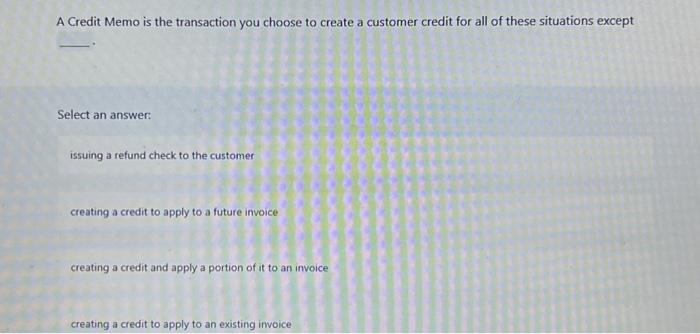
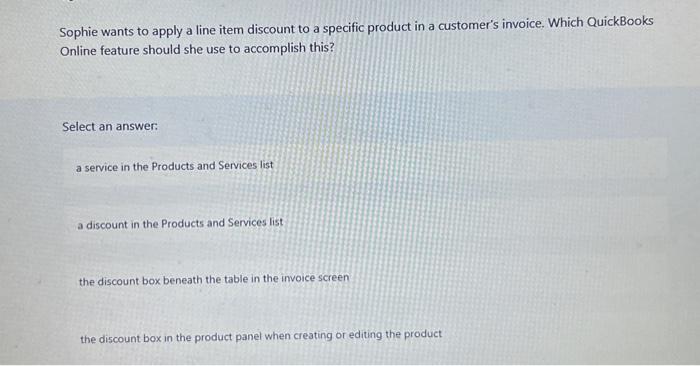
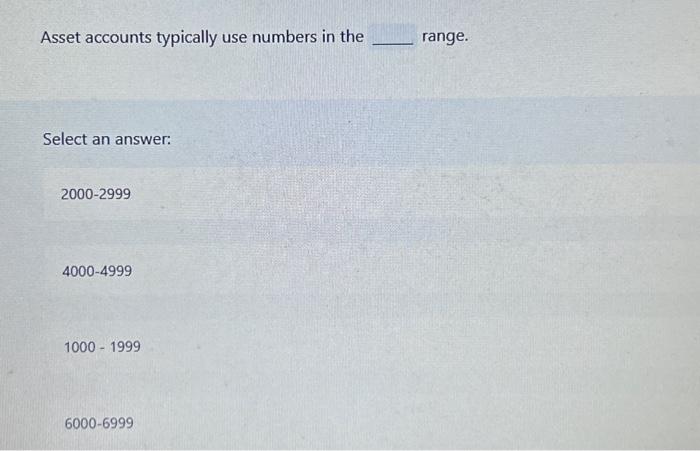
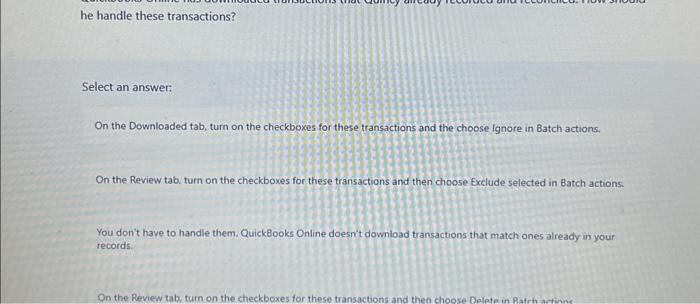
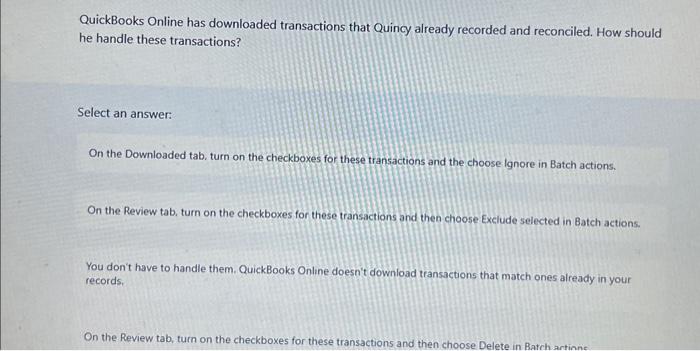
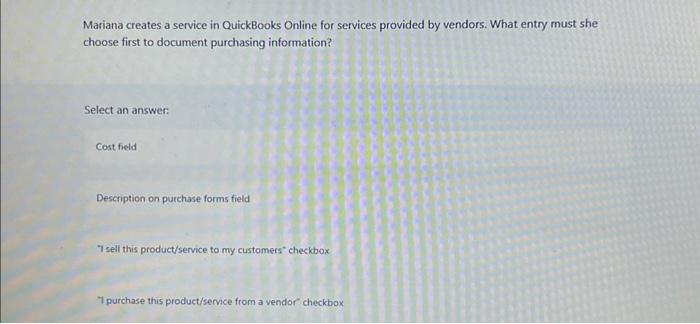
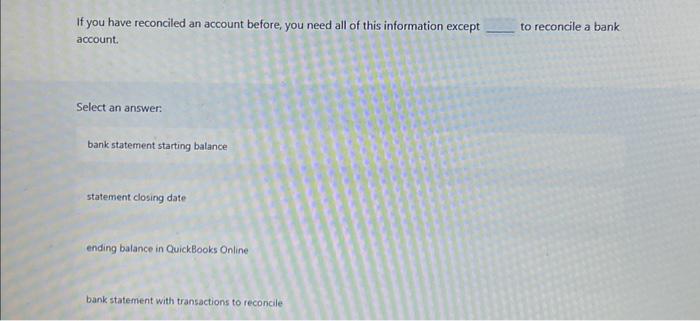
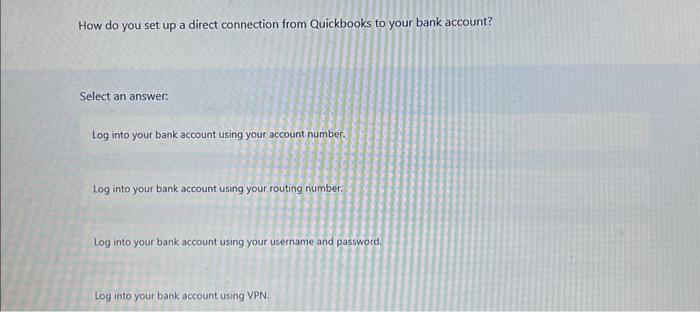
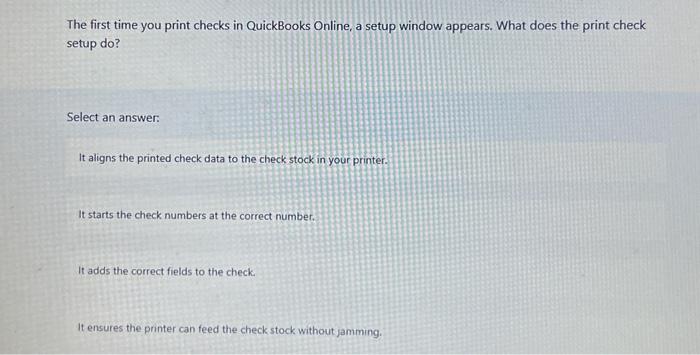
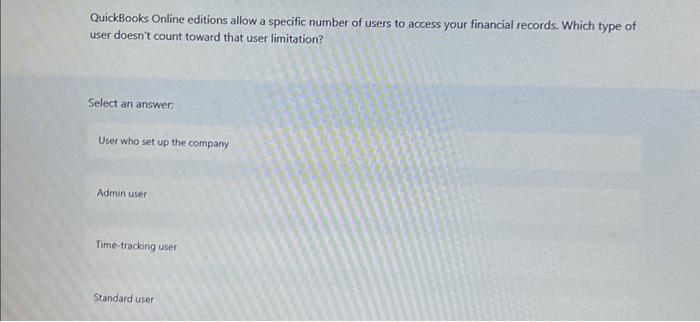
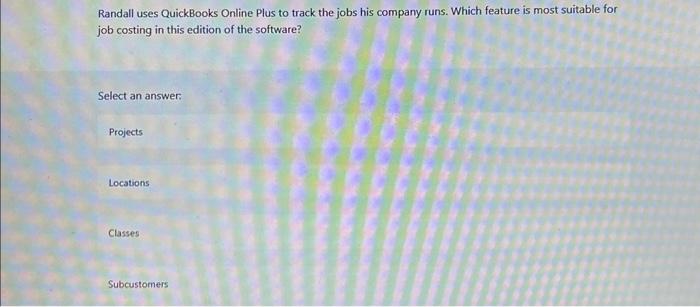
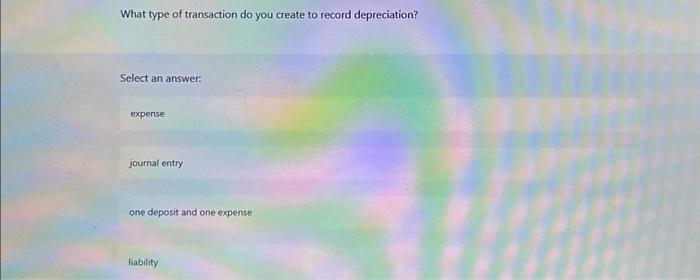
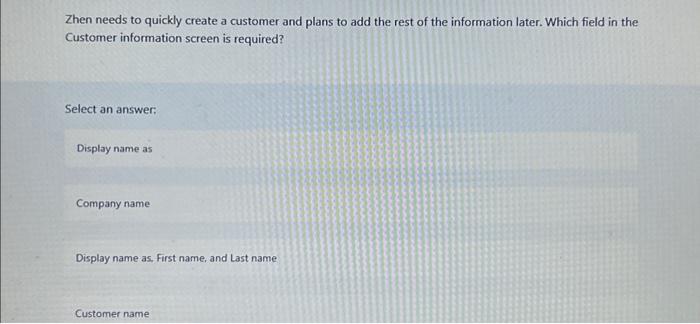
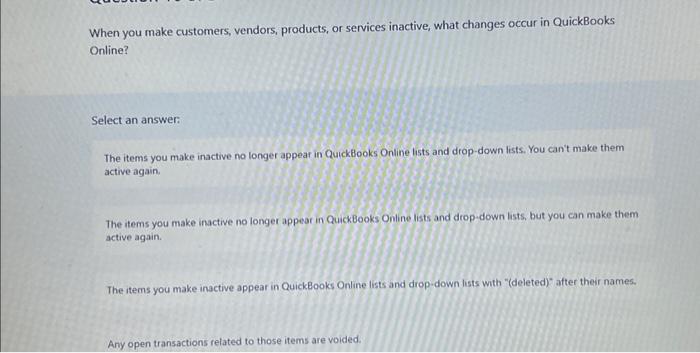
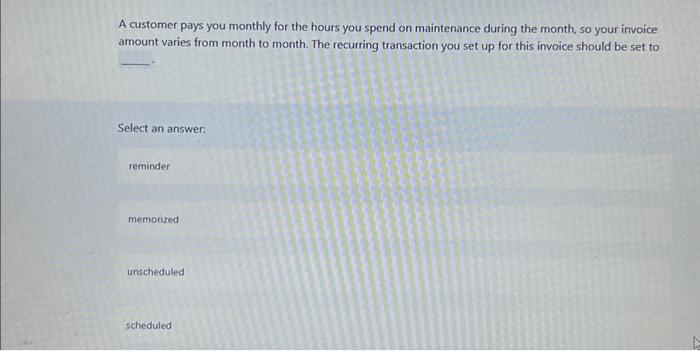
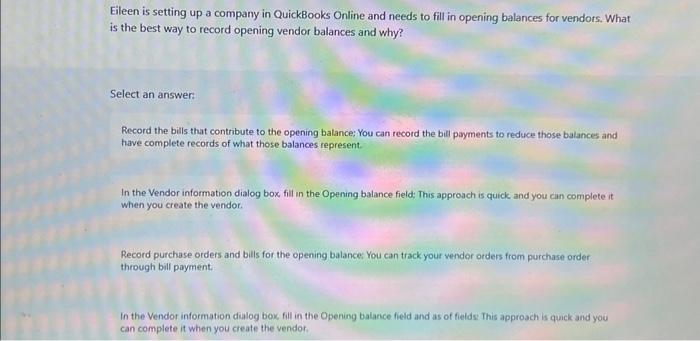
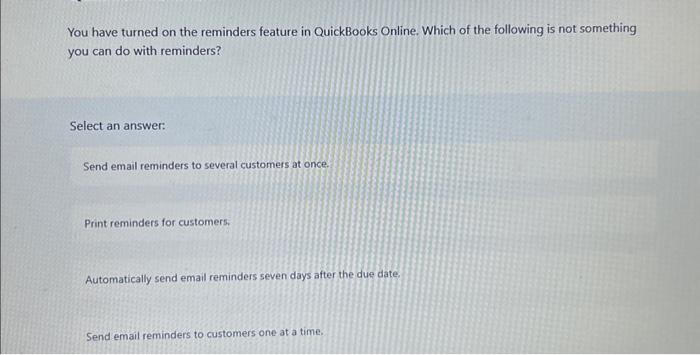
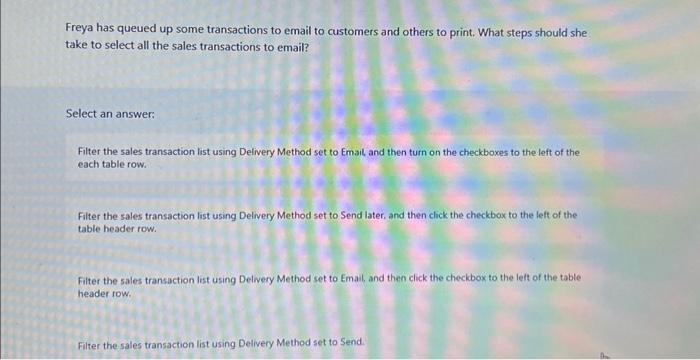
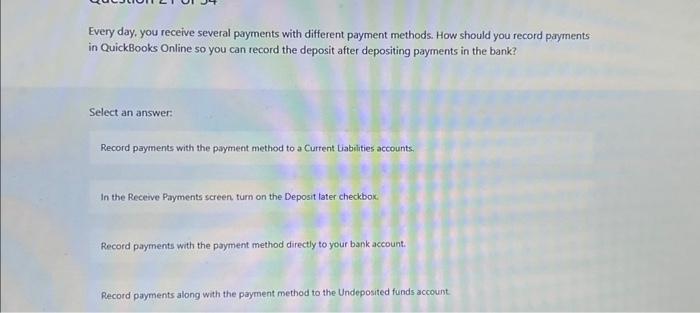
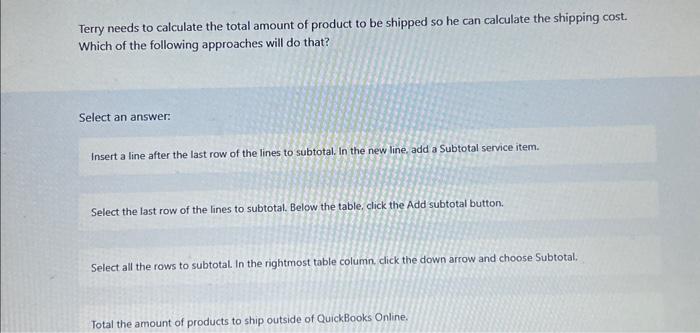
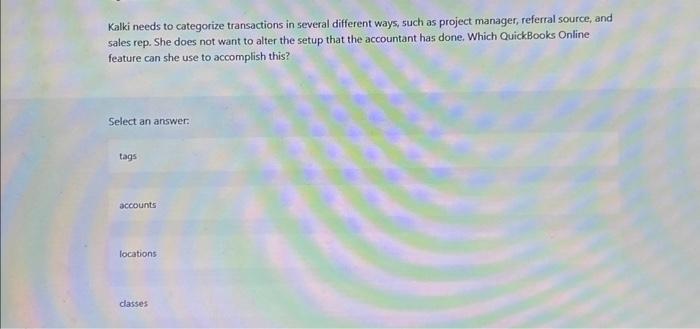
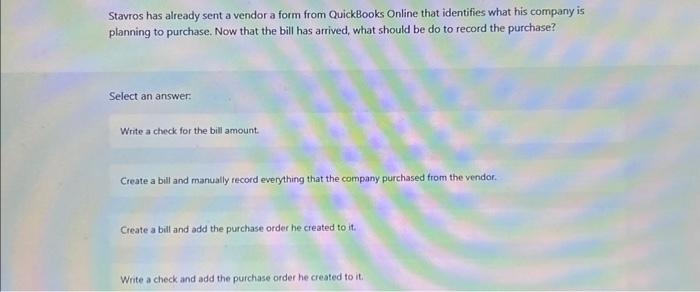
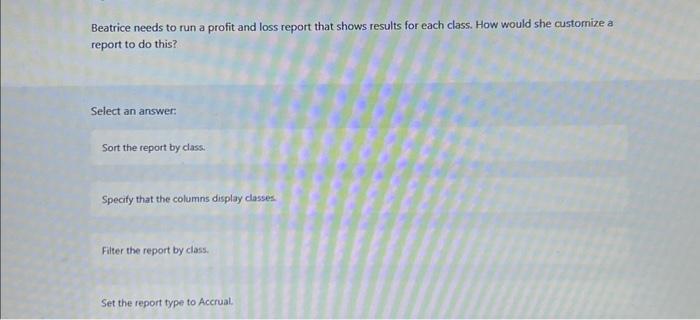
Duncan is creating records for inventory products in QuickBooks Online. Which field will he fill in that is not used for noninventory products? Select an answer: quantity on hand asset account all of these answers as of date Iver needs to record a credit from a vendor for damaged products. Which type of transaction should he create in this situation? Select an answer: deposit credit memo bill vendor credit What steps must you perform if you want to see values in the Low Stock and Out of Stock boxes on the Products and services screen? Select an answer: Fill in the Quantity on hand field for all products. Fill in the Reorder field for all products. Turn on the Track inventory quantity on hand setting and fill in the Quantity on hand field for your inventory products. Turn on the Track inventory quantity on hand setting and fill in the Reorder field for your inventory products. A Credit Memo is the transaction you choose to create a customer credit for all of these situations except Select an answer: issuing a refund check to the customer creating a credit to apply to a future invoice creating a credit and apply a portion of it to an invoice creating a credit to apply to an existing invoice Sophie wants to apply a line item discount to a specific product in a customer's invoice. Which QuickBooks Online feature should she use to accomplish this? Select an answer: a service in the Products and Services list a discount in the Products and Services list the discount box beneath the table in the invoice screen the discount box in the product panel when creating or editing the product Asset accounts typically use numbers in the range. Select an answer: 2000-2999 4000-4999 10001999 60006999 he handle these transactions? Select an answer: On the Downloaded tab, turn on the checkboxes for these transactions and the choose lgnore in Batch actions. On the Review tab, turn on the checkboxes for these transactions and then choose Exclude selected in Batch actions. You don't have to handle them. QuickBooks Online doesn't download transactions that match ones already in your records: On the Review tab, turn on the checkboxes for these transactions and then choose Delete in Patrh artions QuickBooks Online has downloaded transactions that Quincy already recorded and reconciled. How should he handle these transactions? Select an answer: On the Downloaded tab, turn on the checkboxes for these transactions and the choose lgnore in Batch actions. On the Review tab, turn on the checkboxes for these transactions and then choose Exclude selected in Batch actions. You don't have to handle them. QuickBooks Online doesn't download transactions that match ones already in your records. On the Review tab, turn on the checkboxes for these transactions and then choose Delete in Batch artinnt Mariana creates a service in QuickBooks Online for services provided by vendors. What entry must she choose first to document purchasing information? Select an answer: Cost field Description on purchase forms field 7 sell this product/service to my customers" checkbox 7 purchase this product/service from a vendor' checkbox If you have reconciled an account before, you need all of this information except to reconcile a bank account. Select an answer: bank statement starting balance statement closing date ending balance in QuickBooks Online bank statement with transactions to reconcile How do you set up a direct connection from Quickbooks to your bank account? Select an answer: Log into your bank account using your account number. Log into your bank account using your routing number. Log into your bank account using your username and password. Log into your bank account using VPN. The first time you print checks in QuickBooks Online, a setup window appears. What does the print check setup do? Select an answer: It aligns the printed check data to the check stock in your printer. It starts the check numbers at the correct number. It adds the correct fields to the check. It ensures the printer can feed the check stock without jamming. QuickBooks Online editions allow a specific number of users to access your financial records. Which type of user doesn't count toward that user limitation? Select an answer: User who set up the company Admin user Time-tracking user Standard user Randall uses QuickBooks Online Plus to track the jobs his company runs. Which feature is most suitable for job costing in this edition of the software? Select an answer: Locations Classes Subcustomers What type of transaction do you create to record depreciation? Select an answer: expense journal entry one deposit and one expense liability What type of transaction do you create to record depreciation? Select an answer: expense journal entry one deposit and one expense liability When you make customers, vendors, products, or services inactive, what changes occur in QuickBooks Online? Select an answer: The items you make inactive no longer appear in QuickBooks Online lists and drop-down lists. You can't make them active again. The items you make inactive no longer appear in QuickBooks Online lists and drop-down lists, but you can make them active again. The items you make inactive appear in QuickBooks Online lists and drop-down lists with "(deleted)" after their names. Any open transactions related to those items are voided. A customer pays you monthly for the hours you spend on maintenance during the month, so your invoice amount varies from month to month. The recurring transaction you set up for this invoice should be set to Select an answer: reminder memorized unscheduled scheduled Eileen is setting up a company in QuickBooks Online and needs to fill in opening balances for vendors. What is the best way to record opening vendor balances and why? Select an answer: Record the bills that contribute to the opening balance; You can record the bill payments to reduce those balances and have complete records of what those balances represent. In the Vendor information dialog box, fill in the Opening balance field; This approach is quick and you can complete it when you create the vendor. Record purchase orders and bills for the opening balance You can track your vendor orders from purchase order: through bill payment: In the Vendor information dialog box, fill in the Opening balance field and as of fields: This approach is quick and you can complete it when you create the vendor. You have turned on the reminders feature in QuickBooks Online. Which of the following is not something you can do with reminders? Select an answer: Send email reminders to several customers at once. Print reminders for customers. Automatically send email reminders seven days after the due date. Send email reminders to customers one at a time. Freya has queued up some transactions to email to customers and others to print. What steps should she take to select all the sales transactions to email? Select an answer: Filter the sales transaction list using Delivery Method set to Email and then turn on the checkboxes to the left of the each table row. Filter the sales transaction list using Delivery Method set to Send later, and then click the checkbox to the left of the table header row. Filter the sales transaction list using Delwery Method set to Email, and then click the checkbox to the left of the table header row. Filter the sales transaction list using Delivery Method set to Send. Every day, you receive several payments with different payment methods. How should you record payments in QuickBooks Online so you can record the deposit after depositing payments in the bank? Select an answer: Record payments with the payment method to a Current Liabilities accounts. In the Receive Payments screen turn on the Deposit later checkbox. Record payments with the payment method directly to your bank account. Record payments along with the payment method to the Undeposited funds account Terry needs to calculate the total amount of product to be shipped so he can calculate the shipping cost. Which of the following approaches will do that? Select an answer: Insert a line after the last row of the lines to subtotal. In the new line, add a Subtotal service item. Select the last row of the lines to subtotal. Below the table, click the Add subtotal button. Select all the rows to subtotal. In the rightmost table column. click the down arrow and choose Subtotal. Total the amount of products to ship outside of QuickBooks Online. Kalki needs to categorize transactions in several different ways, such as project manager, referral source, and sales rep. She does not want to alter the setup that the accountant has done. Which QuickBooks Online feature can she use to accomplish this? Select an answer: tags accounts locations classes Stavros has already sent a vendor a form from QuickBooks Online that identifies what his company is planning to purchase. Now that the bill has arrived, what should be do to record the purchase? Select an answer: Write a check for the bill amount: Create a bill and manually record everything that the company purchased from the vendor. Create a bill and add the purchase order he created to it. Write a check and add the purchase order he created to it. Beatrice needs to run a profit and loss report that shows results for each class. How would she customize a report to do this? Select an answer: Sort the report by class: Specify that the columns display classes Filter the report by class. Set the report type to Accrual
Step by Step Solution
There are 3 Steps involved in it

Get step-by-step solutions from verified subject matter experts
 Study Help