







Question: please answer my all simulation lab questions ,and thank u Class work #1 In this experiment, you will develop a countdown timer program as the
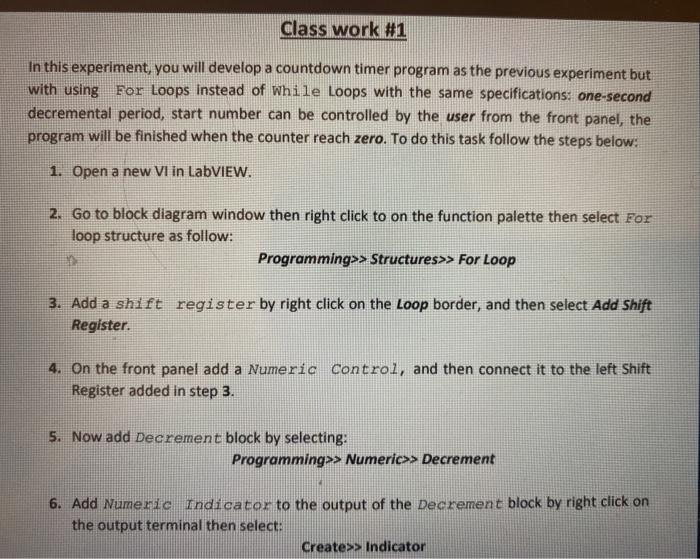
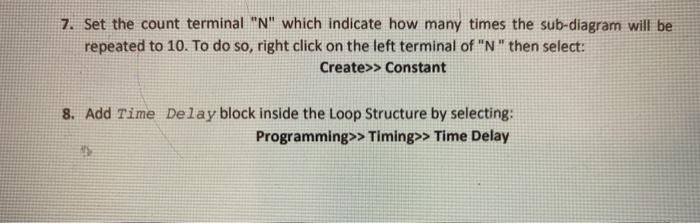
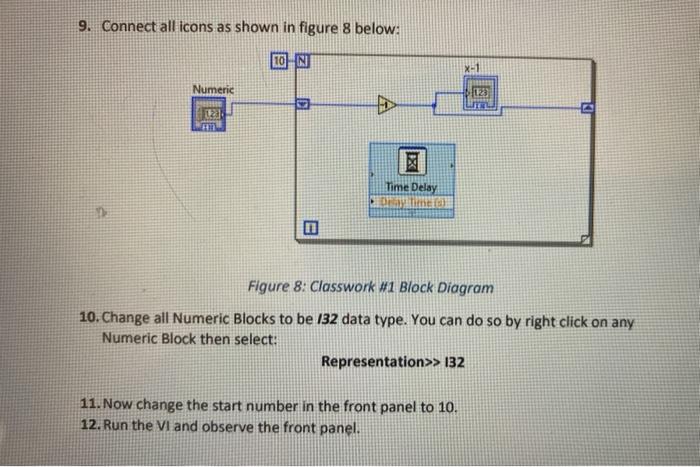
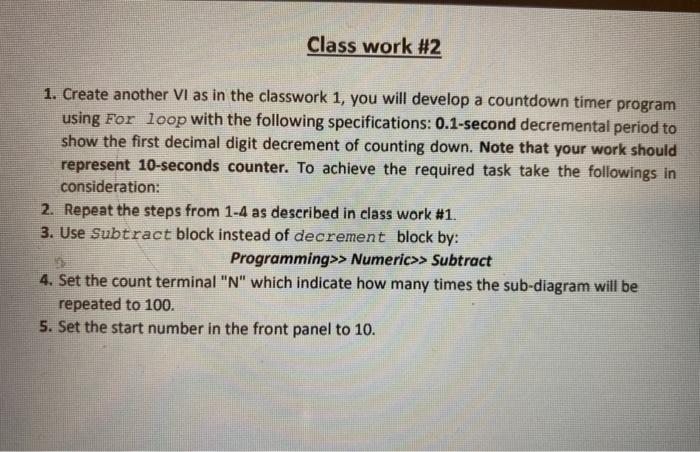
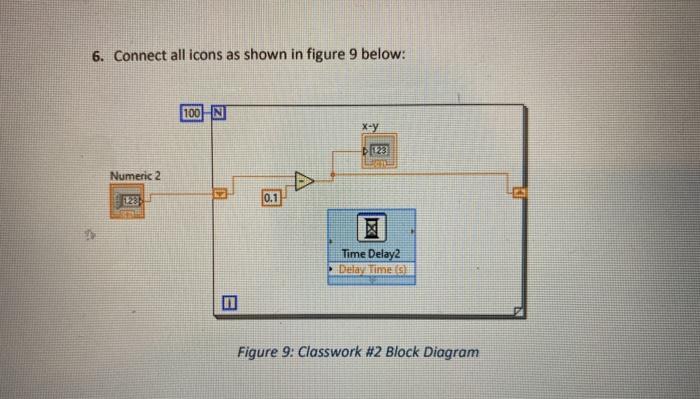
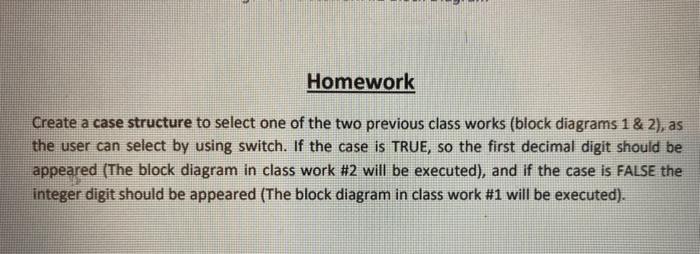
Class work #1 In this experiment, you will develop a countdown timer program as the previous experiment but with using For Loops instead of While Loops with the same specifications: one-second decremental period, start number can be controlled by the user from the front panel, the program will be finished when the counter reach zero. To do this task follow the steps below: 1. Open a new Vi in LabVIEW. 2. Go to block diagram window then right click to on the function palette then select For loop structure as follow: Programming>> Structures>> For Loop 3. Add a shift register by right click on the Loop border, and then select Add Shift Register. 4. On the front panel add a Numeric Control, and then connect it to the left Shift Register added in step 3. 5. Now add Decrement block by selecting: Programming>> Numeric>> Decrement 6. Add Numeric Indicator to the output of the Decrement block by right click on the output terminal then select: create>> Indicator 7. Set the count terminal "N" which indicate how many times the sub-diagram will be repeated to 10. To do so, right click on the left terminal of "N" then select: Create>> Constant 8. Add Time Delay block inside the Loop Structure by selecting: Programming>> Timing>> Time Delay 9. Connect all icons as shown in figure 8 below: 10 N X-1 Numeric 123 TU wa Time Delay Figure 8: Classwork #1 Block Diagram 10. Change all Numeric Blocks to be 132 data type. You can do so by right click on any Numeric Block then select: Representation>> 132 11. Now change the start number in the front panel to 10. 12. Run the VI and observe the front panel. Class work #2 1. Create another VI as in the classwork 1, you will develop a countdown timer program using For loop with the following specifications: 0.1-second decremental period to show the first decimal digit decrement of counting down. Note that your work should represent 10-seconds counter. To achieve the required task take the followings in consideration: 2. Repeat the steps from 1-4 as described in class work #1. 3. Use Subtract block instead of decrement block by: Programming>> Numeric>> Subtract 4. Set the count terminal "N" which indicate how many times the sub-diagram will be repeated to 100. 5. Set the start number in the front panel to 10. 6. Connect all icons as shown in figure 9 below: 100 N x-y D123 Numeric 2 0.1 X Time Delay2 Delay Times Figure 9: Classwork #2 Block Diagram Homework Create a case structure to select one of the two previous class works (block diagrams 1 & 2), as the user can select by using switch. If the case is TRUE, so the first decimal digit should be appeared (The block diagram in class work #2 will be executed), and if the case is FALSE the integer digit should be appeared (The block diagram in class work #1 will be executed)
Step by Step Solution
There are 3 Steps involved in it

Get step-by-step solutions from verified subject matter experts
 Study Help